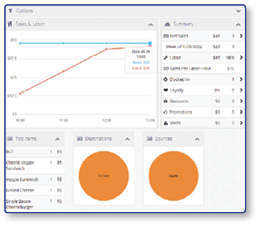
How Do I Access the Admin Portal?
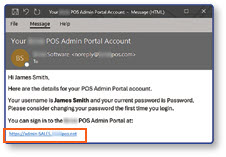
To access the Admin Portal, your System Administrator must add you as a User. After being added, you'll receive an email from the Admin Portal containing your Username, Password, and the URL for accessing the login page. You will use this information to access the Admin Portal.
Visit The Admin Portal URL
- Click the URL in the email to be taken to the Admin Portal login screen.
Log In
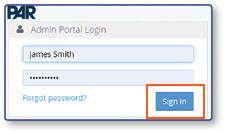
- Enter your Username and Password, then select the Sign In button.
Select a Location
-
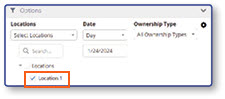
Select a Location.
-
Select Update to view the Location's Dashboard.

Navigate the Admin Portal
-
Get to know the different sections of the Admin Portal.
-
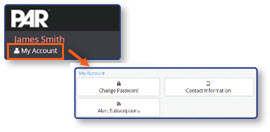
Select My Account to update your Password, Contact Info, and Alert Subscriptions.
-
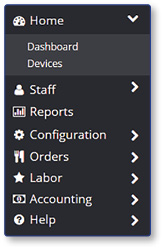
Use the Navigation Panel to expand and visit different sections of the portal.
-
View Widgets containing store sales data on the Dashboard.