Accessing the Portal
To begin using the portal, users must log in with their authorized credentials.
Logging into the Portal
- Navigate to the Merchant Services Portal URL
- Enter your email address
- Click Continue to access the dashboard
NOTE: If you experience login issues, contact your super admin for assistance.
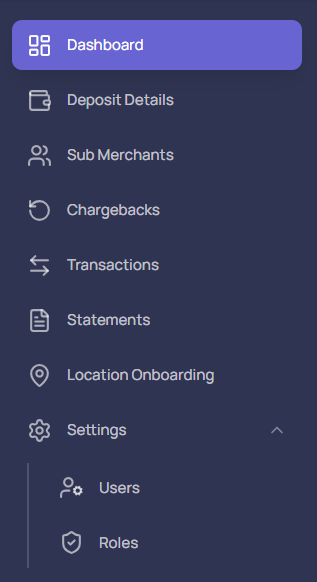
Navigation
To access any module, simply use the left-hand navigation panel. Click on the module name to open its corresponding view.