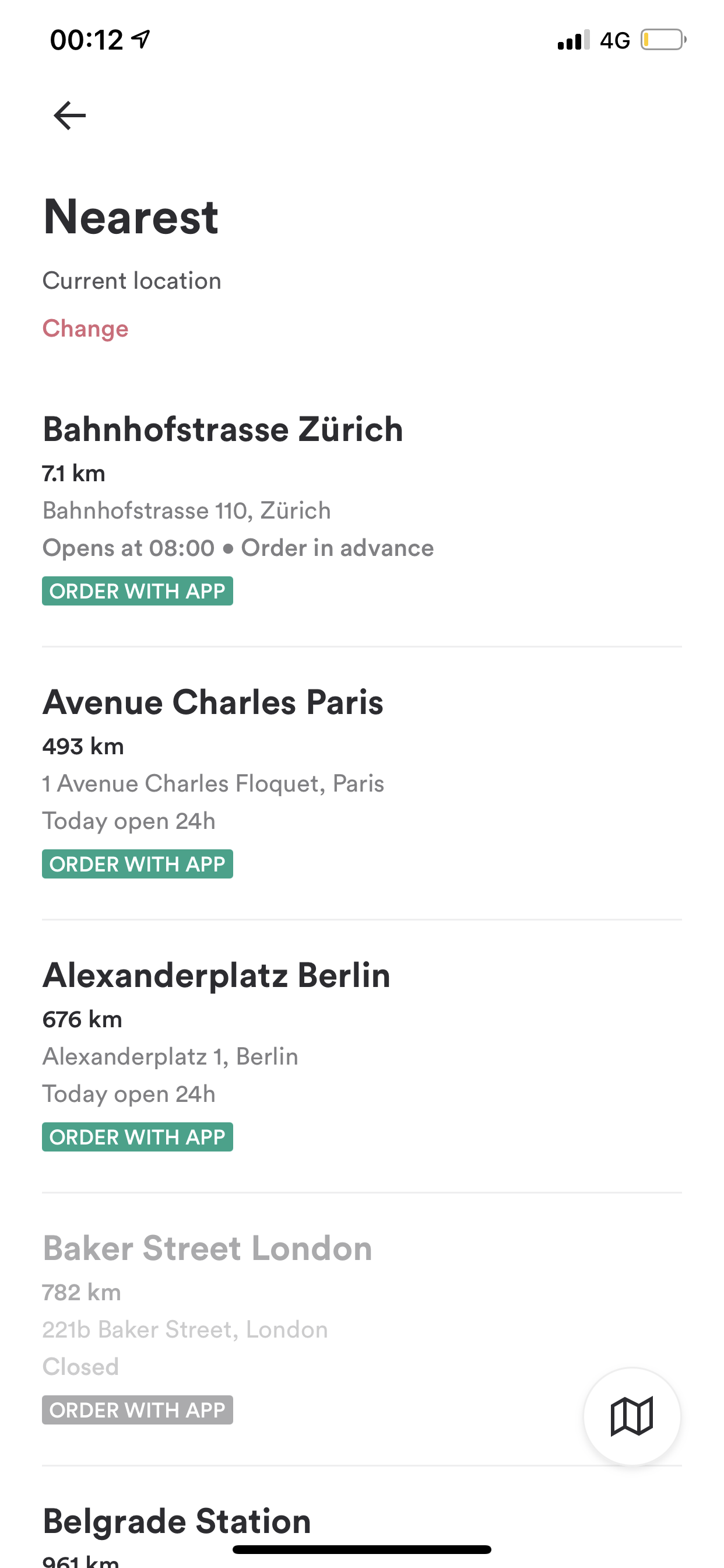
Opening the Store Finder / Nearest Venues
Supported from v3.11
From Marketing Automation tools (like Braze) or from external websites / e-mails / ad networks you can trigger your app to take the user straight to the Store Finder / Nearest Venues screen.
You'll need your app's URL scheme to do this. Please reach out to your Success Manager or open a ticket through one of our open a ticket if you don't have your URL scheme yet.
| Deeplink Scheme | [app-scheme]://venues |
| Firebase Deeplink Scheme | {"event": "deep_link", "deep_link_url": "[app-scheme]://venues"} |
Make sure to replace [app-scheme] with your app's URL scheme. Your final deeplink should look something like this: kauwelapoke.app://venues
For more information on how to deeplink with a Firebase push notification, see Sending Push Notifications with Firebase Cloud Messaging
For more information on how to deeplink from a Branch link, see Creating Branch Deeplinks
