Opening the Order Tab
Supported from v3.11
From Marketing Automation tools (like Braze) or from external websites / e-mails / ad networks you can trigger your app to take the user straight to the Order tab and allow them them to easily start their order.
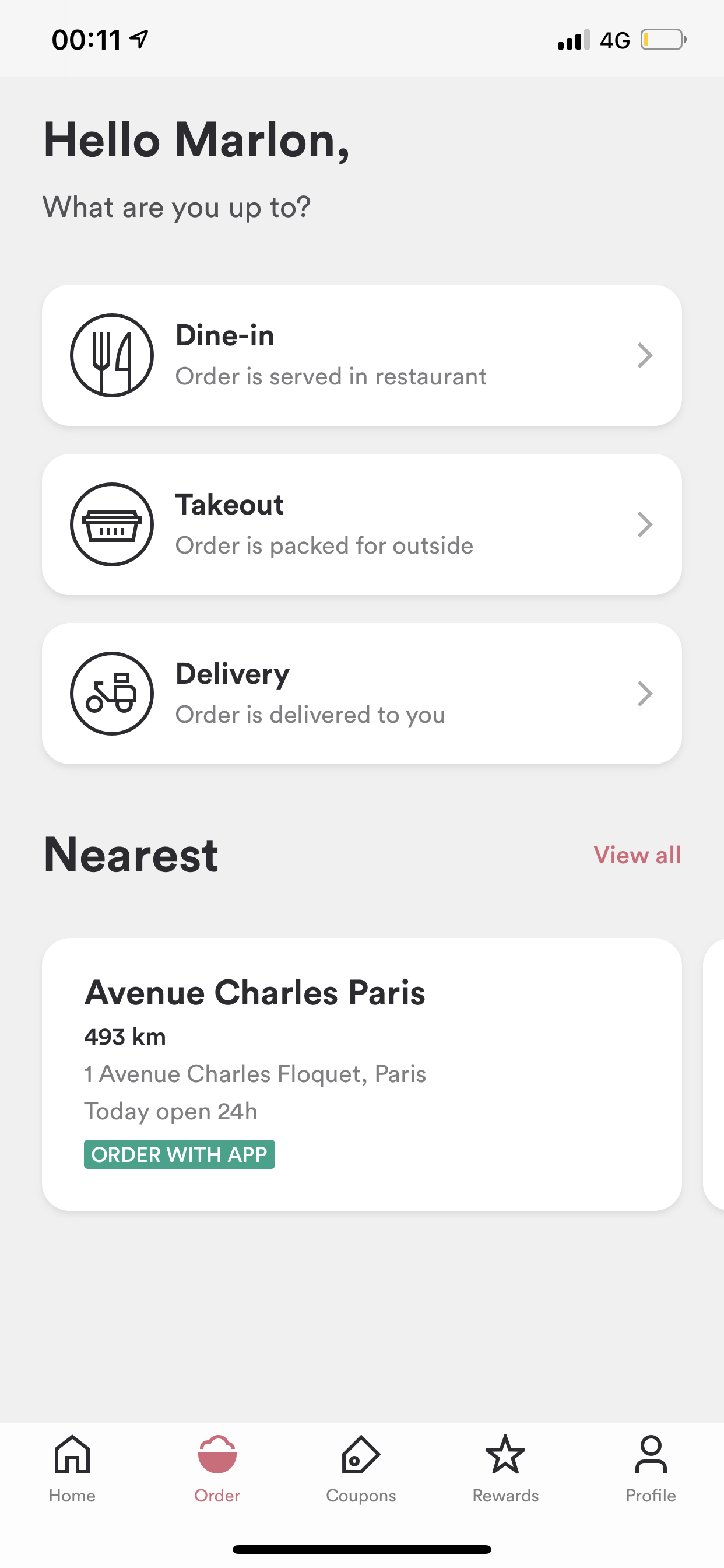
You'll need your app's URL scheme to do this. Please reach out to your Success Manager or open a ticket through one of our open a ticket if you don't have your URL scheme yet.
| Deeplink Scheme | [app-scheme]://order |
| Firebase Deeplink Scheme | {"event": "deep_link", "deep_link_url": "[app-scheme]://order"} |
Make sure to replace [app-scheme] with your app's URL scheme. Your final deeplink should look something like this: kauwelapoke.app://order
For more information on how to deeplink with a Firebase push notification, see Sending Push Notifications with Firebase Cloud Messaging
For more information on how to deeplink from a Branch link, see Creating Branch Deeplinks
