Punchh: Challenges
Challenges are a powerful way to gamify any loyalty program and boost member engagement. By incorporating gamification, businesses can inspire customer participation, leading to a 65% increase in average visits during campaigns. Even after campaigns, visits remain 20% to 30% higher than before.
How to use it?
-
Configure Challenge Campaigns:
All challenge campaigns should be configured within the Punchh dashboard. Click here to learn more.
-
PAR Ordering Configuration:
The only necessary configuration on the PAR Ordering side is enabling the feature on the Management Center (MC) on Discount and loyalty platform > Feature Enablement
User Experience
Mobile App
-
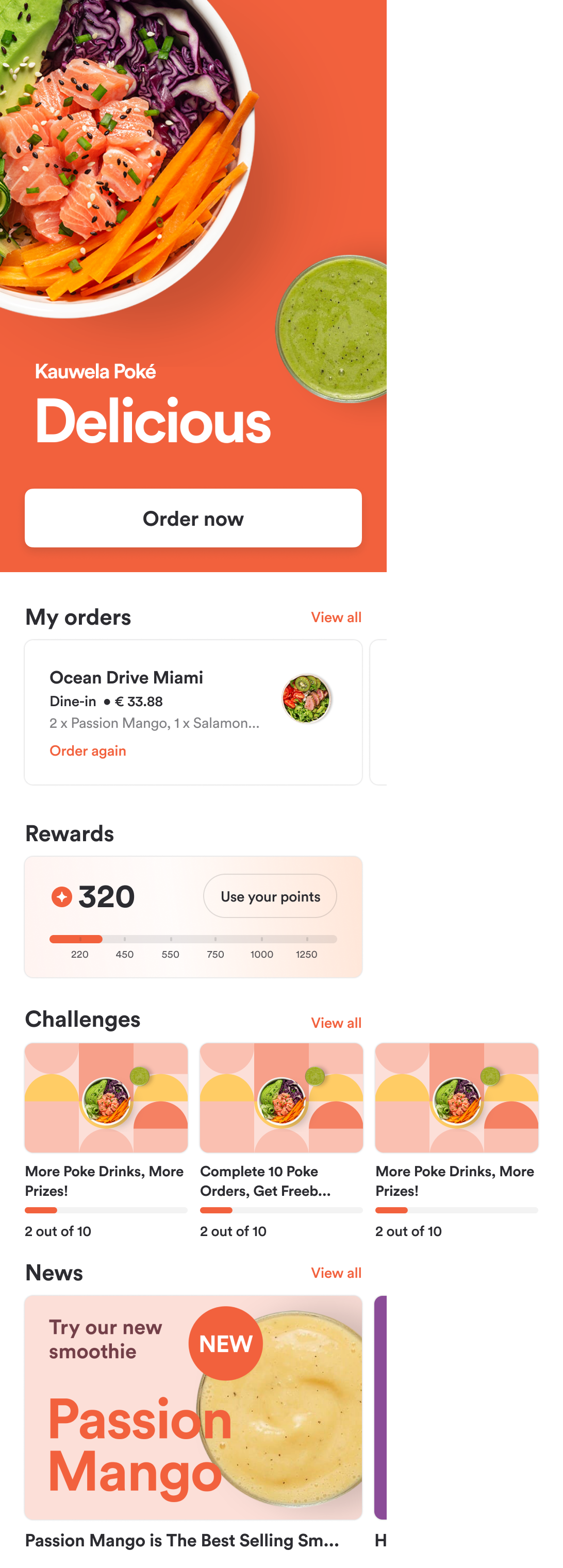
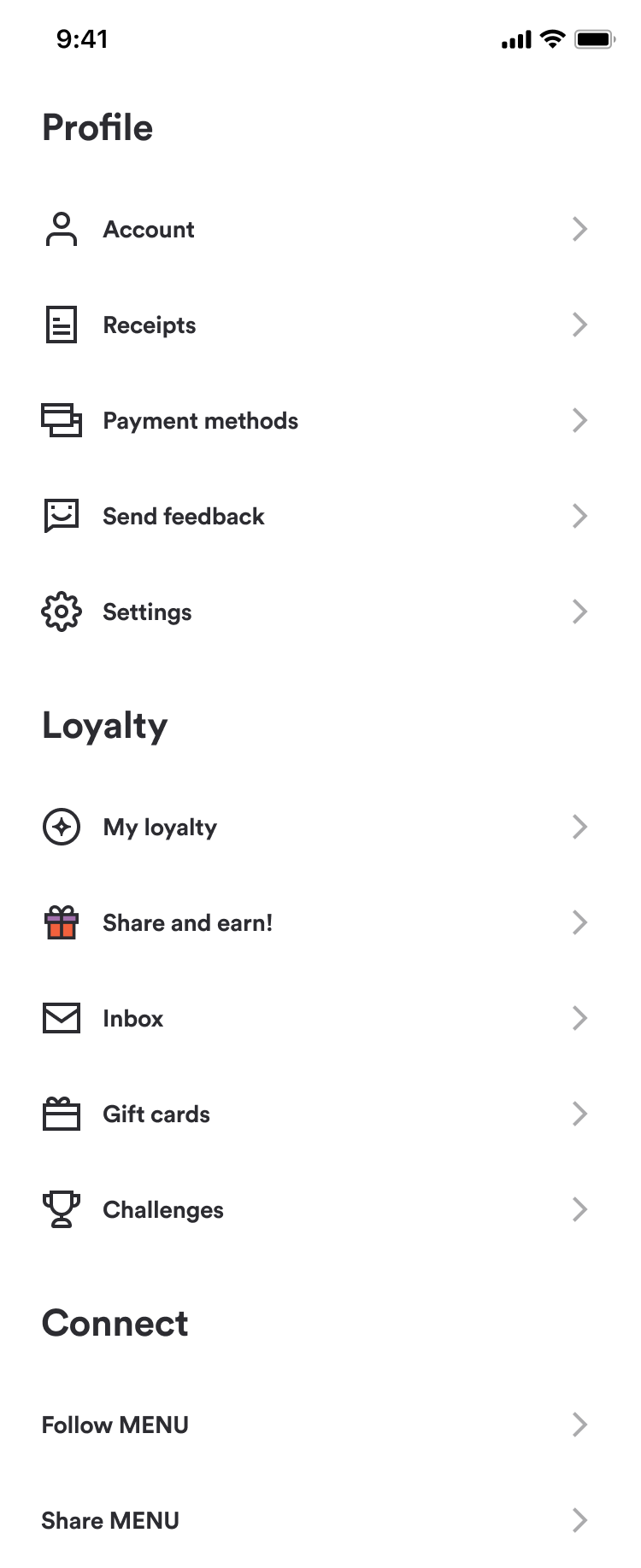
Available challenges: User can check the active Challenges campaigns on the Mobile app main screen and in Profile > Challenges
-
Main Screen:
-
Profile:
-
-
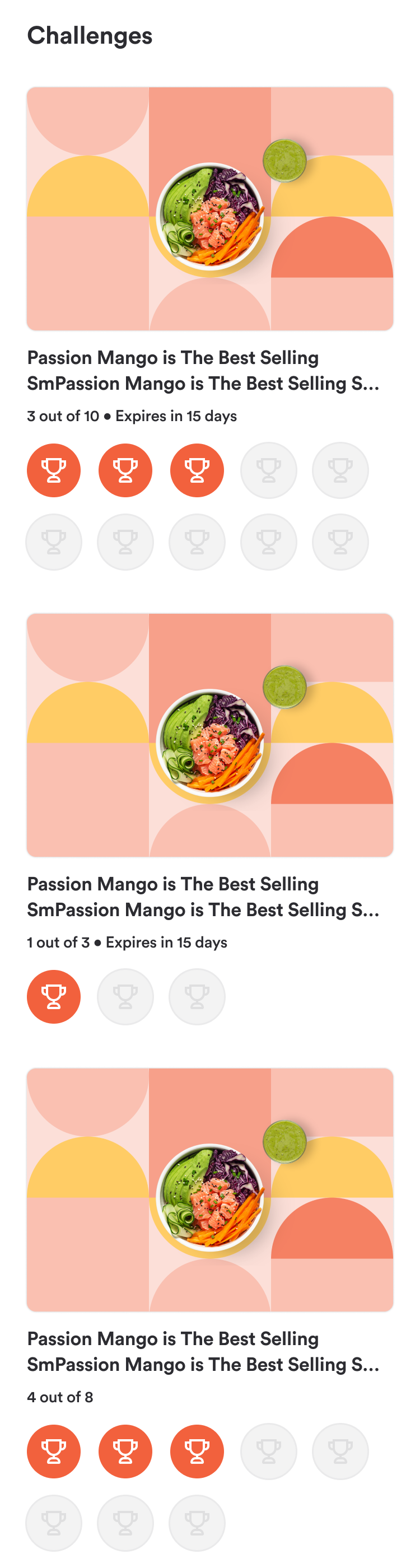
Challenge List:
-
Challenge information and status:
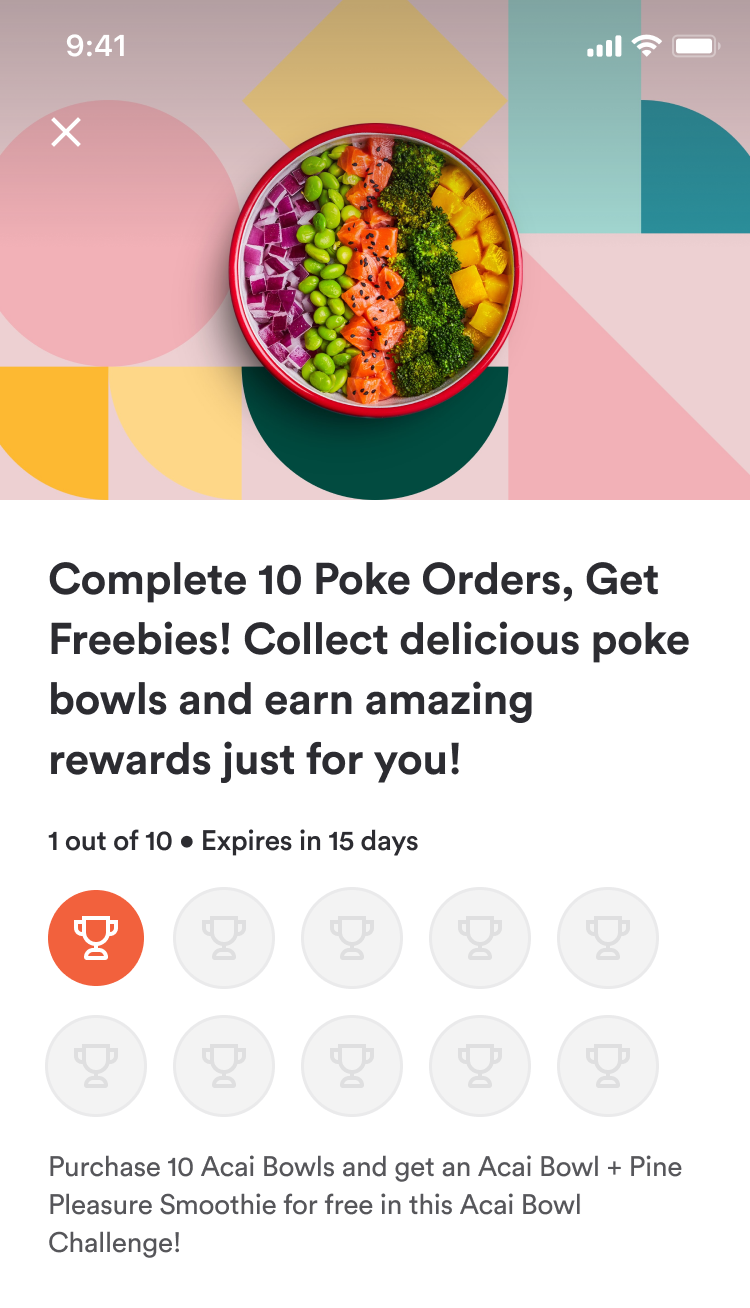
-
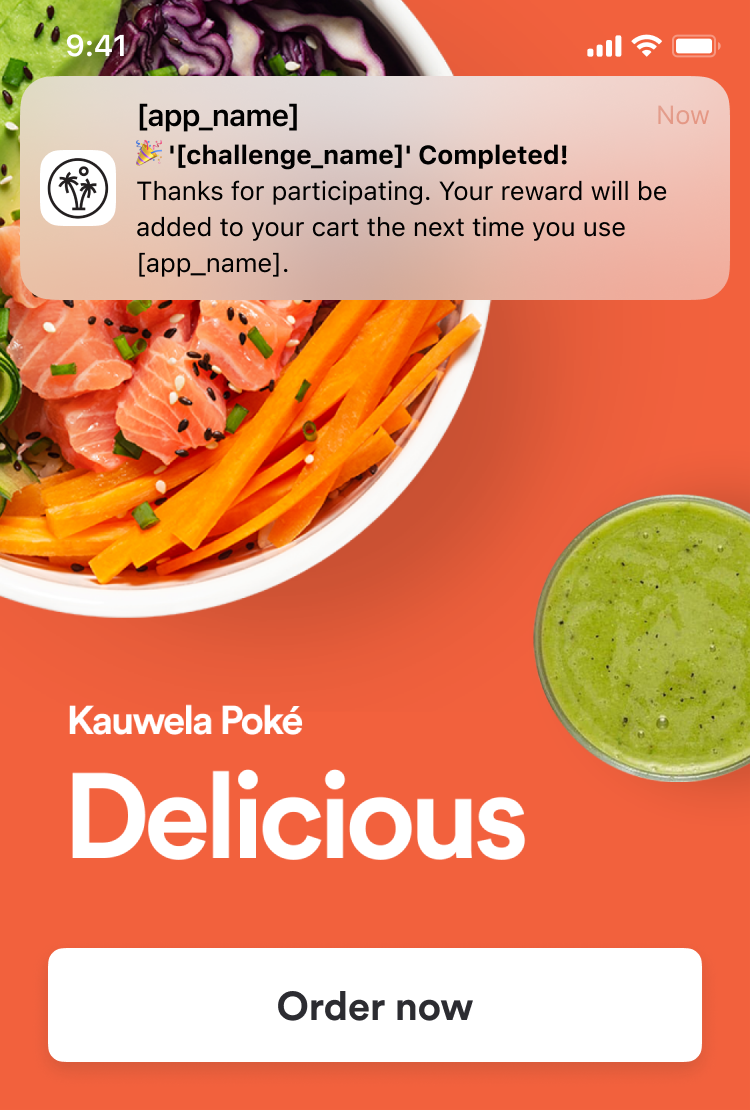
Challenges push notifications: Customer will receive a push notification when a challenge is completed:
Web App
-
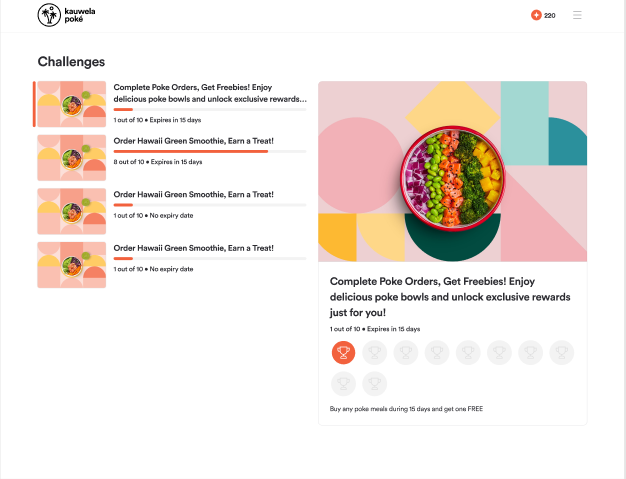
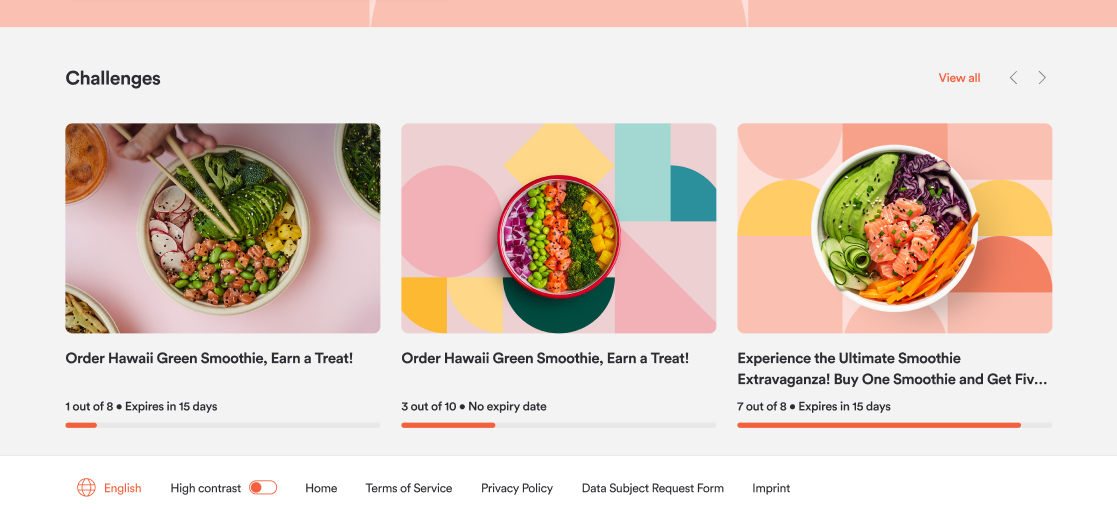
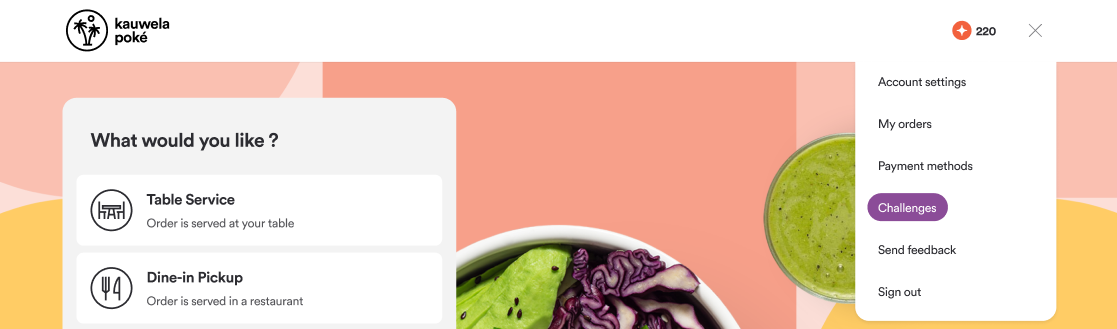
Available challenges: User can check the active Challenges campaigns on the Web app main screen and in Profile > Challenges
-
Main Screen:
-
Profile:
-
Main Screen:
-
Challenges list: