My Dashboard
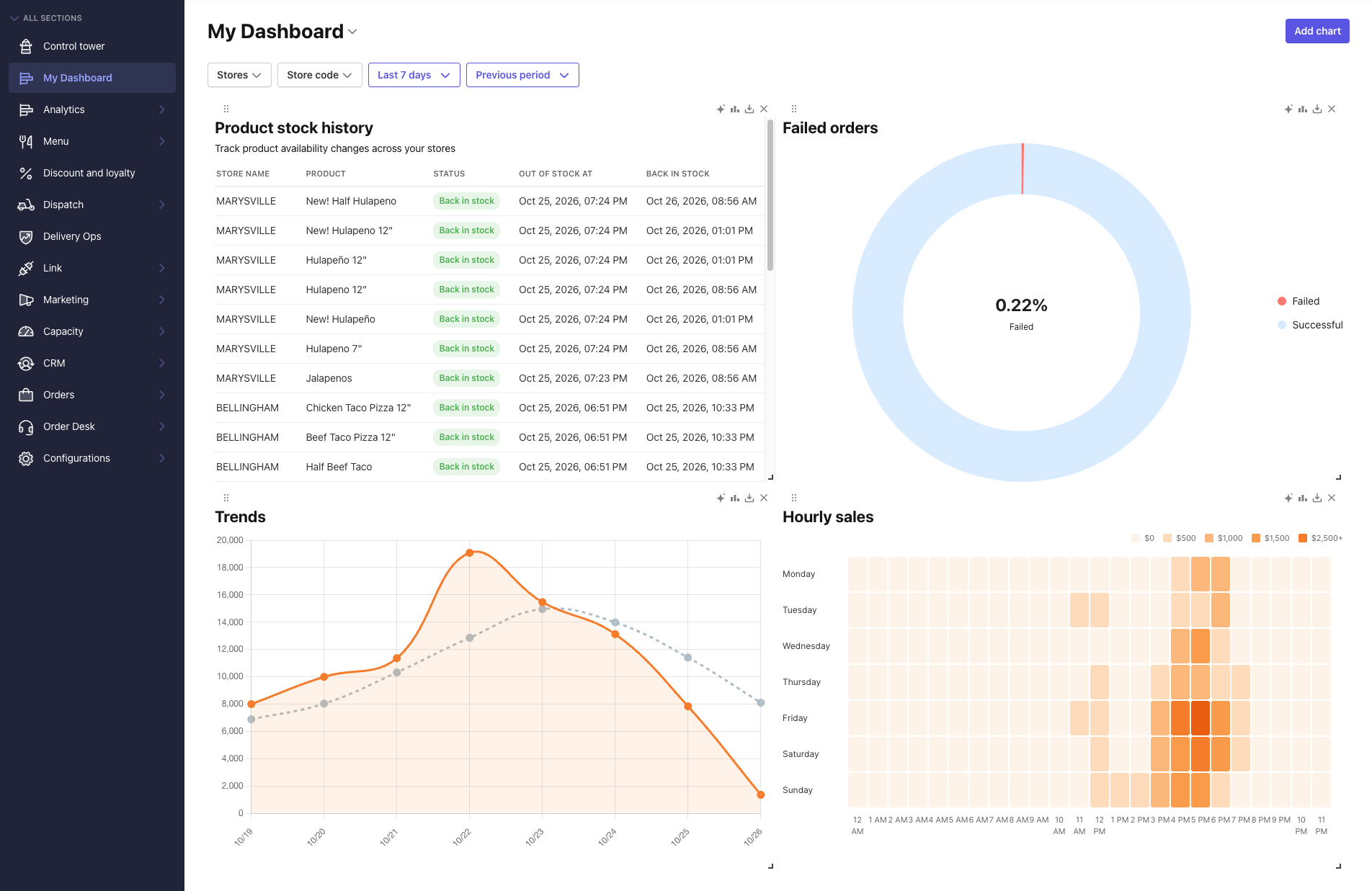
My Dashboard is a customizable analytics workspace in the Management Center. You can choose the charts that matter most to your brand, arrange them into a personalized view, and generate a shareable read-only link for stakeholders who don't have Management Center access.
Before You Start
- You have a Management Center account with access to the Analytics section.
- For role and permission details, see Default User Role Permissions.
Accessing My Dashboard
- Log in to the Management Center.
- In the left navigation, click My Dashboard.
If you haven't added any charts yet, the dashboard opens empty.
Adding Charts
My Dashboard pulls from the existing analytics chart library, the same charts available across your other analytics pages such as Ordering Performance, Product Performance, and Order Health.
- In My Dashboard, select Add chart.
- Browse or search the chart library.
-
Select the charts you want to include.
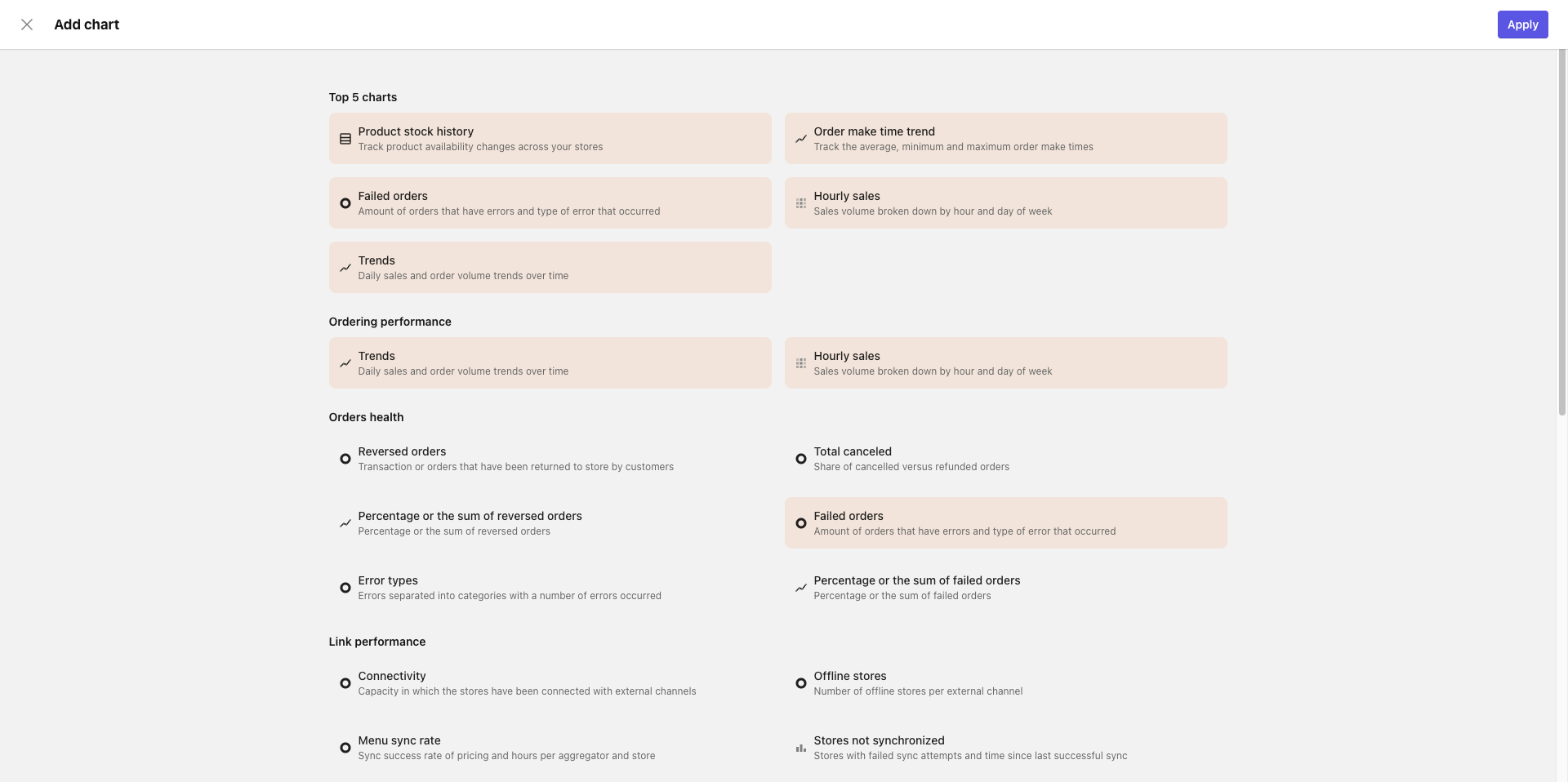
- Click Apply.
The selected charts appear on your dashboard.
Custom charts and new data sources are not supported in this version. The chart picker draws only from PAR Ordering's existing chart library.
Arranging and Saving Your Layout
After adding charts, you can drag and drop them to rearrange the layout.
- Drag each chart to the position you want.
- When your layout is ready, select Save.
Sharing a Read-Only Link
You can share your dashboard with stakeholders who don't have Management Center access. Recipients can view the dashboard using a generated link, with no Management Center login required.
- In My Dashboard, select Share.
- Copy the generated link.
- Send the link to your recipient.