Managing Multiple Customization Sets
| User Role | Access |
|---|---|
| Administrator | ✅ |
| Customizer who can invite | ✅ |
| Customizer | ✅ |
As an Administrator you have the permission to add and edit Sets in the Customization Center and in the General Setting page, you have access to the Default Set and those custom made.
All Sets available in the Customization Center are available in the sidebar on the left and can be fully managed by the Administrator.
Edit Customization Set
To edit Customization set:
- Select the Set in the sidebar
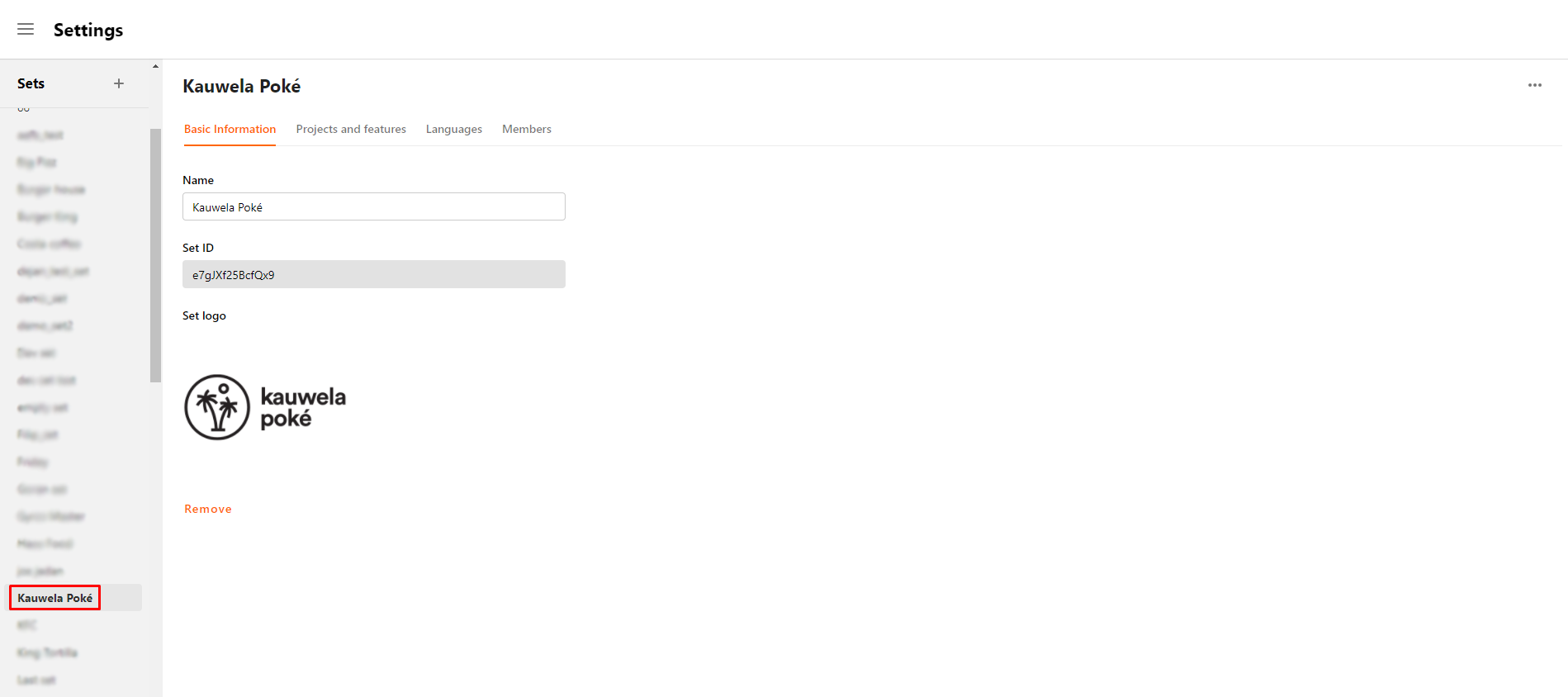
Elements that can be edited are split in tabs:
- Basic Information
- Projects and Features
- Languages
- Members
Basic Information
The following elements can be edited in the Basic Information tab:
- Name: Can be changed in the name field
- Set ID: Unique ID of a Set; cannot be edited
- Set logo: Brand logo; can be changed by removing the current image and importing new one
Projects and Features
In the Projects and Features tab, you can go through different Projects in the Customization Center and add the supported Features listed in a drop-down menu.
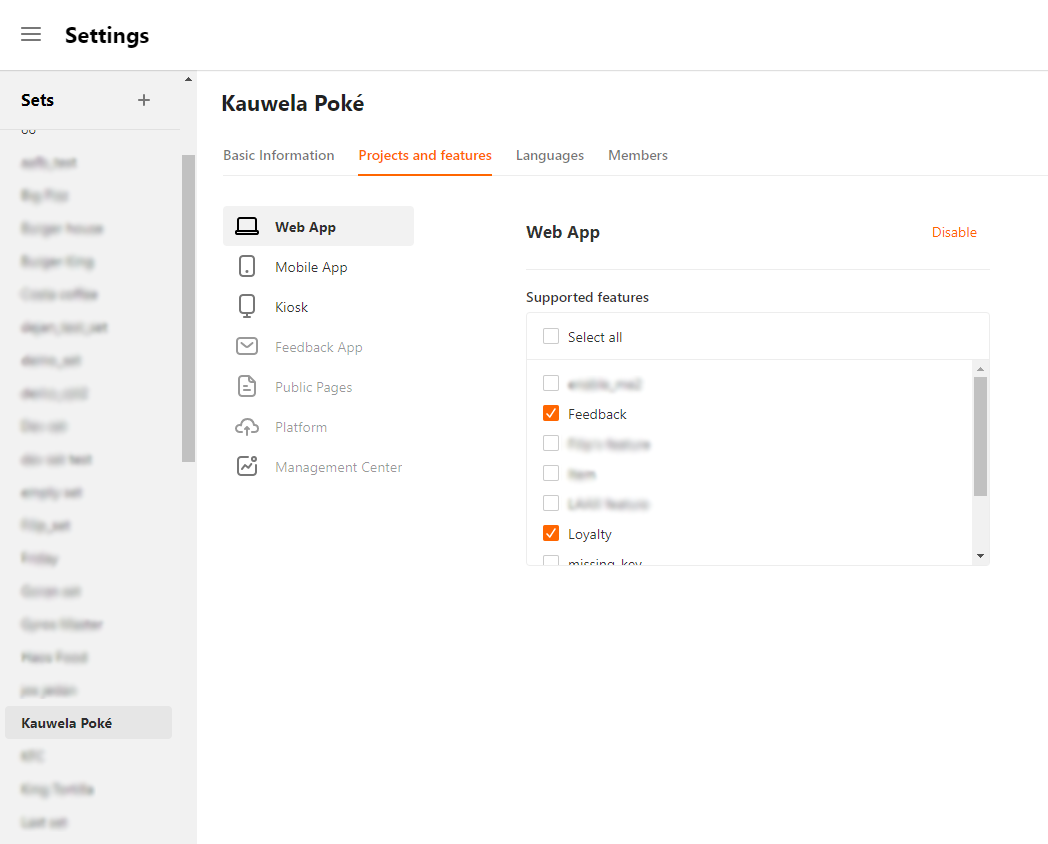
All available Projects in the Customization Center are listed here and their supported Features are on the right.
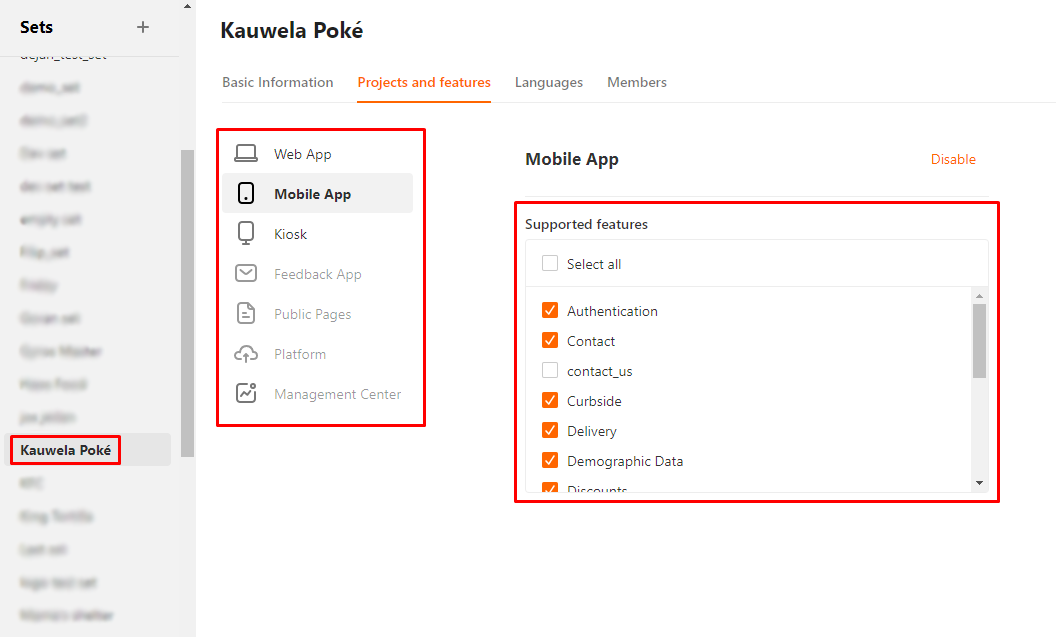
For more information on how to handle Projects, go to the What is a Project? and Switching Projects in Main Menu articles.
