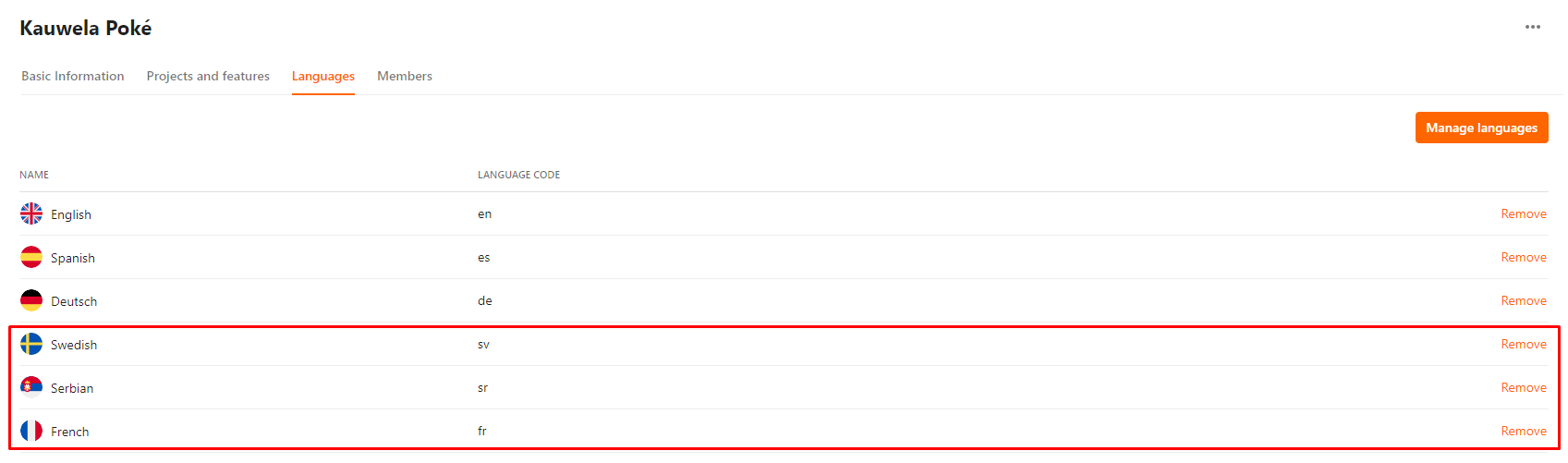
Managing Languages
| User Role | Access |
|---|---|
| Administrator | ✅ |
| Customizer who can invite | ✅ |
| Customizer | ✅ |
All user roles with the access to the Customization Set can manage languages for that Set.
- Select Languages tab at Customization Set menu
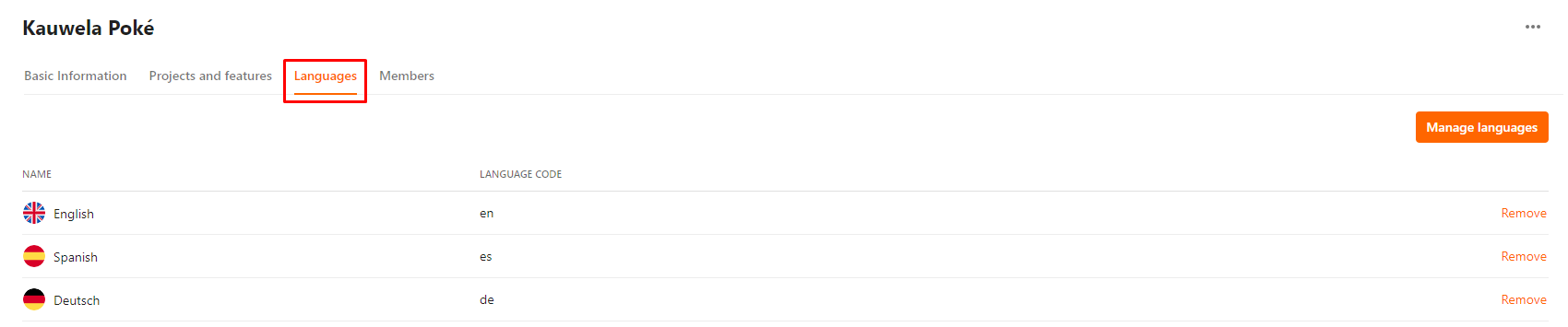
- Click Manage languages
- Manage languages dialog appears with a list of available languages, created by Administrator on a global level
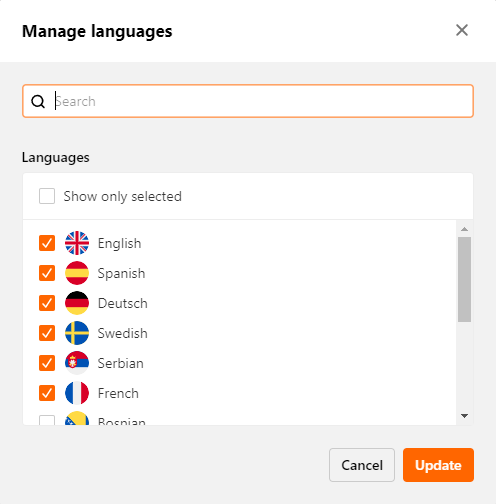
- Search through the list in the Search box
- Check Show only selected to display only languages you selected from the list
- Click Update to complete the action
You’ve successfully updated the Languages list.