Kiosk: Loyalty
Context
PAR Ordering Loyalty is designed to help you retain Customers by rewarding them through a spend-based program. To create a compelling experience, configure your Loyalty program and personalize your rewards according to both our guidelines and your specific needs.
Loyalty currency
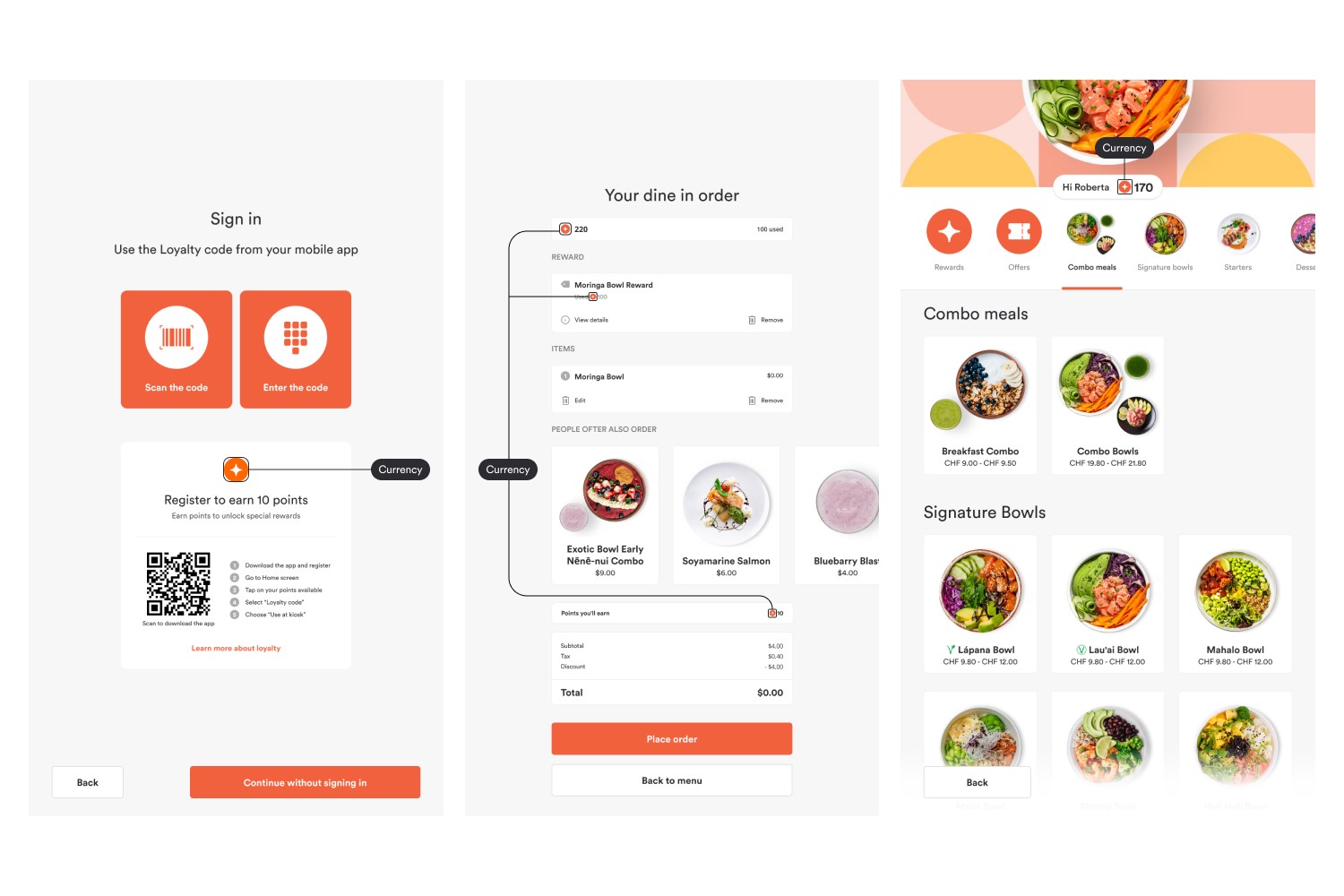
Loyalty currency or points are collected by Users and they are spent to buy Rewards. Like any other currency, it has its own symbol.
Used for:
- Illustrating the points to be earned during the registration process on the sign-in screen
- Showing the number of points in the header
- Showing the number of points on the checkout screen
- Showing the pricing in points for rewards
- The number of points the user will earn in the checkout
Images:
Requirements:
- Image container size: 16x16px
- Image format: SVG
- Name: coin.svg
Program description images
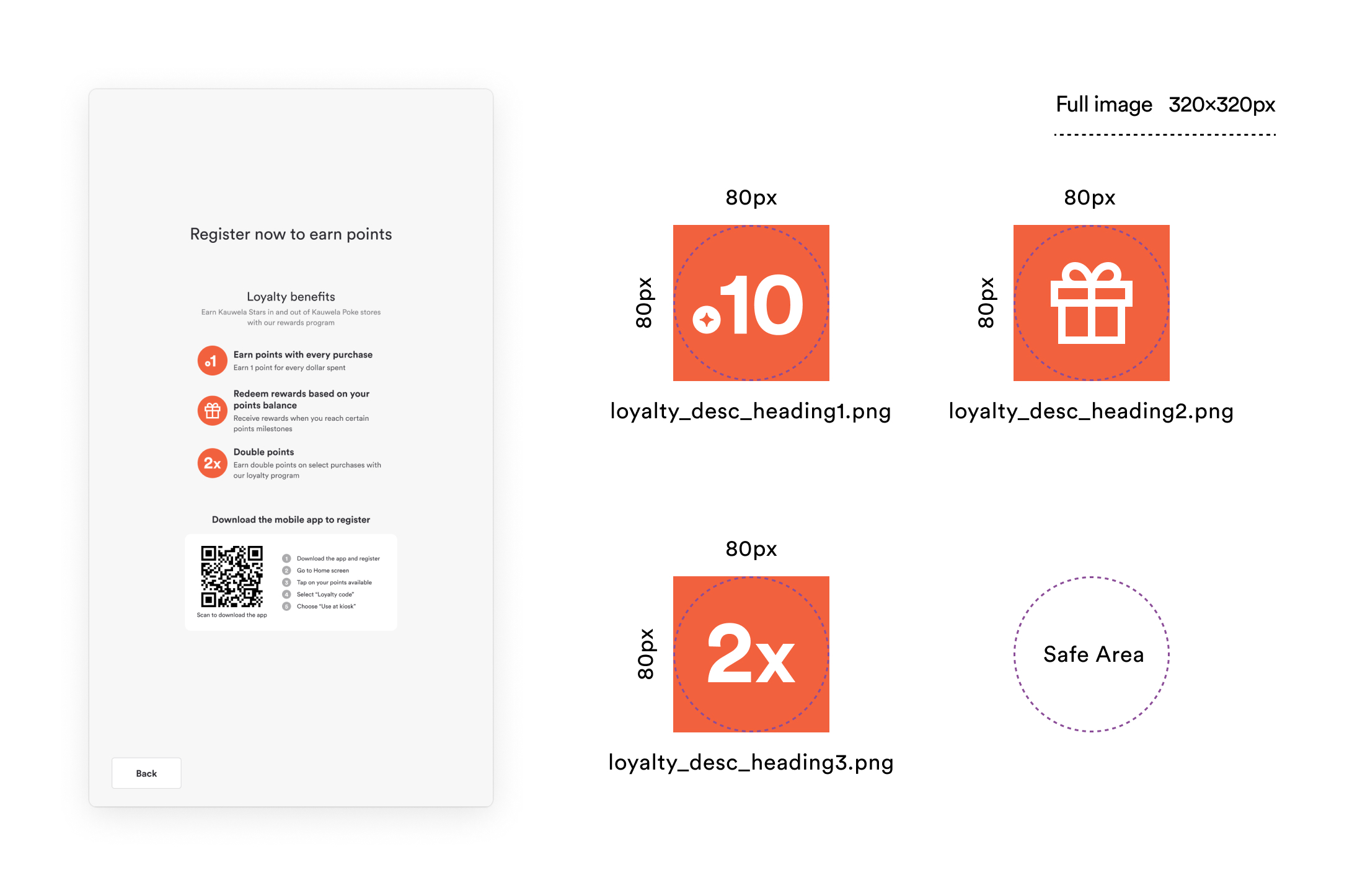
Program description images help information to be more understandable and immersive. Every image belongs to one paragraph that should explain one fact about the Loyalty Program. The maximum number of paragraphs is 3.
Images:
Requirements:
-
Image size: 80x80px
-
Image format: PNG
-
Names:
- loyalty_desc_heading1.png
- loyalty_desc_heading2.png
- loyalty_desc_heading3.png
Loyalty Program
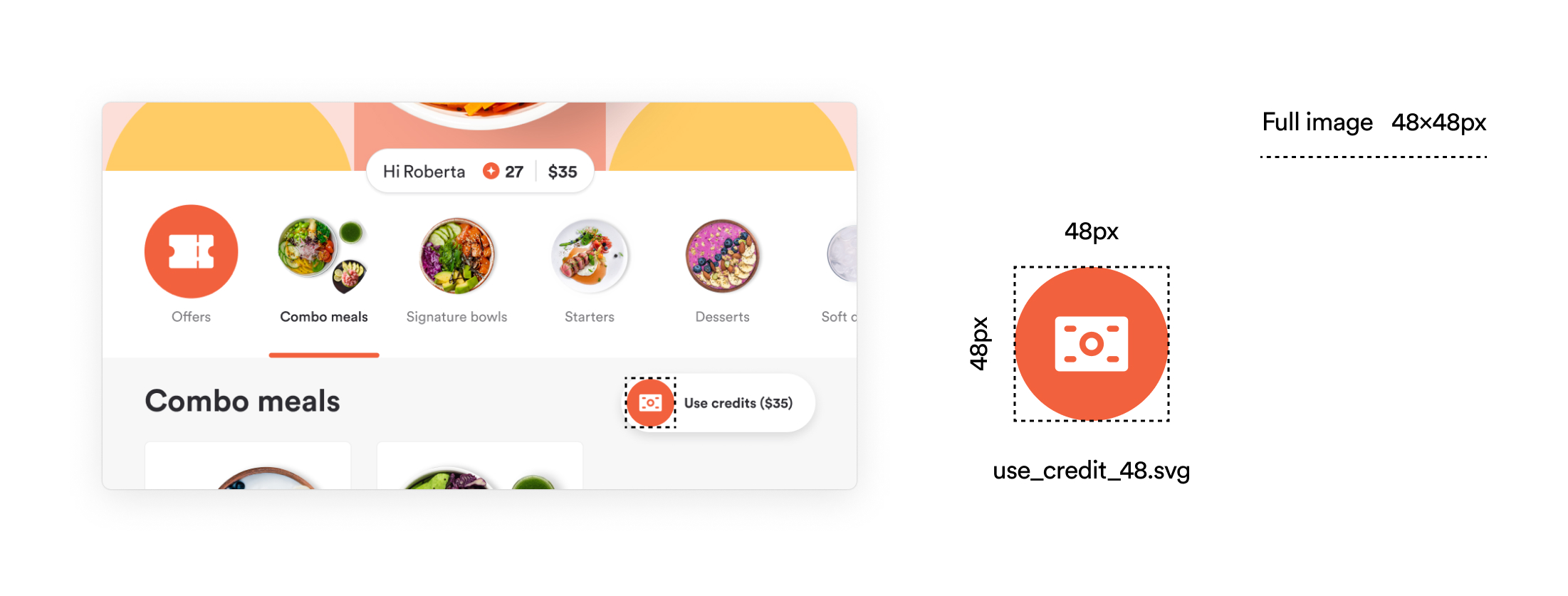
The Loyalty Program Icons correspond to various functionalities such as Rewards, Offers, and the Use Credit. These functionalities will appear based on the currently active Loyalty Program. In the primary navigation menu, Users can easily access Rewards and Offers if they are enabled, and when using a specific Loyalty Program, they will find the Use Credit button located at the upper right-hand corner of the screen.
Images:
Requirements:
-
Image size: 134x134px
-
Image format: SVG
-
Names:
- category_rewards.svg
- category_coupon.svg
-
Image size: 48x48px
-
Image format: SVG
-
Names:
- use_credits_48.svg
Emphasized last tier in Rewards
If your rewards are organized in tiers you can setup the last tier to be highlighted. If you use this feature you should provide final tier icon as in image below.
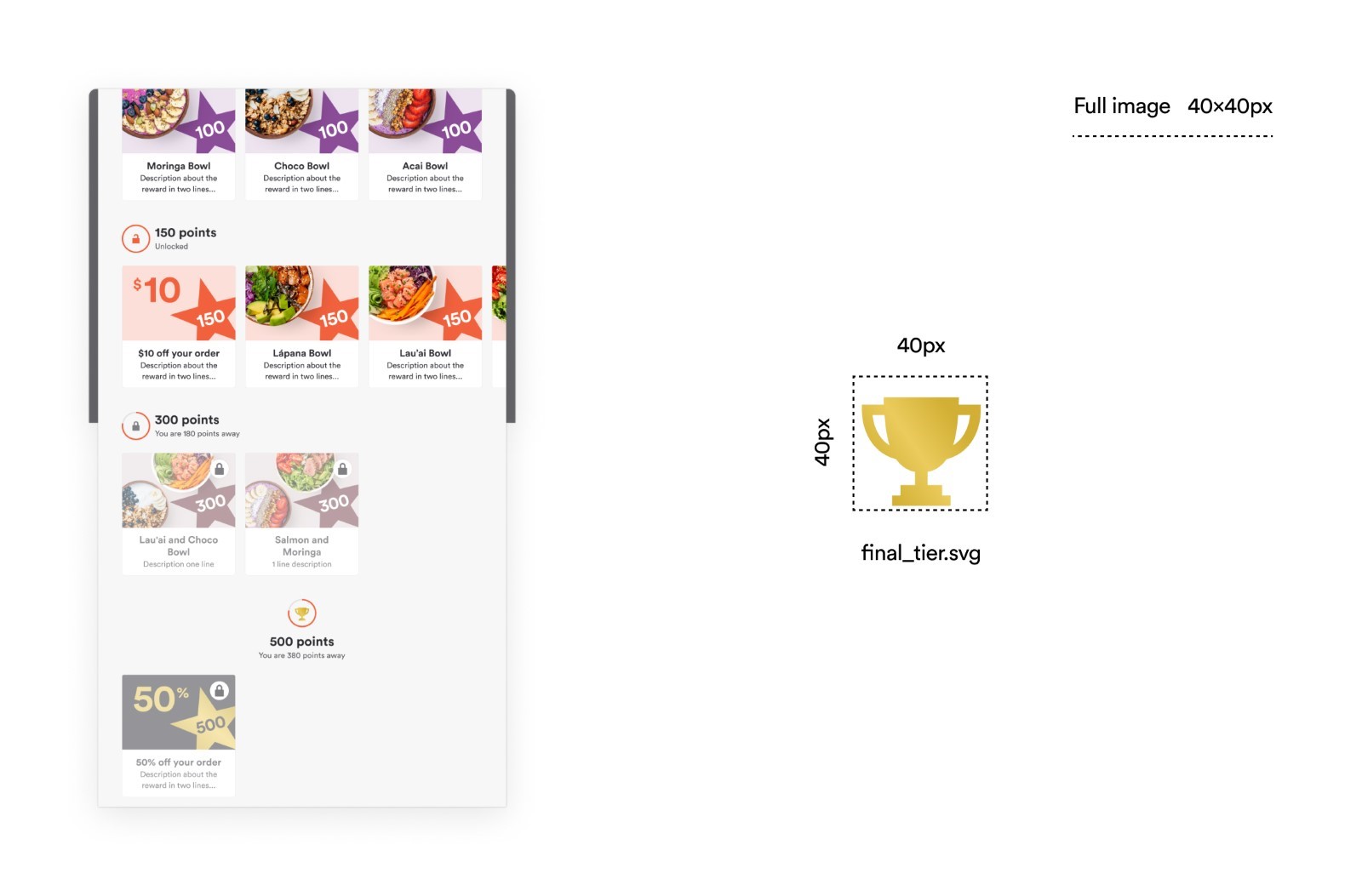
Requirements:
- Image container size: 40x40px
- Image format: SVG
- Name: final_tier.svg
