How to View/Edit Order Details?
If you click Action, you will be able to set the state of the Order to, for example, received to receive it again.
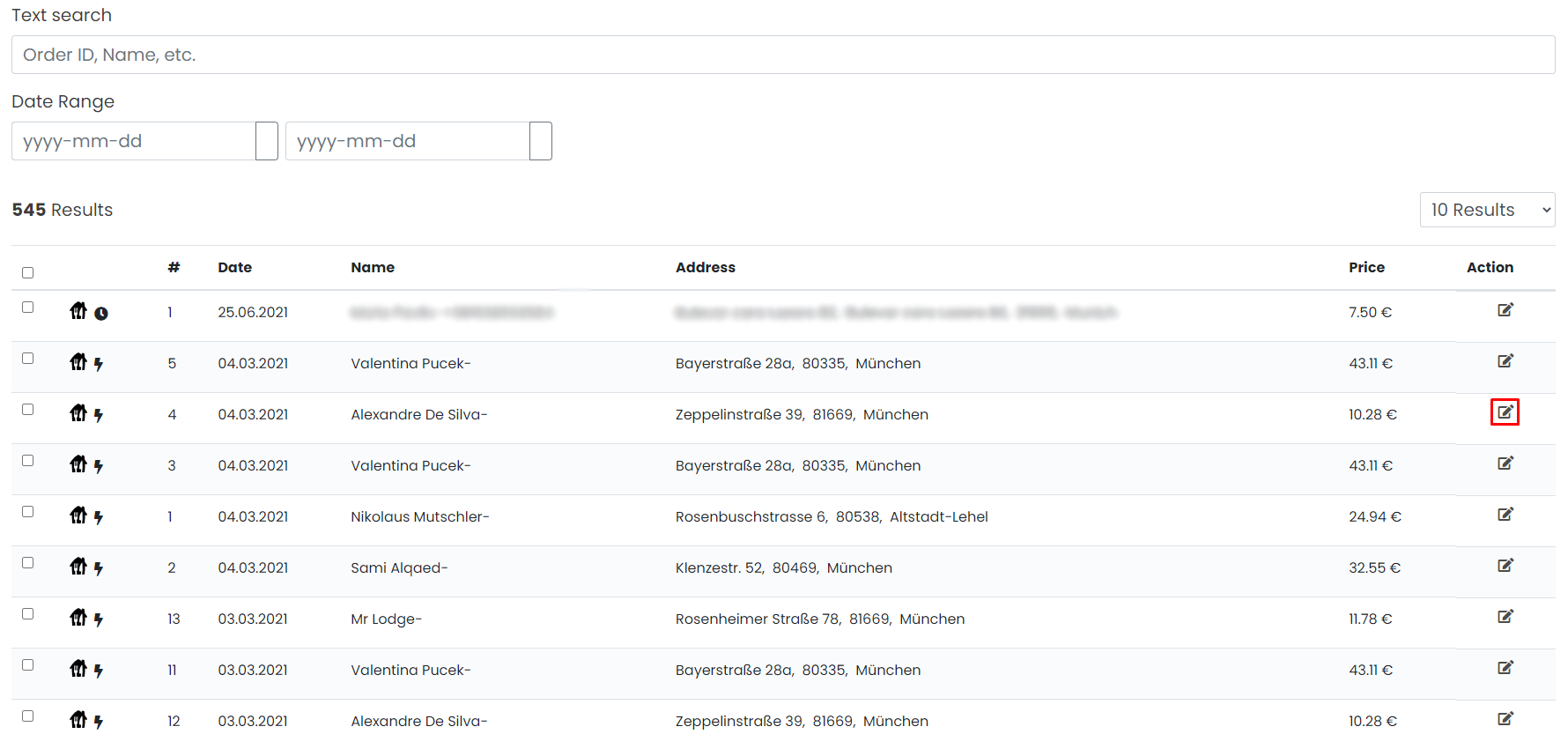
Additionally to that, you can also view/edit information about Order.
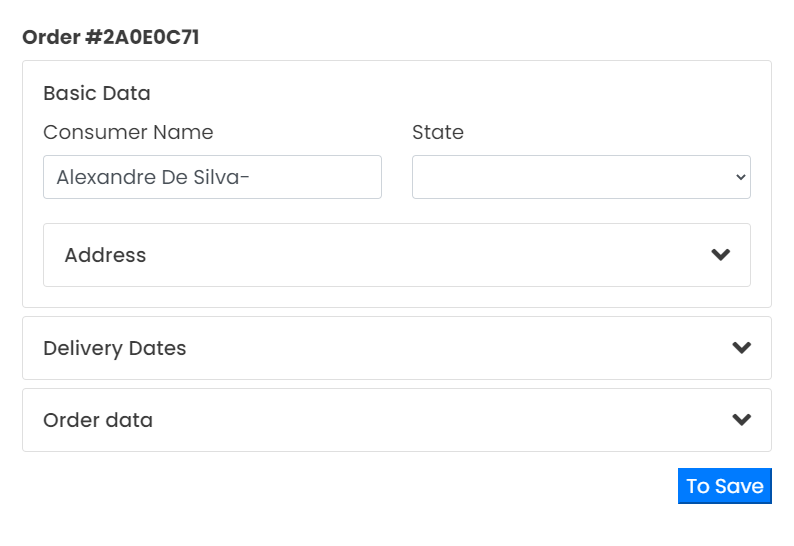
Order History
Customer Name
State
Received, Accepted, In-Kitchen, Ready for Delivery, Rejected.
Address
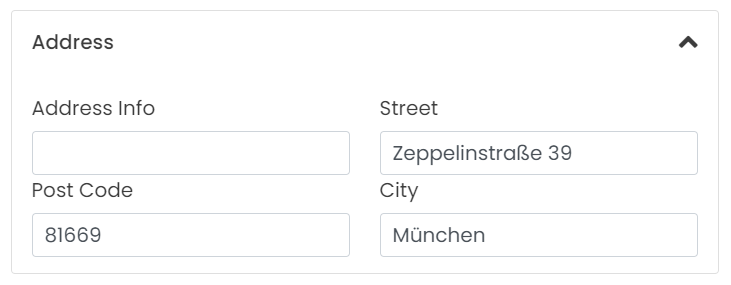
If you expand the Address field, you can see the following information: Street, Post Code, City and optionally some additional Address Info.
Delivery Dates
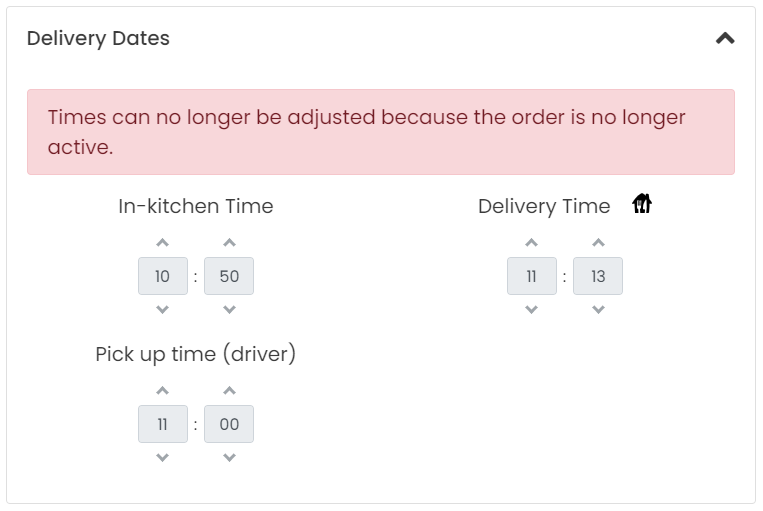
If you expand the Delivery Dates field, you can see the details regarding the Delivery: In-kitchen Time (Order is in preparation), Pick up Time (Driver started the Delivery) and Delivery Time (Time when Order was on Delivery address).
All the times listed can be adjusted only while the Order is active i.e. not delivered to the address.
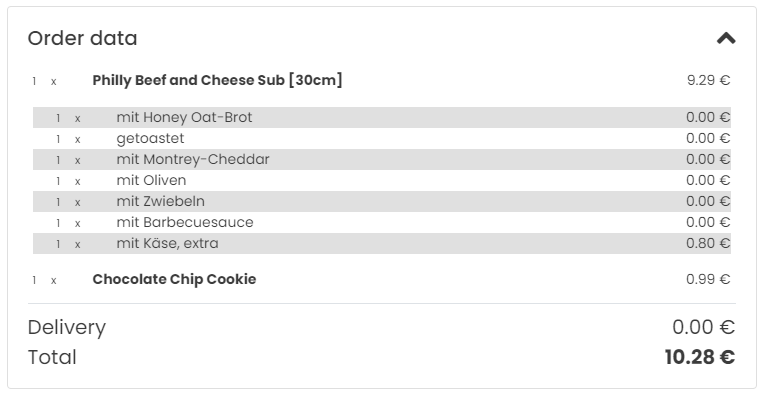
Order Data
If you expand the Order Data field, you'll see the details of all the Items/Modifiers/Combos Ordered, including quantity and price.
If you've made any changes, click To Save.
You've successfully edited Order details.
