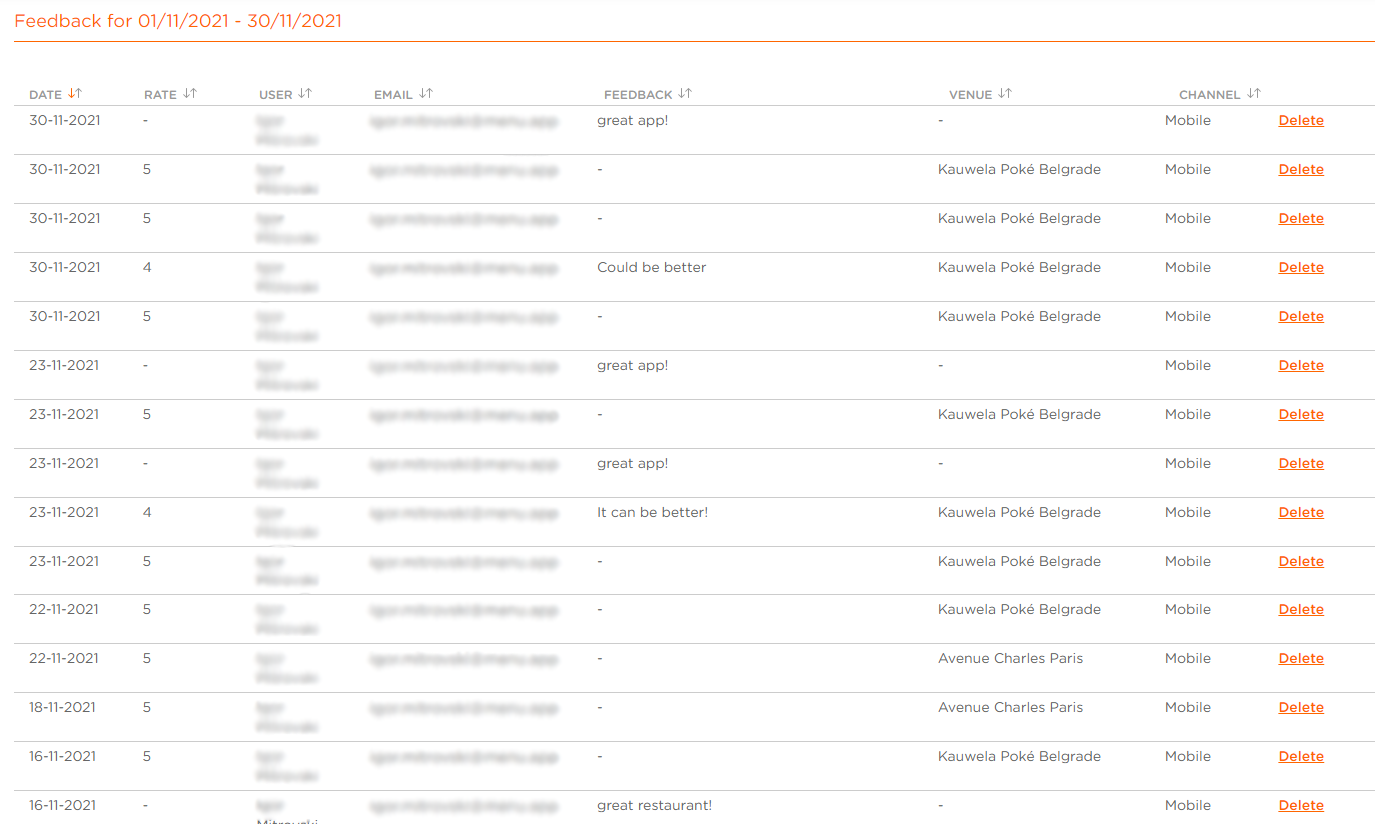
How to View Customer Feedback?
| User Role | Chain | Chain Venue |
|---|---|---|
| Brand Manager | ❌ | ✅ |
| Chain Manager | ❌ | ❌ |
| Company Manager | ❌ | ❌ |
| Local Manager | ❌ | ❌ |
As a Brand/Chain Manager, you have an overview of your Customers Feedback in the CMS.
To see Feedback:
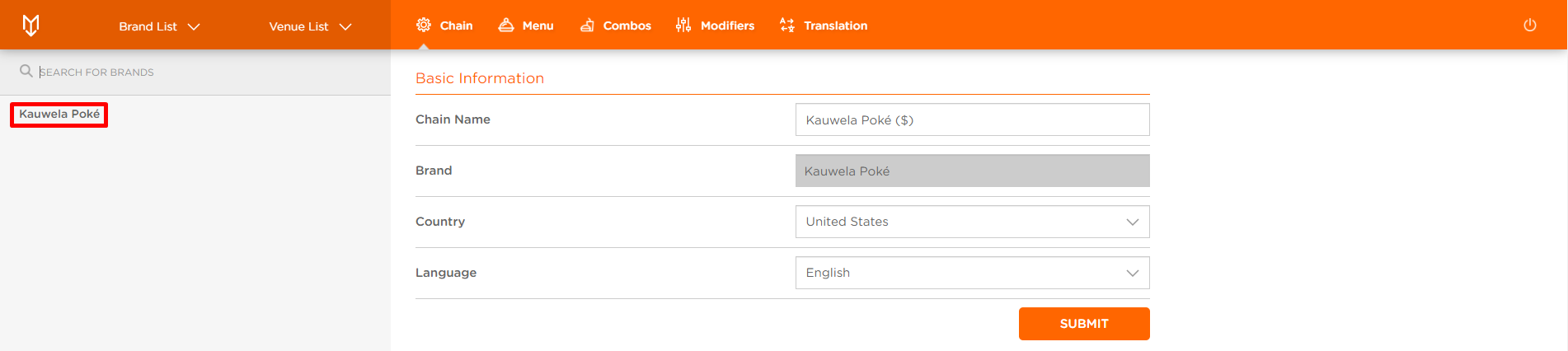
- Select the Brand
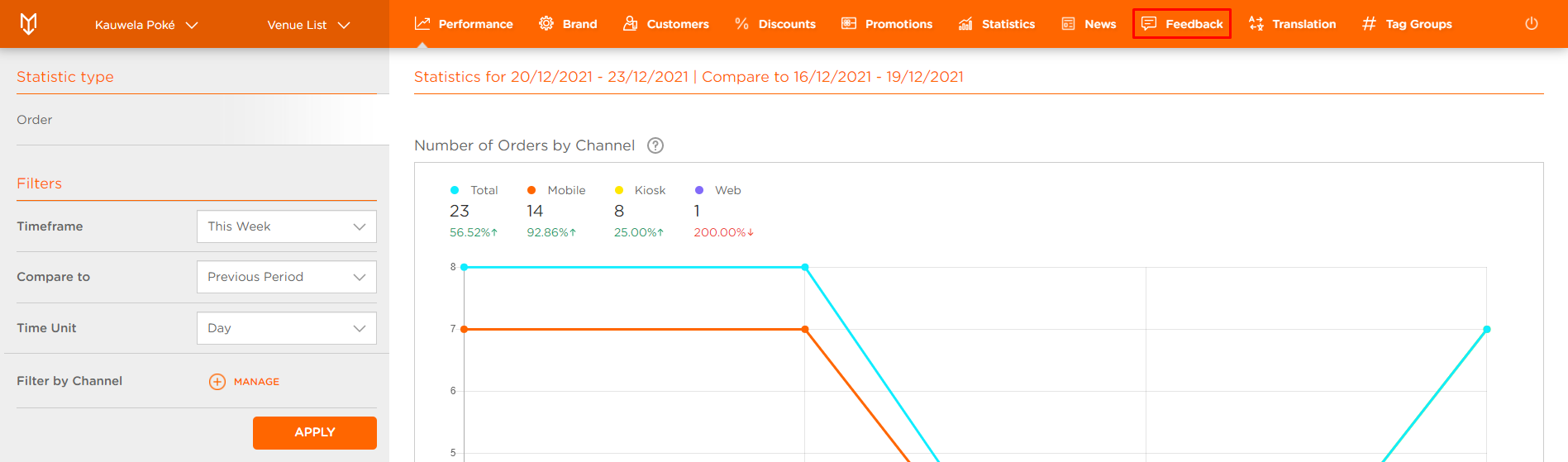
- Click Feedback at the top navigation bar
- Feedback page appears
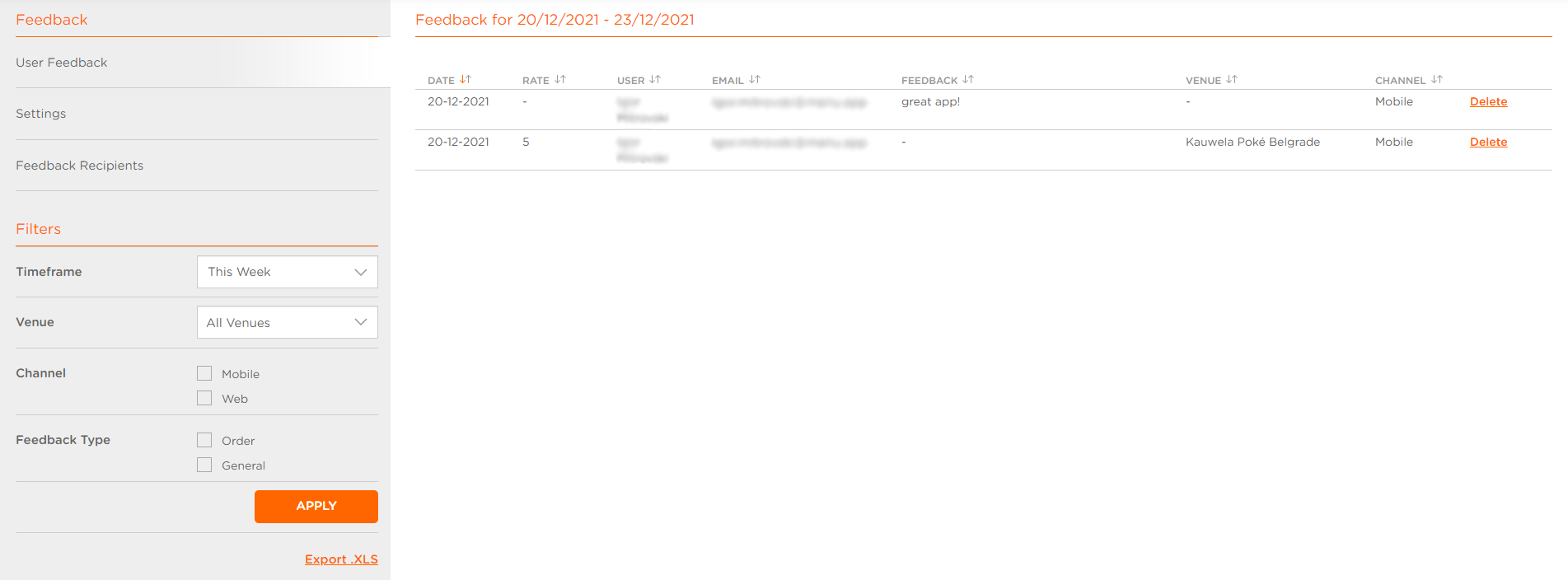
- Select User Feedback tab
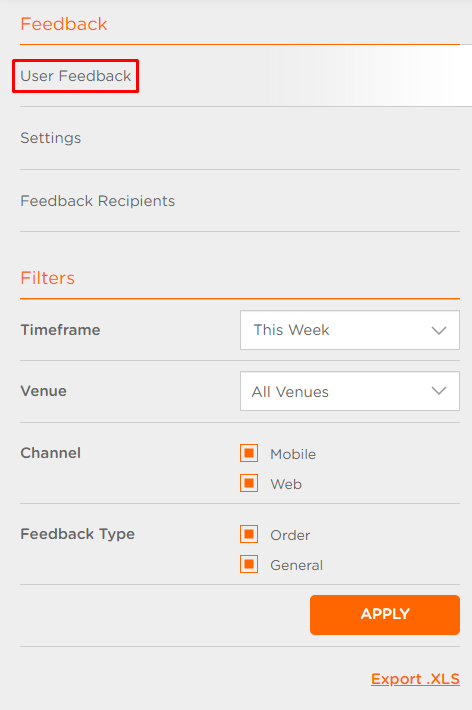
-
Timeframe: Filter Customer feedback for Orders according to the time frame set in the Filter settings
-
Venue: Filter Customer feedback for Orders according to the Venues of placed Orders
-
Channel: Channel via which the Order was placed an then feedback provided
-
Feedback Type: Order/General Feedback
-
Click APPLY to get the list of Customer feedback according to the filters set