How to Let Users Join Customization Center
To create an account in the Customization Center, you need to get an invitation email to create the account on the platform.
There are two different flows for creating an account depending on the role selected for the user on invitation (Administrator or Customizer):
| User Role | Administrator flow | Customizer flow |
|---|---|---|
| Administrator | ✅ | ✅ |
| Customizer who can invite | ❌ | ✅ |
| Customizer | ❌ | ✅ |
Create Passwordless Account
Either as Administrator or as Customizer you will have the possibility to generate an invitation email, containing a link to the Customization Center for new users.
What the user should do
The process from the user's perspective actually looks the same. User gets an invitation email to create an account on the platform.
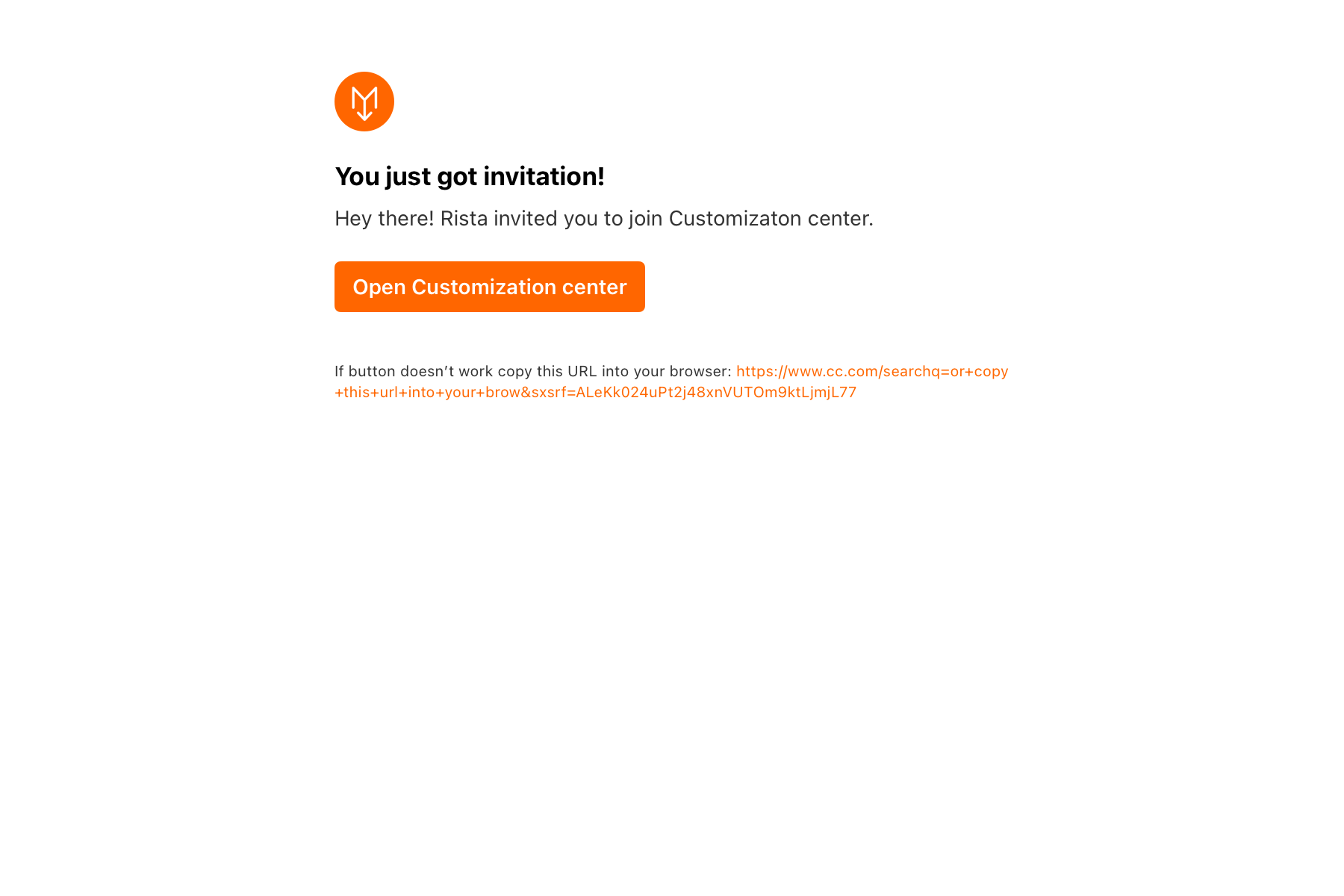
The invitation email is valid for 48 hours. These are the steps that the user should take:
- Click Open Customization center to open the browser
- Enter your name
- Change the language, if necessary, in the upper right corner
What's your name? page displays logo of the Set you're invited to (same applies to invitation emails).
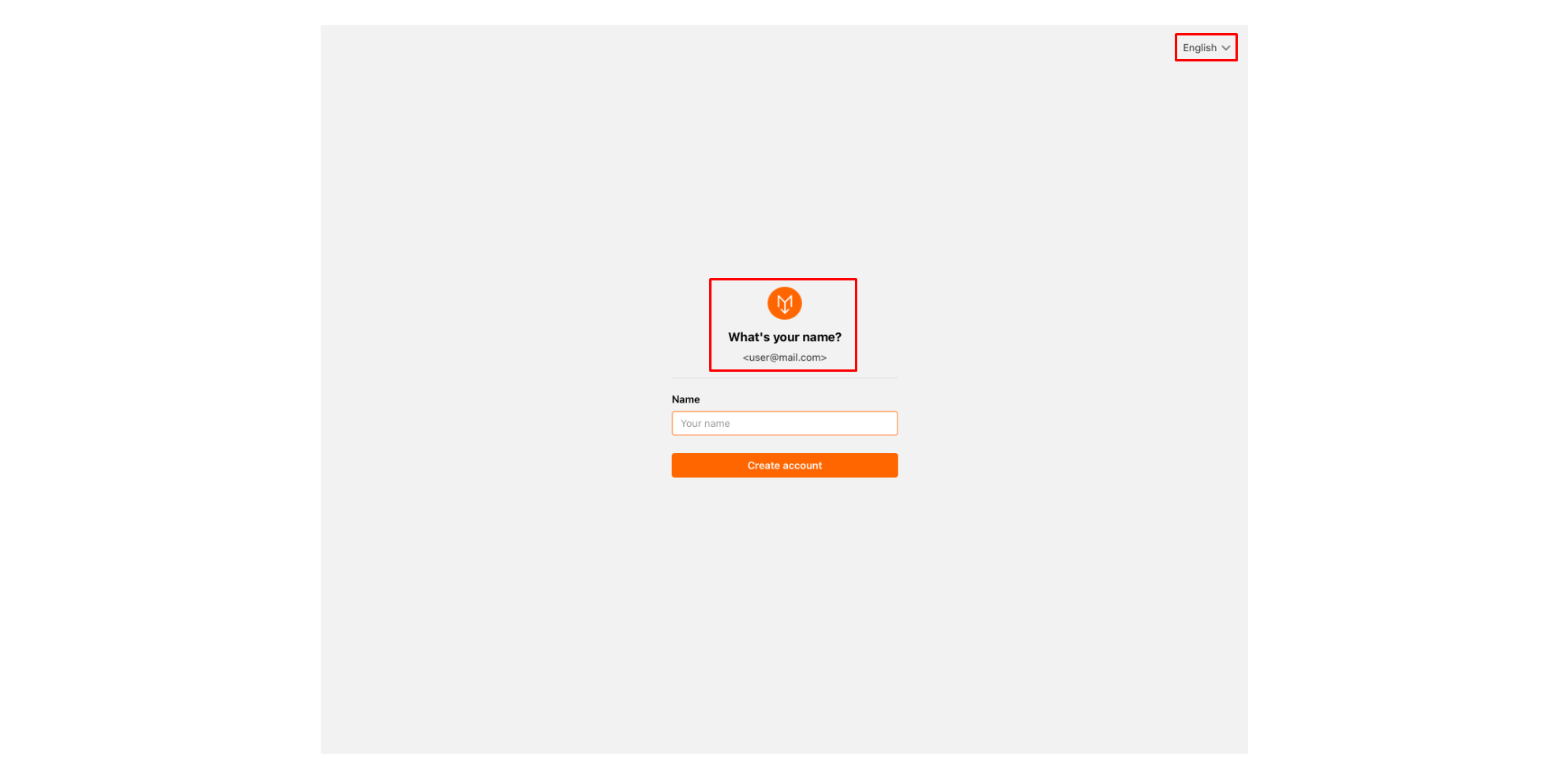
- Click Create account to complete the process
- You will get the Welcome User name message
Now, the user have access to the Customization Center.
