How to Enable/Disable Delivery Zone?
| User Role | Chain | Chain Venue |
|---|---|---|
| Brand Manager | ❌ | ✅ |
| Chain Manager | ❌ | ✅ |
| Company Manager | ❌ | ✅ |
| Local Manager | ❌ | ✅ |
- Select your Venue from the Venue List in the top navigation bar
- Click on Areas in the top navigation bar
- Click on the Delivery area in the sidebar
In Edit Area form, you have a section with the Delivery Zone you created along with the functionalities you can set and edit.
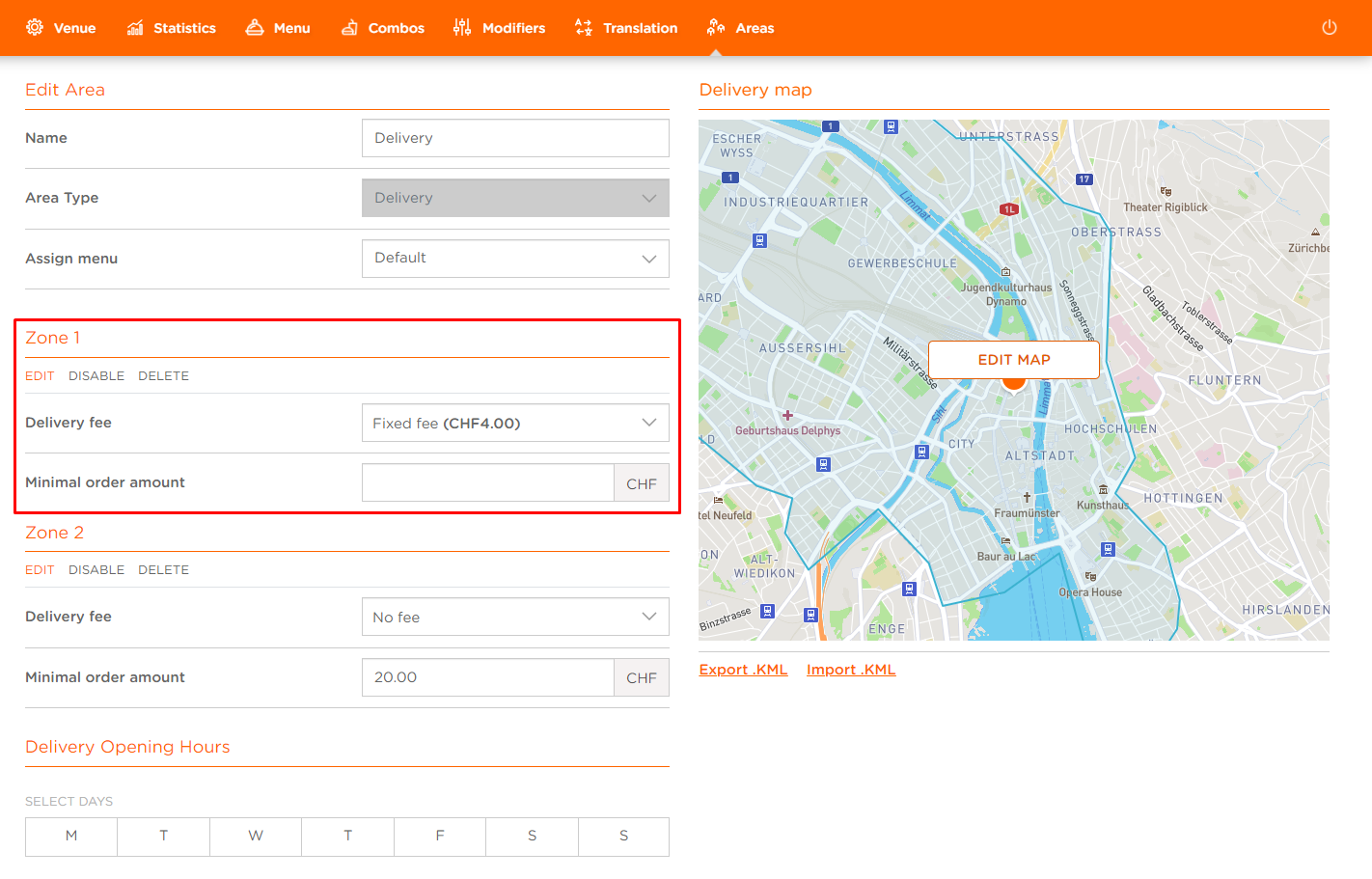
To enable/disable Delivery Zone:
- Click DISABLE (if the Delivery Zone is currently enabled) or ENABLE (if the Delivery Zone is currently disabled)
A disabled Delivery Zone will not be displayed across the Channels.
