How to Enable/Disable Coupon?
| User Role | Chain | Chain Venue |
|---|---|---|
| Brand Manager | ✅ | ❌ |
| Chain Manager | ❌ | ❌ |
| Company Manager | ❌ | ❌ |
| Local Manager | ❌ | ❌ |
To use Coupons:
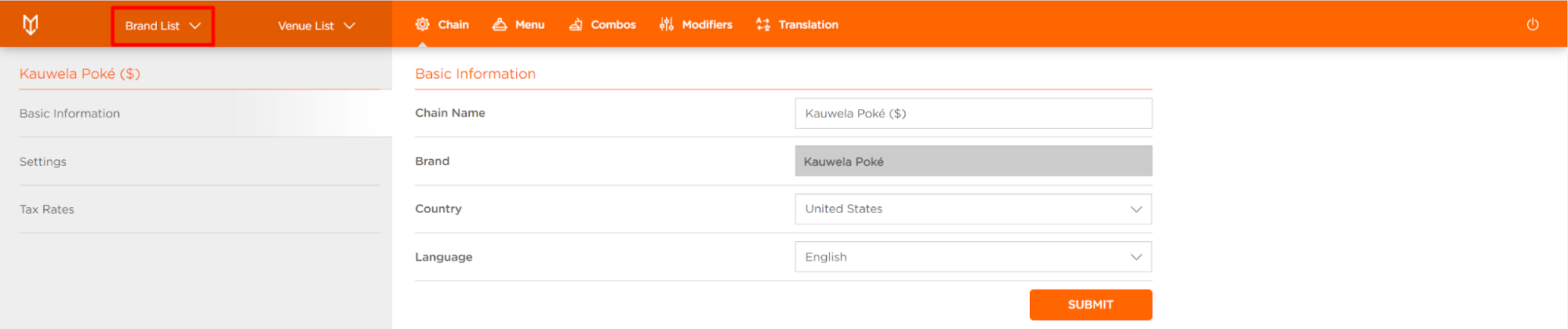
- Select Brand List at the home page top bar

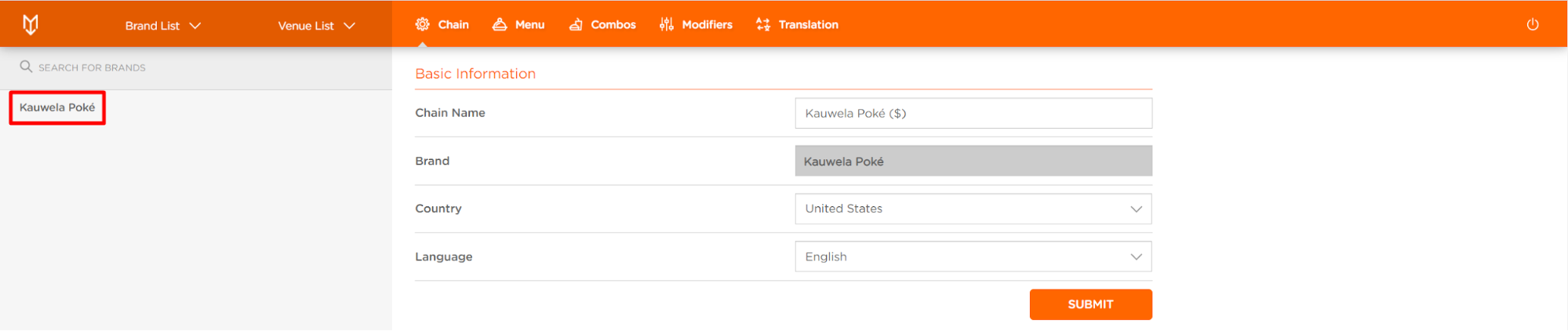
- Select your Chain Brand (e.g. Kauwela Poké)

- Edit Brand form appears

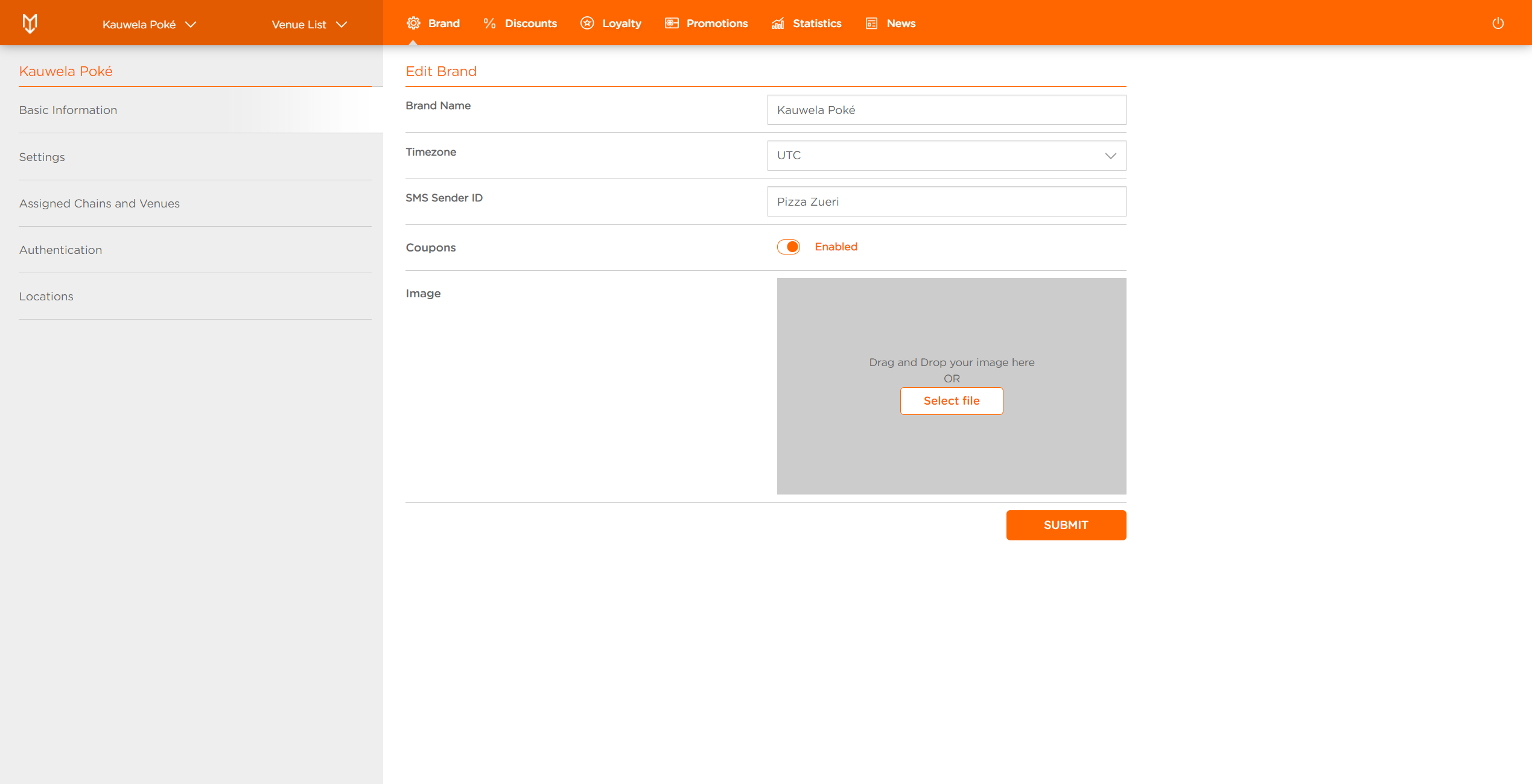
- In Basic Information tab go to Coupons section
- Toggle the switch to Enabled/Disabled
- Click SUBMIT to complete the action
You've successfully enabled Coupons for this Brand and you can add them appropriately.
