How to Edit Delivery Fee?
| User Role | Chain | Chain Venue |
|---|---|---|
| Brand Manager | ❌ | ✅ |
| Chain Manager | ❌ | ✅ |
| Company Manager | ❌ | ✅ |
| Local Manager | ❌ | ✅ |
- Select your Venue from the Venue List in the top navigation bar
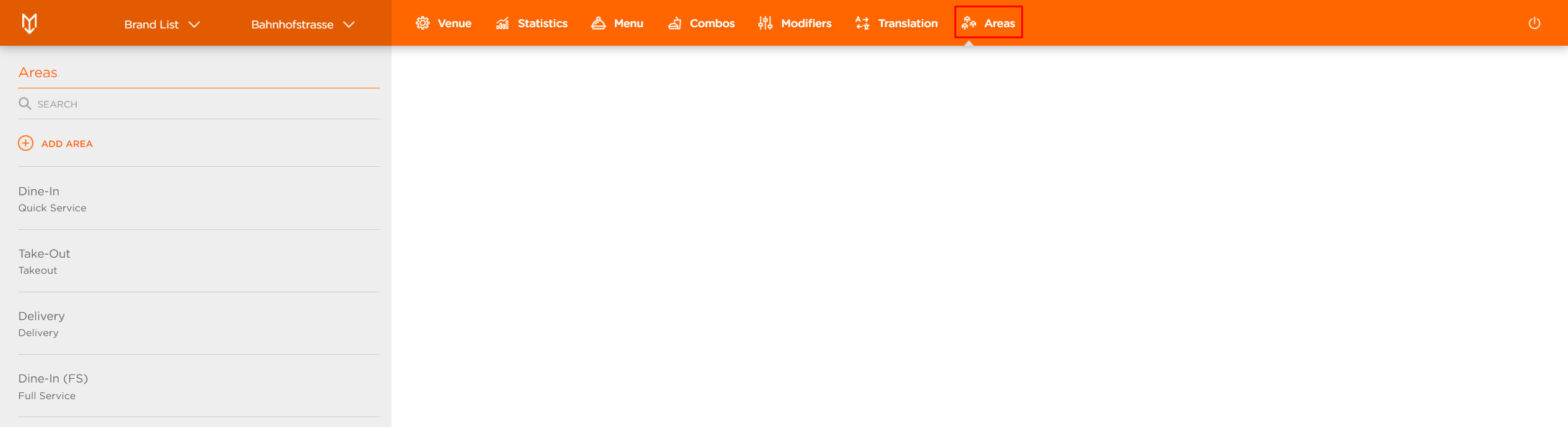
- Click on Areas
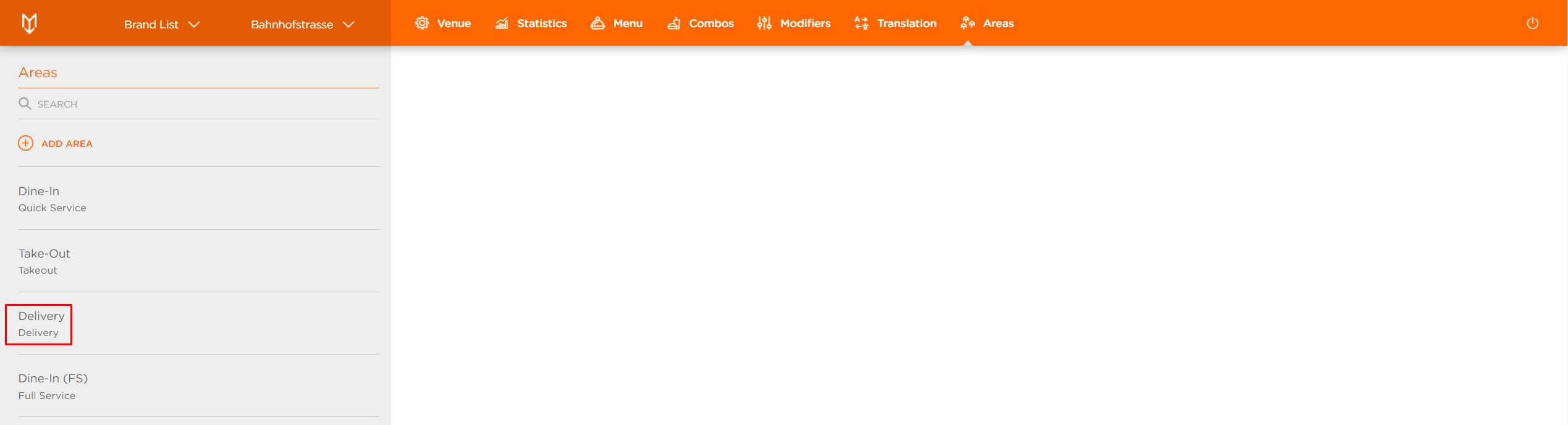
- Select the Delivery area you would like to edit
In Edit Area form, you have a section with the Delivery Zone you created along with the functionalities you can set and edit.
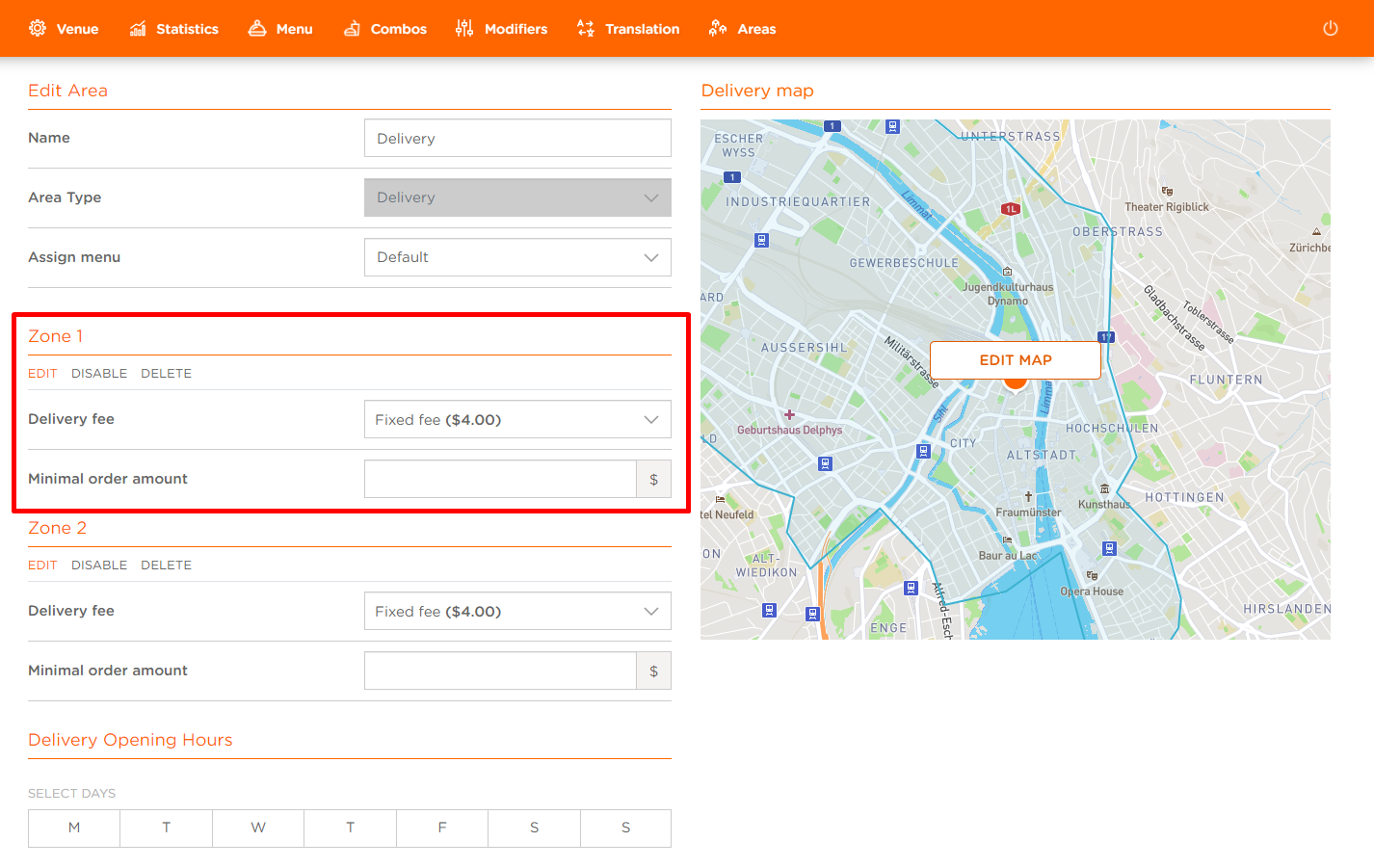
To edit Delivery Fee:
- Click in the Delivery Fee field
- Delivery Fee drop down appears
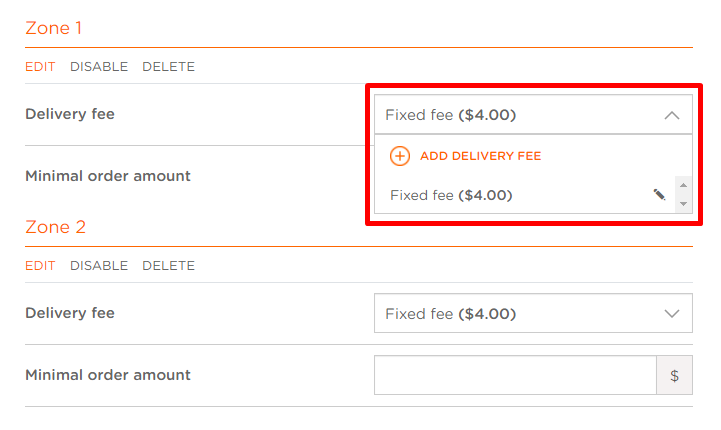
- Click on the edit pen of the Delivery Fee you want to delete
- Edit Delivery Fee modal appears
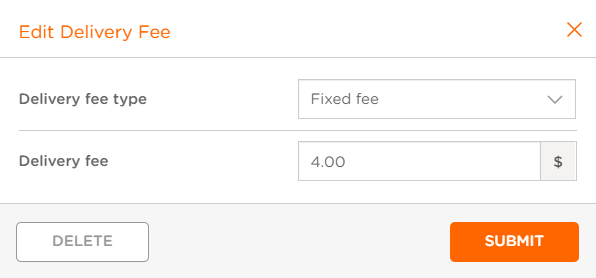
Delivery fee type: Select Delivery Fee type from a drop down (No fee, Fixed fee, Distance based, delivery fee set per Menu Item); For more information on Delivery fee type, please check out How to add Delivery Fee? article
Delivery fee: Insert the Delivery Fee amount
- Click SUBMIT to save the changes
