How to Edit Category?
| User Role | Chain | Chain Venue |
|---|---|---|
| Brand Manager | ✅ | ❌ |
| Chain Manager | ✅ | ❌ |
| Company Manager | ❌ | ❌ |
| Local Manager | ❌ | ❌ |
You can easily edit an existing category in the CMS:
- Click Menu in the top navigation bar
- Menu page appears
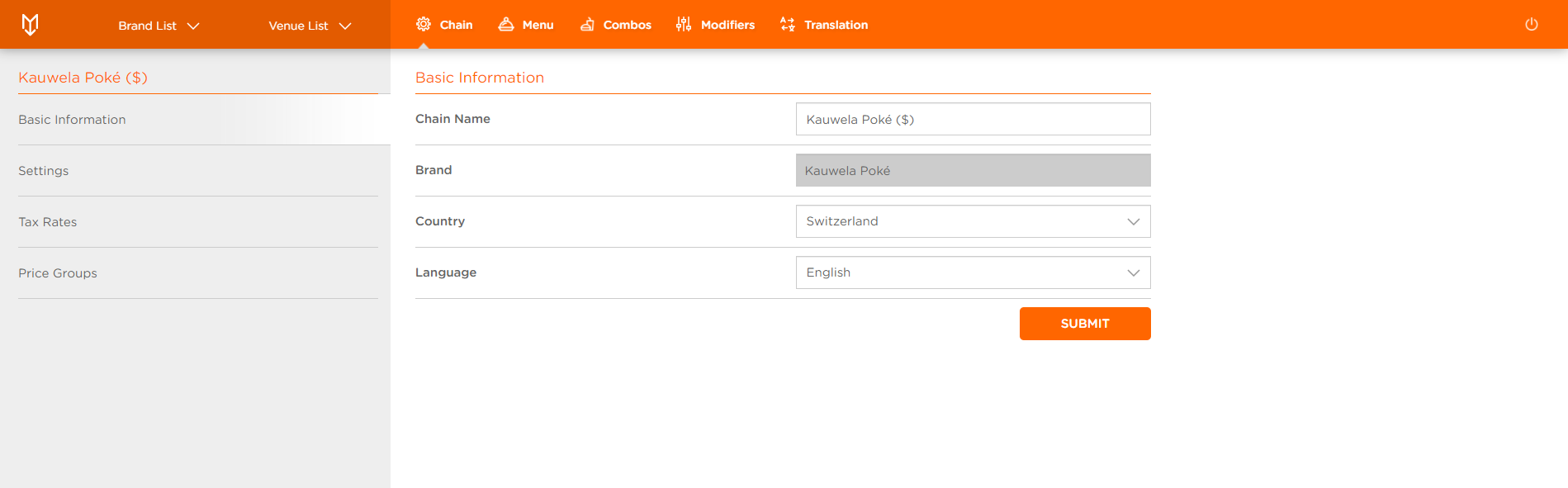
- Select the Category (e.g. THE KAUWELA FOOD EXPERIENCE)
If most fields are grayed out for you, that means that you are managing a Venue that is part of a Chain. Please switch to the Chain, or if you don't have the access, reach out to your Chain Manager if you need to make any changes.
- Edit Category form appears
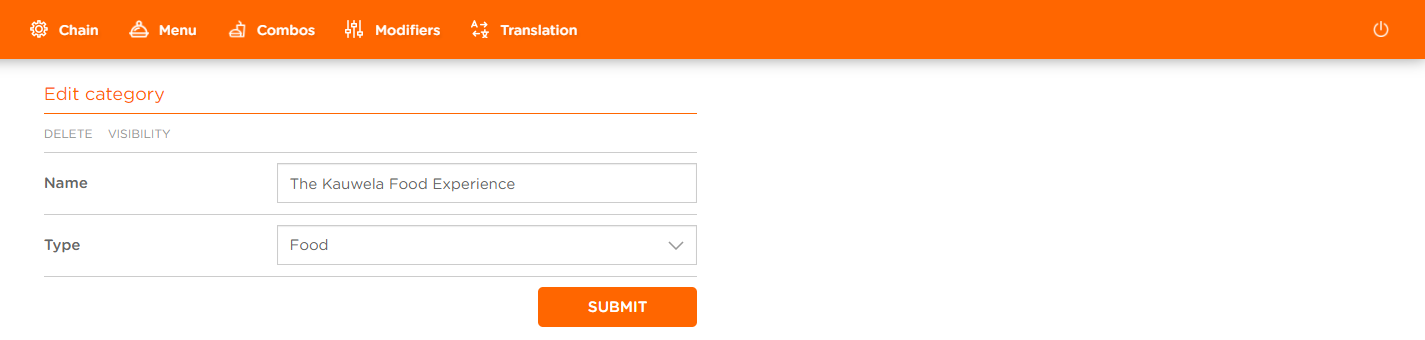
You can edit Category's:
-
Name
-
Type: Food, Drink or Other
-
Click SUBMIT after you've made the changes
You've successfully edited the Category.
