How to Assign External Channel Types to External Channels?
| User Role | Chain | Chain Venue |
|---|---|---|
| Administrator | ✅ | ✅ |
| Brand Manager | ❌ | ❌ |
| Chain Manager | ❌ | ❌ |
| Company Manager | ❌ | ❌ |
| Local Manager | ❌ | ❌ |
External Channels are created on a Global level by Administrators and are available in the CMS globally. The number of Channels that can be assigned is defined in the External Channel Type, on a Brand level. The way to assign External Channels to your Brand is to assign them to the External Channel Type you have previously created.
- Select the Brand for which you want to create External Channel (e.g. Kauwela Poke)
- Select Brand tab at the top bar
- Select External Channels tab from the sidebar
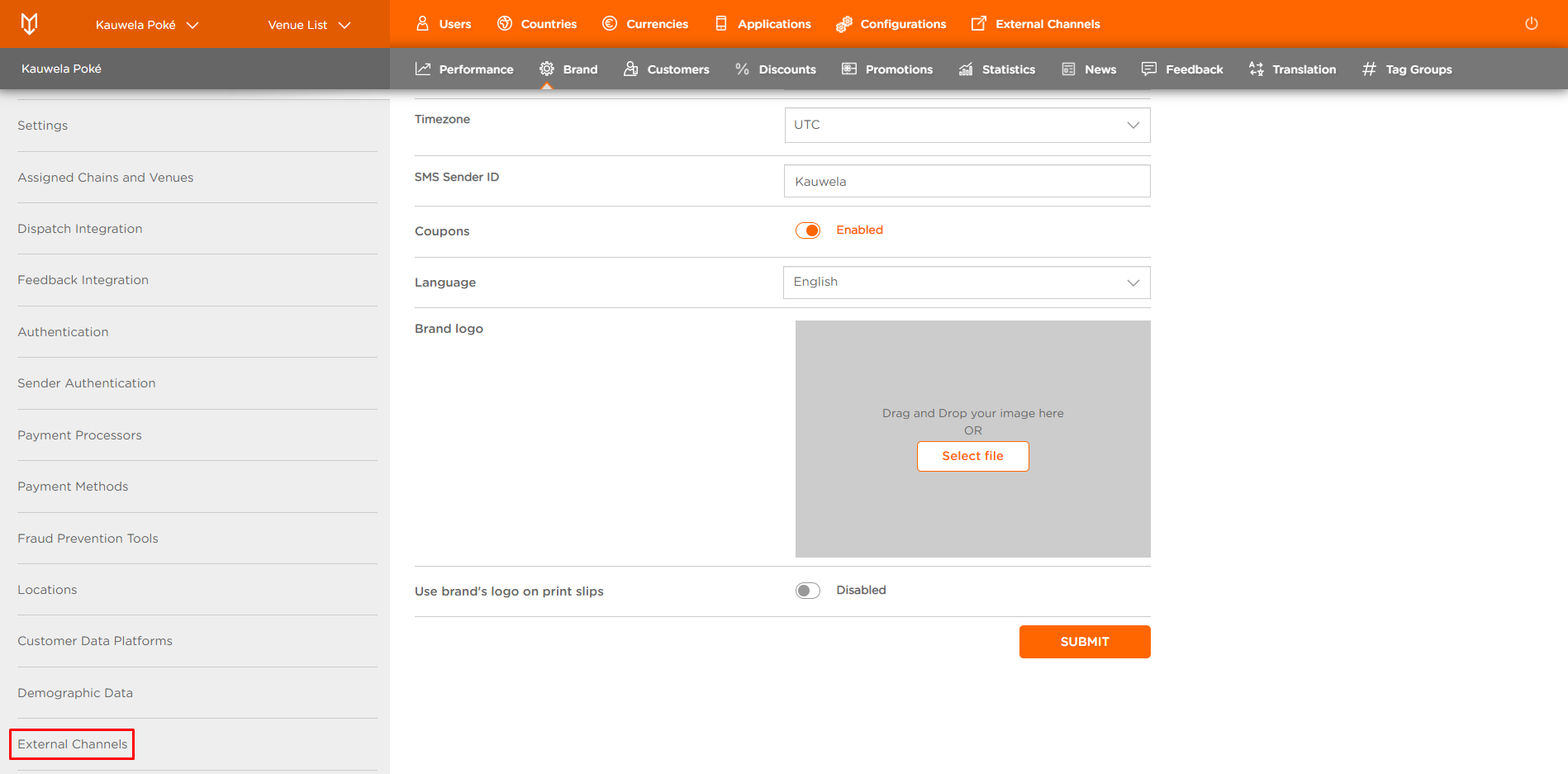
To assign External Channel:
- Click MANAGE in Assign External Channels
- Manage Assigned External Channel Types modal appears
It lists all External Channel Types previously created.
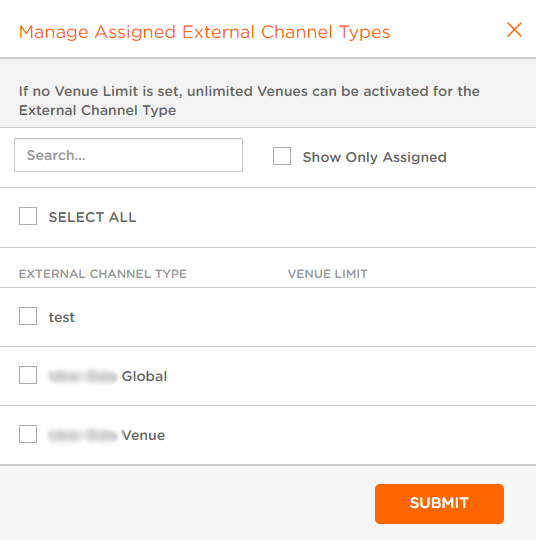
- Select the one you want to assign to External Channel (e.g. Uber Eats)
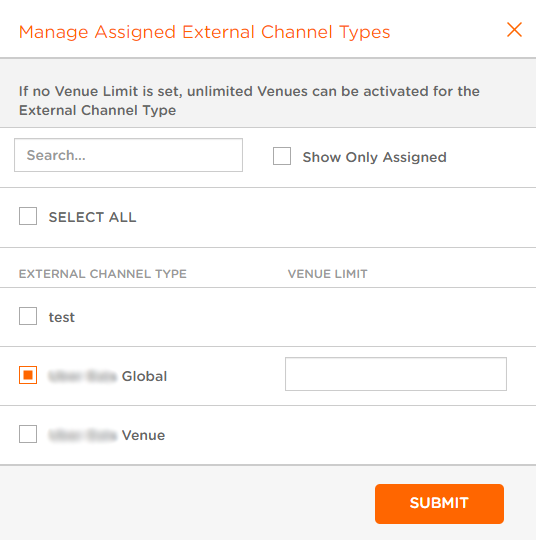
After you select Channel Type, in a new field adjust or insert a Venue limit number (a maximum number of Venues that can be created using this External Channel Type).
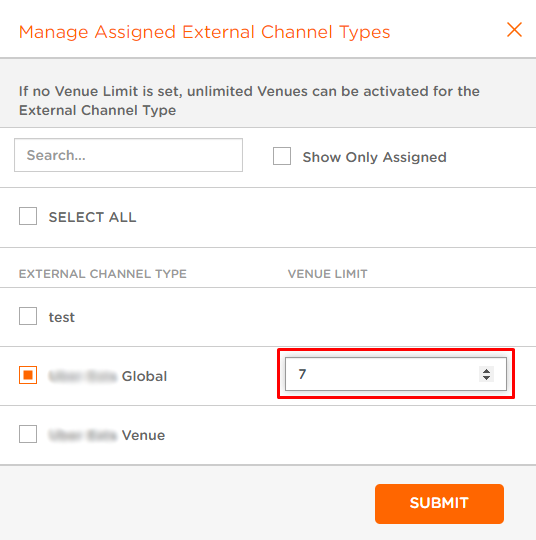
- Click SUBMIT to complete the process
You've successfully assigned External Channels to the External Channel Type.
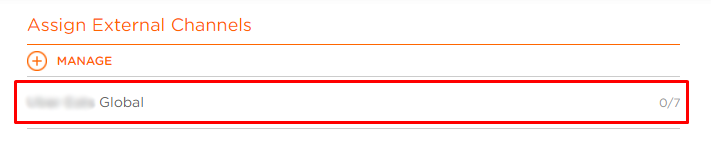
Now you can assign specific Venues to this External Channel.
