How to Add External Channel to Venue?
| User Role | Chain | Chain Venue |
|---|---|---|
| Brand Manager | ✅ | ✅ |
| Chain Manager | ✅ | ✅ |
| Company Manager | ❌ | ✅ |
| Local Manager | ❌ | ❌ |
After creating External Channel Types and assigning External Channels, you can now add a specific Venue to the External Channel you have created.
To assign External Channel to Venue:
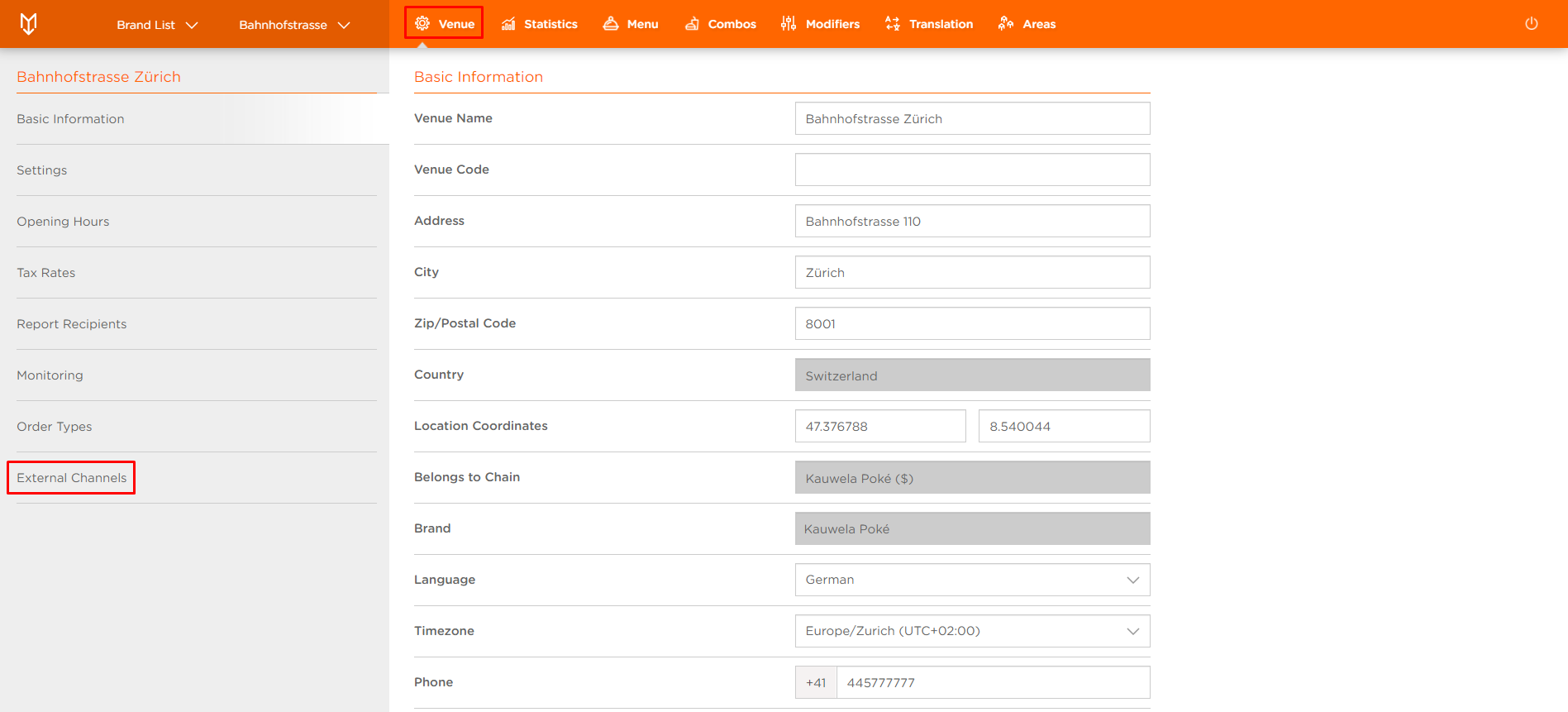
- Select the Venue you want to assign External Channel to
- Select External Channels tab
- Add External Channel form appears
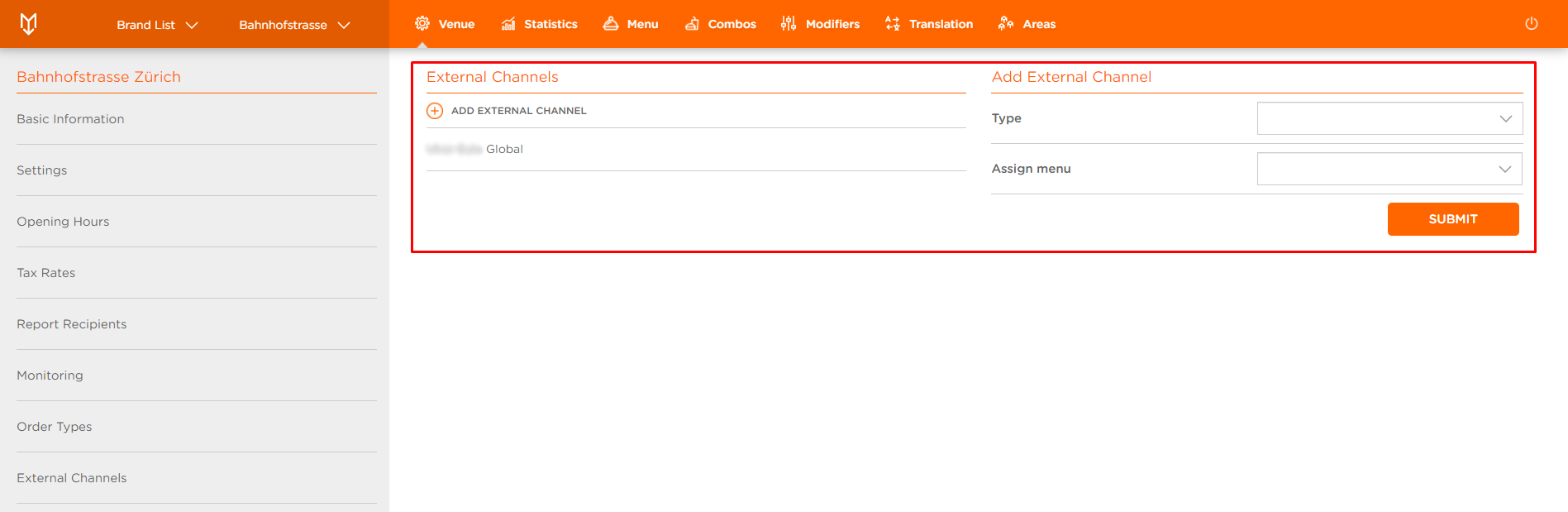
- Type: External Channel Type you have previously created (e.g. Food Order Channel)
- Assign menu: Menu to assign to this External Channel
Enter all the necessary data and make all the necessary changes.
- Click SUBMIT to save the changes
You've successfully added External Channel to Venue.
