Forgot Password
| User Role | Chain | Chain Venue |
|---|---|---|
| Brand Manager | ✅ | ✅ |
| Chain Manager | ✅ | ✅ |
| Company Manager | ✅ | ✅ |
| Local Manager | ❌ | ✅ |
If you are already registered and have a CMS account, but forgot your password, you can create a new one in a couple of steps.
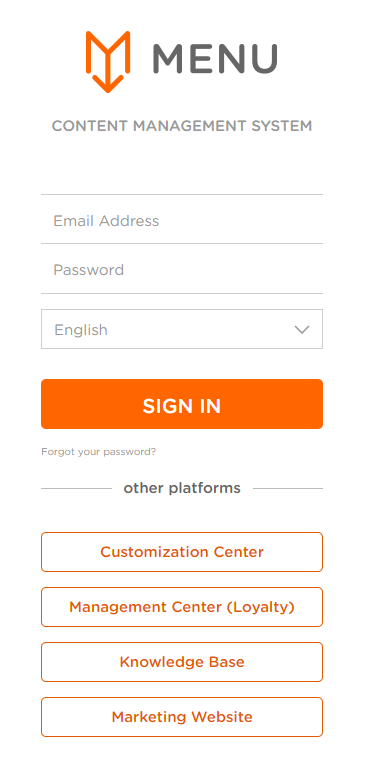
- Upon opening a CMS link, you will get a CMS login screen
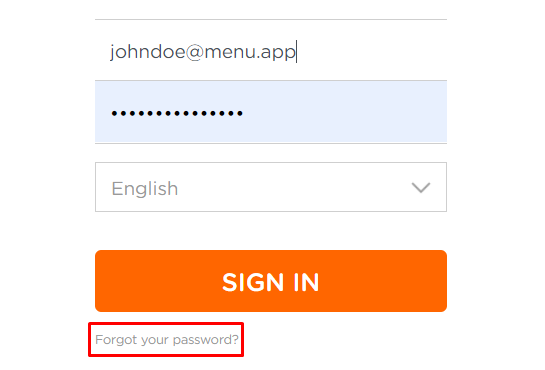
- Click on Forgot your password? link
- FORGOT YOUR PASSWORD form appears
- Enter your email in Email address field
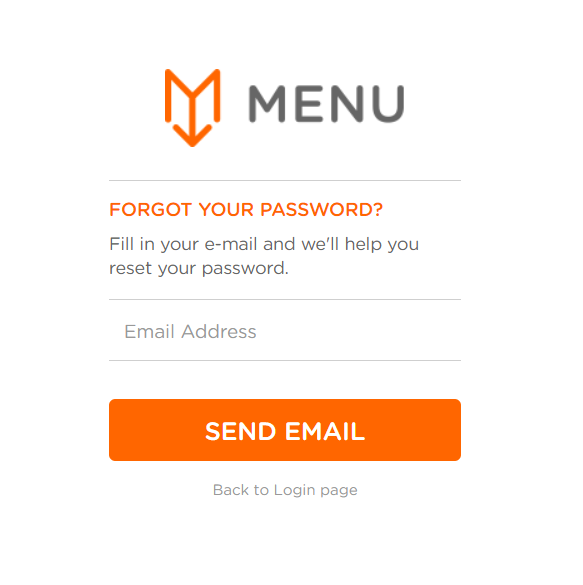
- Click SEND EMAIL
- Your password request will be sent to your email address
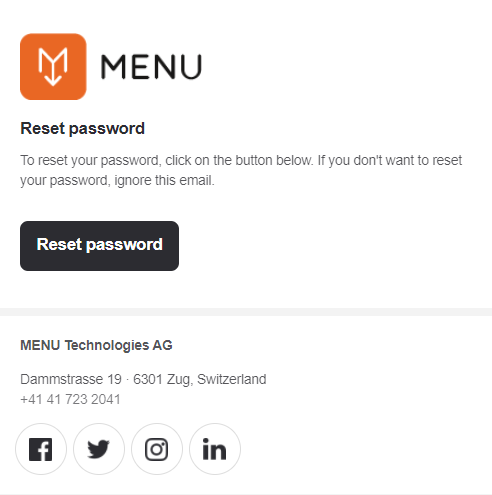
- Click Reset password button in the email you received
- Reset password form appears
- Enter and reenter your password for confirmation
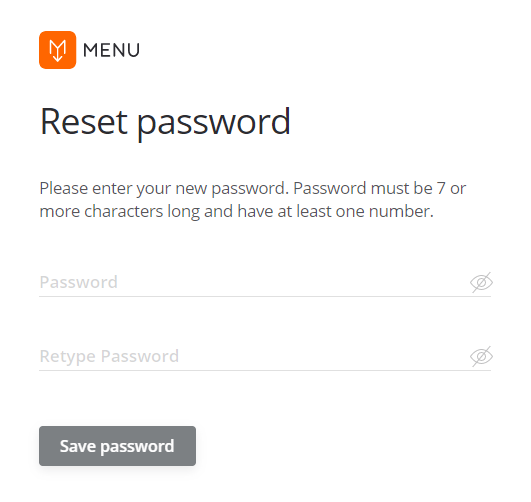
- Click Save password to complete the process
You've successfully reset your password.
