Feedback Emails - Forwarding
Context
PAR Ordering offers you the insight into your Customers' opinions in Feedback Overview page in the Management Center, here:
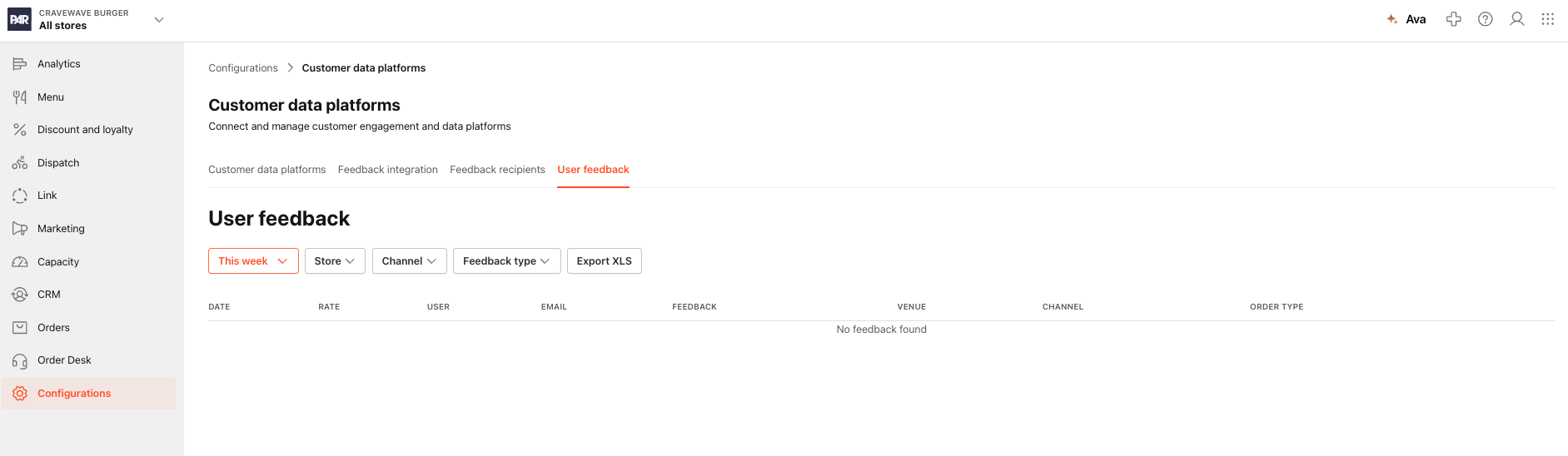
But did you know that feedback that the Brand is getting can be forwarded via email?
How is it done?
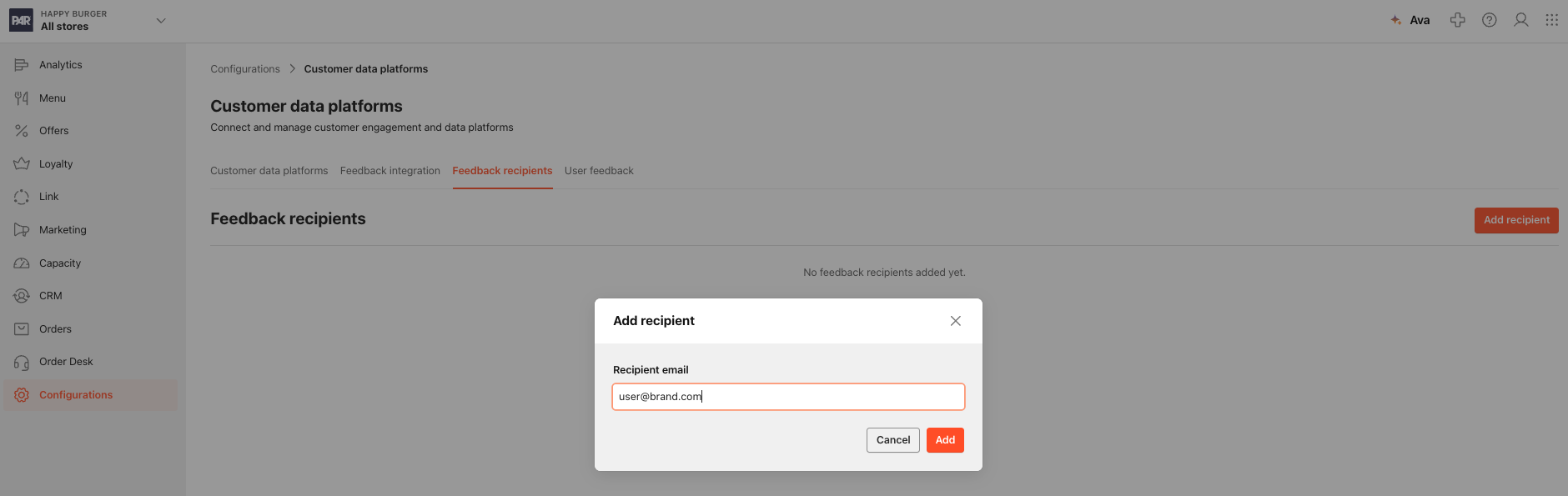
Your Brand can add as many feedback recipients as needed. The recipients are added through the Feedback Recipients page in The Management Center. They can be added on the Brand level and you can add as many as you need:
Feedback types
There are two feedback types:
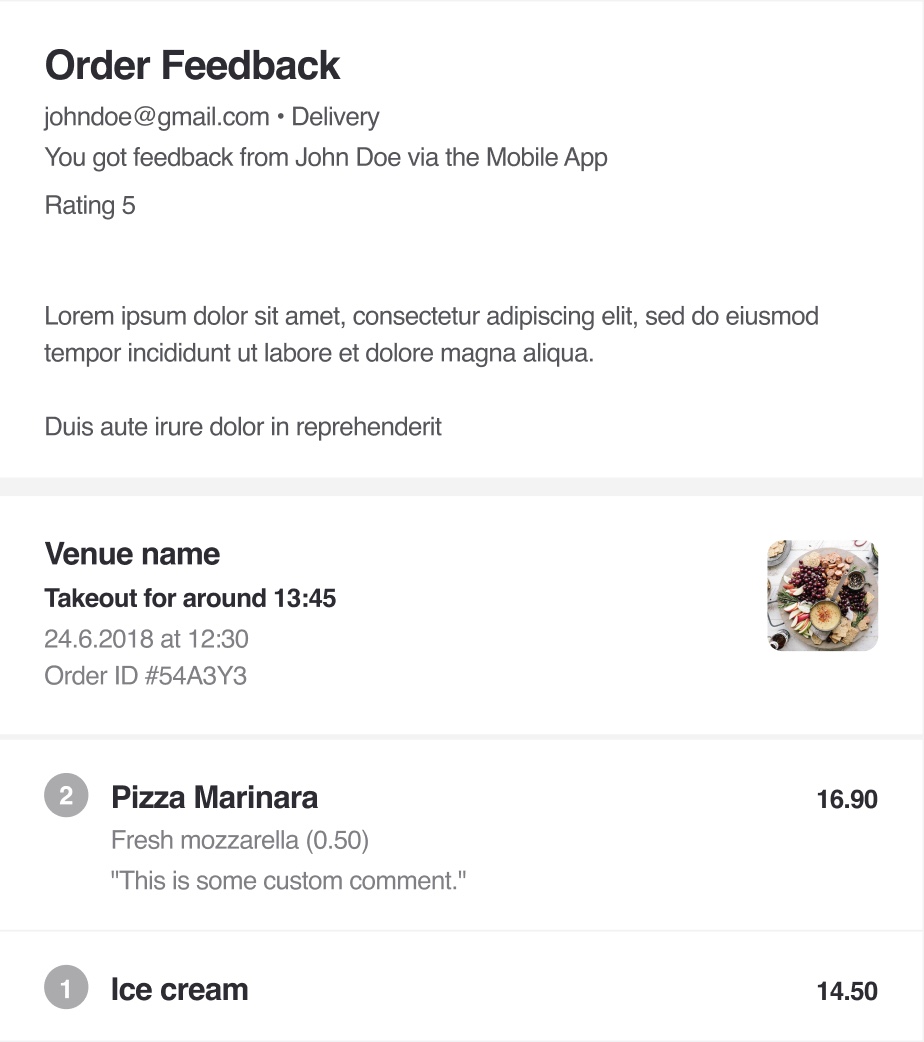
- Order Feedback (about a particular Order)
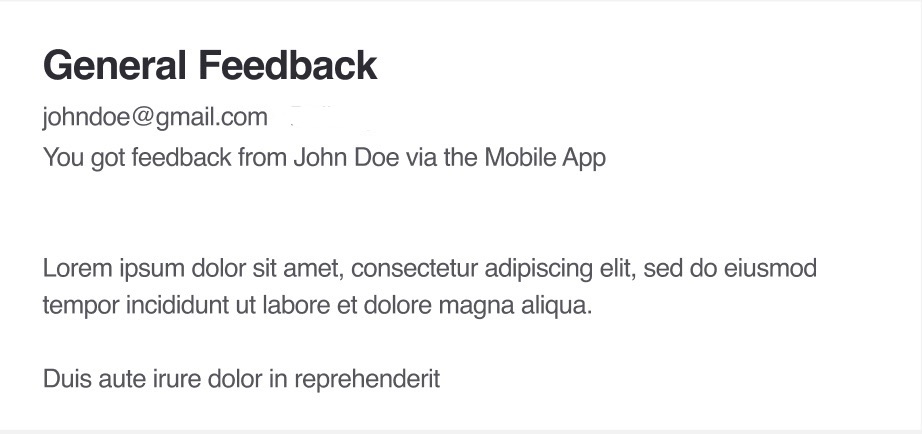
- General Feedback (about your business)
Here's how they look like:
|
|
|---|
