Changing String
| User Role | Access |
|---|---|
| Administrator | ✅ |
| Customizer who can invite | ✅ |
| Customizer | ✅ |
String can have a default, hover, selected and typing state.
To change String:
- Select String
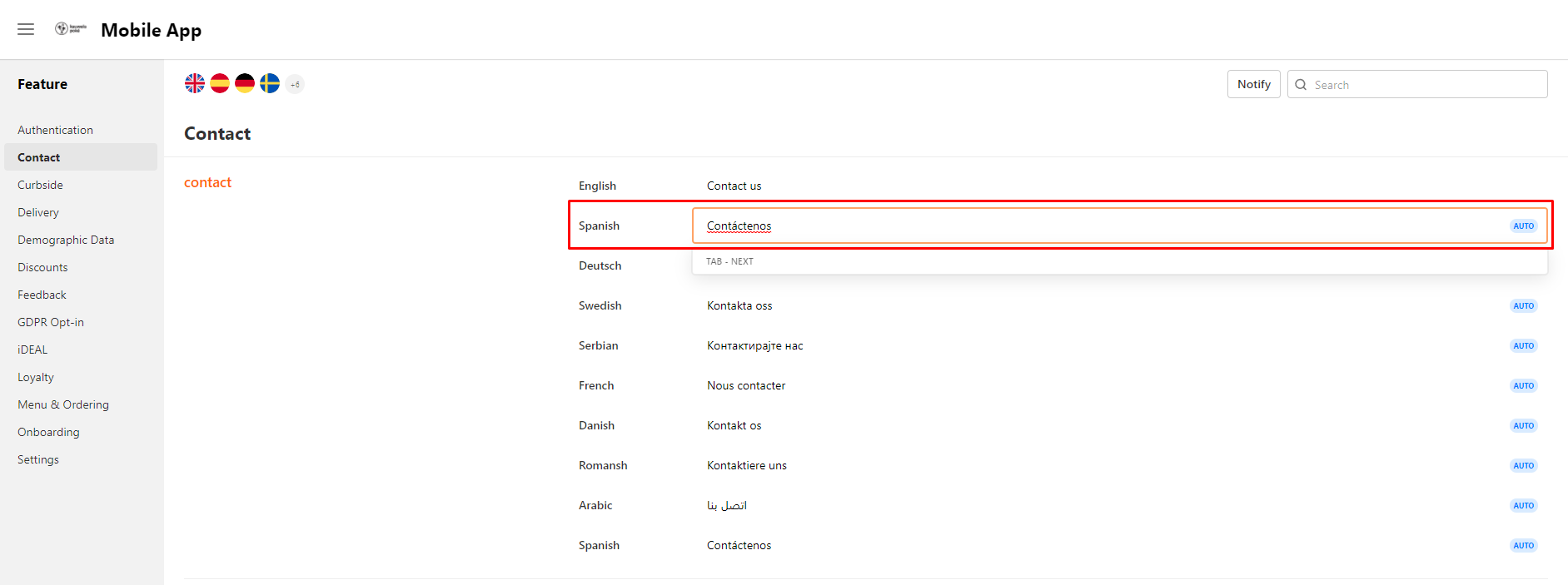
- Modal helper appears below
- History of all String changes (if there are any) is displayed below
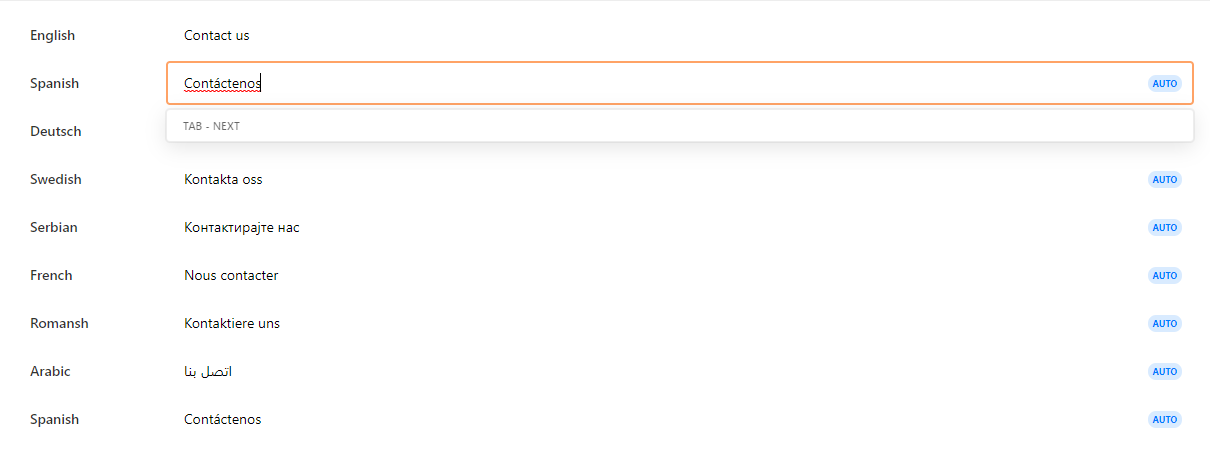
- Enter change in current String field
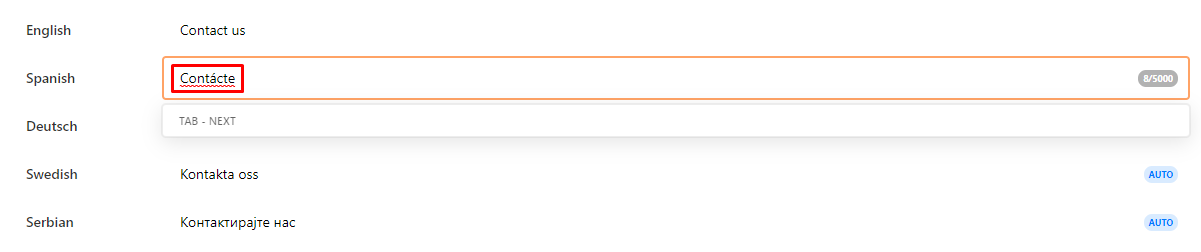
- Press Enter
You have successfully changed the String. If you would like to publish the String, you can do that by clicking Publish at the top right corner.
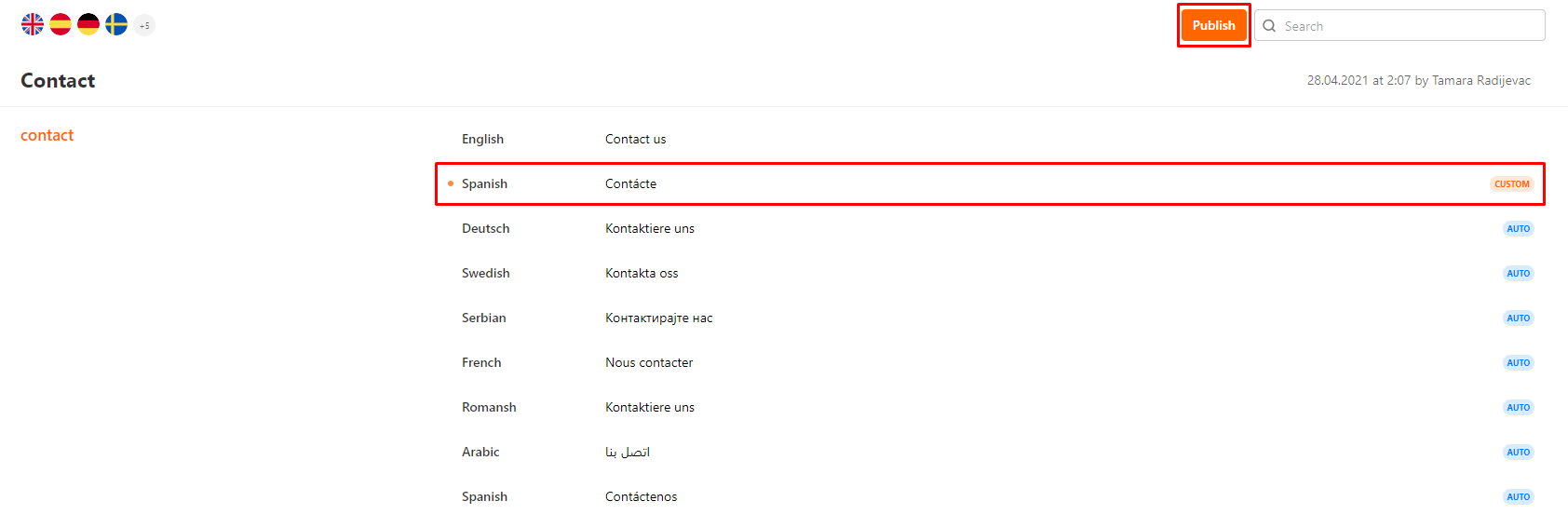
As you can see from the screenshot above, since the String is no longer auto-translated, there is no AUTO, but CUSTOM tag next to the String.
