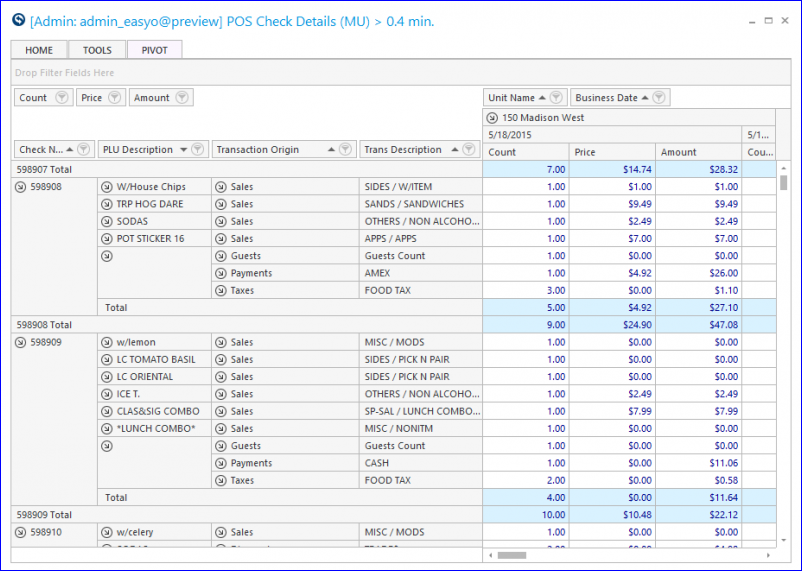
Check Details Report
Use this report to see check details by store for a specified date range. On POS reports with this procedure, the user can compare POS item details to DC item details.
Parameters
- Date From: Select Start Date to view from.
- Date Thru: Select End Date to view through.
- Unit: Select Unit to view.
- Unit Group: Select the Group to view.
- Check Number: Enter a specific check number to be viewed.
- Include DC Alignment: Check to populate DC item detail fields.
- Transaction Origin: Select the transaction origin(s).