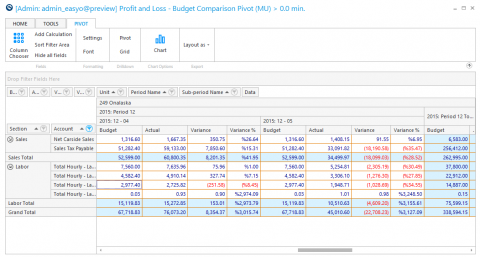
PnL Budget Pivot Report
Use this report to view the budget details vs. actual details for the period selected and the year to date.
Parameters
- Unit Group: Select Unit Group to view.
- Calendar: Select the calendar to use.
- From Period: Select the period to from.
- Through Period: Select the period to view through.
- Format: Select a P and L format.
- Budget Type: Select Original Budget or Revised Budget.
- Smart Rollup (Unit): Select None, Group 3, Group 2, Group 1 or Sum All.
- Show Empty Lines: Put a check in this box to show all lines in the selected format even those with a zero value.
- Common Currency: Put a check in this box to show the common currency measure.