Toast v3 POS Promotions Workflow
The following two sections show a workflow where the promotion is valid, and three workflows where the promotion is invalid, removed, or ineligible.
- Promotion Is Valid
- Promotion Is Removed or Invalid
Promotion Is Valid
The following is the workflow for a promotion that is successfully applied and redeemed by the provider.
-
The promotion is successfully applied.
-
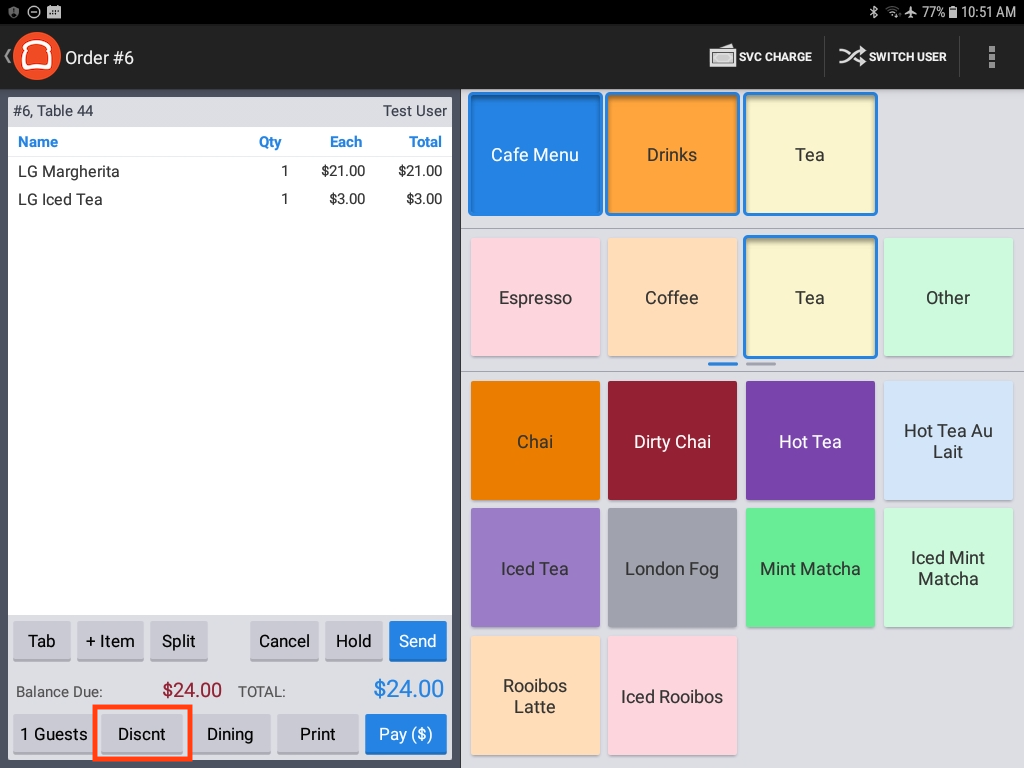
The server first selects the Discnt button at the bottom of the Order screen.
-
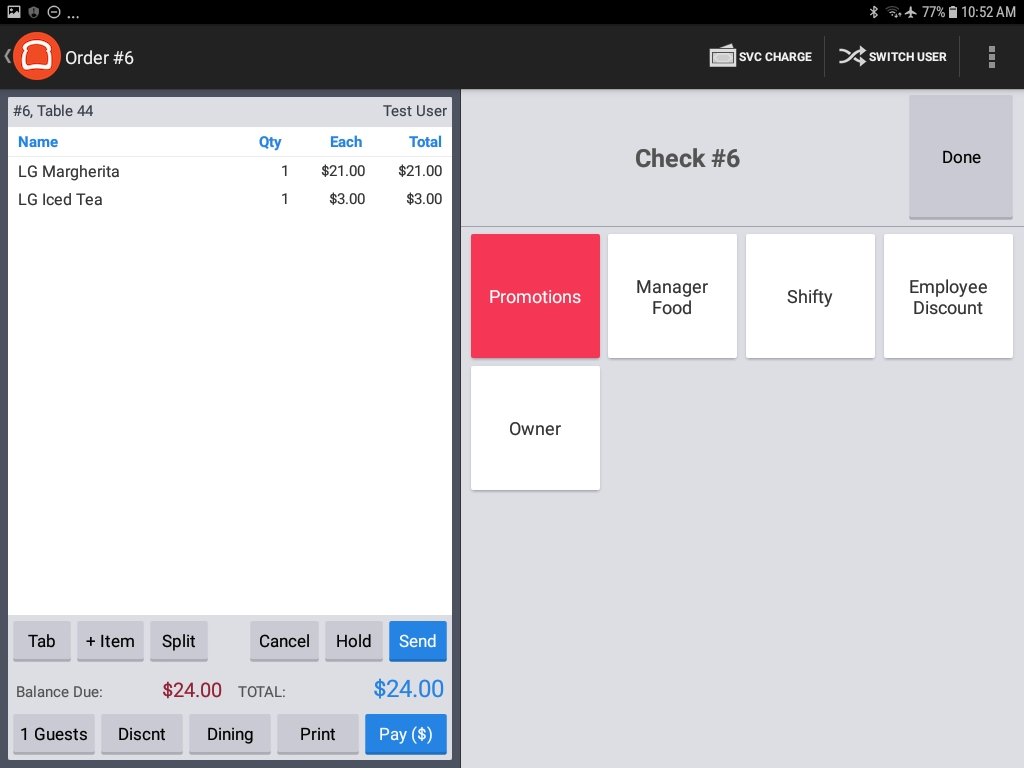
The server selects the configured Promotions button.
-
The server enters a valid promotion code and clicks the Apply Code button.
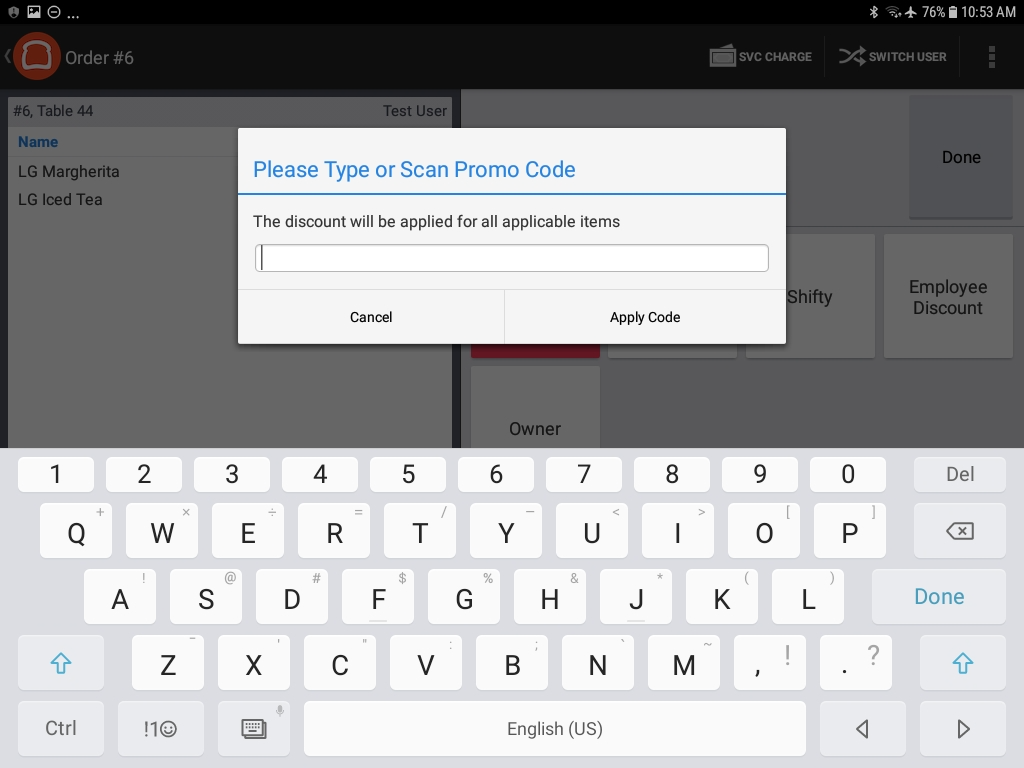
This action sends a
PROMOTION_VERIFYrequest via the promotions API to the provider. If the request is valid, the API will return aPromotionObjectobject. -
-
The promotion is revalidated before payment:
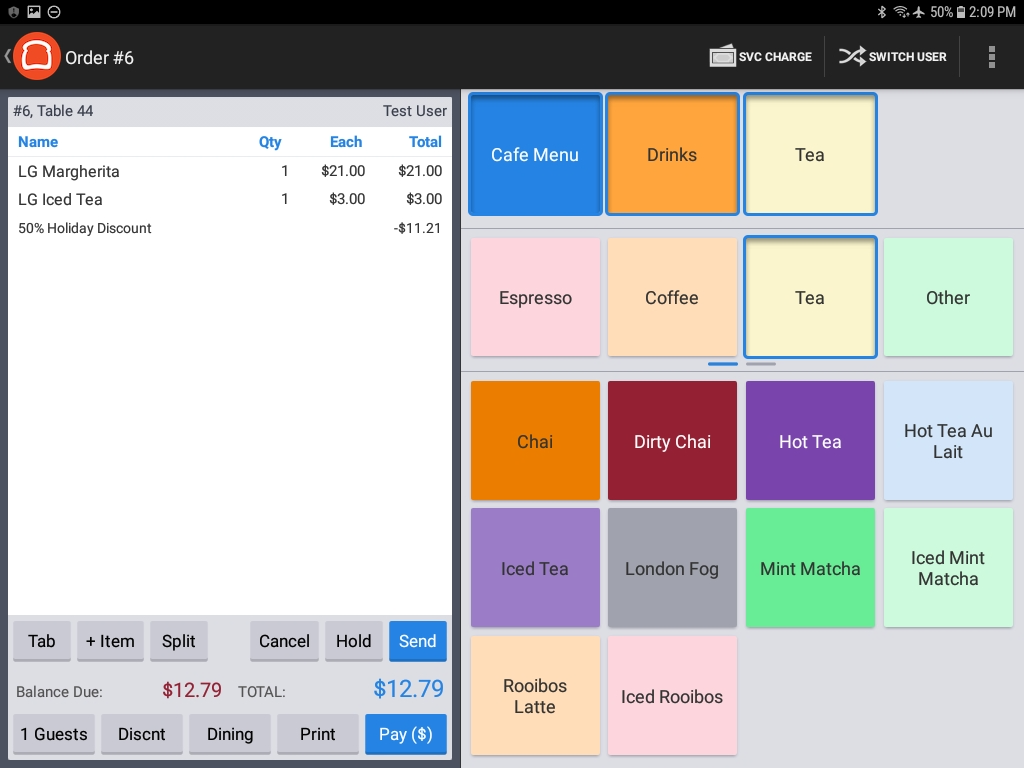
Toast verifies that the promotion is still eligible when the server selects the Send, Stay, Hold, or Pay button on the Order screen. The Toast POS system indicates this action by displaying a progress spinner and a
Validating Discountsmessage to the Toast POS user. In this example, the50% Holiday Discountpromotion is validated.This action sends a
PROMOTION_REVALIDATErequest via the promotions API to the provider. If the promotion is still valid, the API will return a200 responseand a list ofAppliedPromotionobjects. -
Check with promotion is paid.
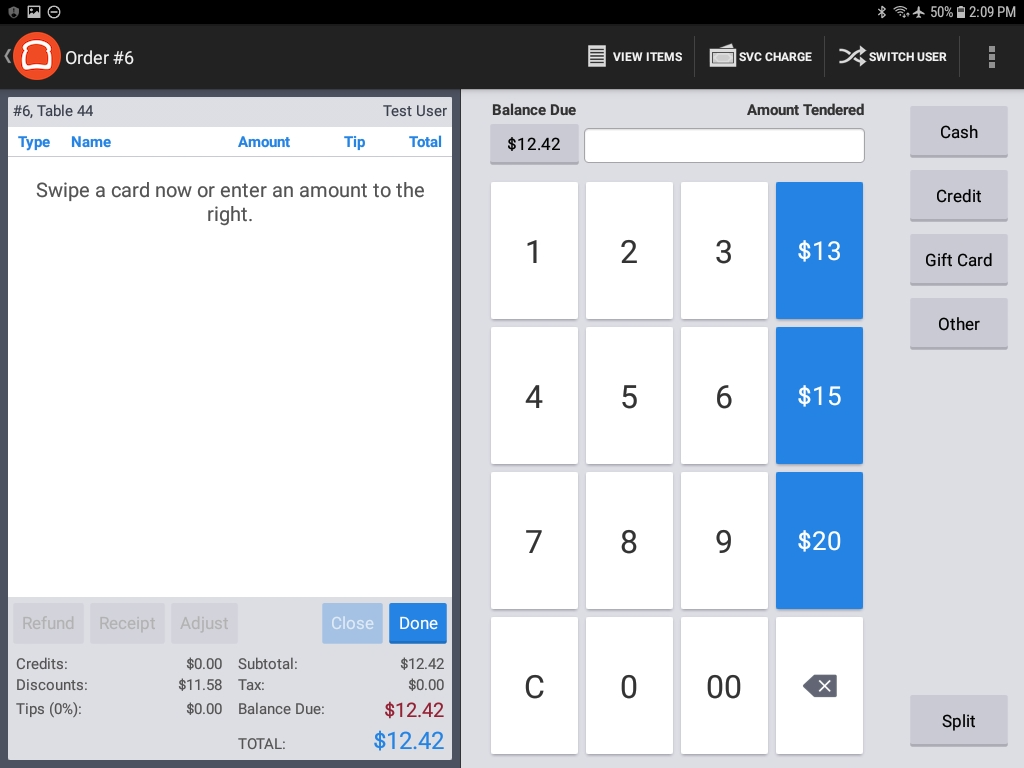
Upon the completion of payment, the promotion is redeemed by the provider.
This action sends a
PROMOTION_APPLYrequest via the promotions API to the provider. If the promotion is successfully redeemed by the provider, the API will send a200 responseand a list ofAppliedPromotionobjects. If the promotion fails to be redeemed for whatever reason, the API will return a400 responseand the appropriateErrorResponseobject.
Promotion Is Removed or Invalid
The following scenarios occur when the promotion is not eligible for promotion, invalid, or removed:
-
Check is not eligible for promotion:
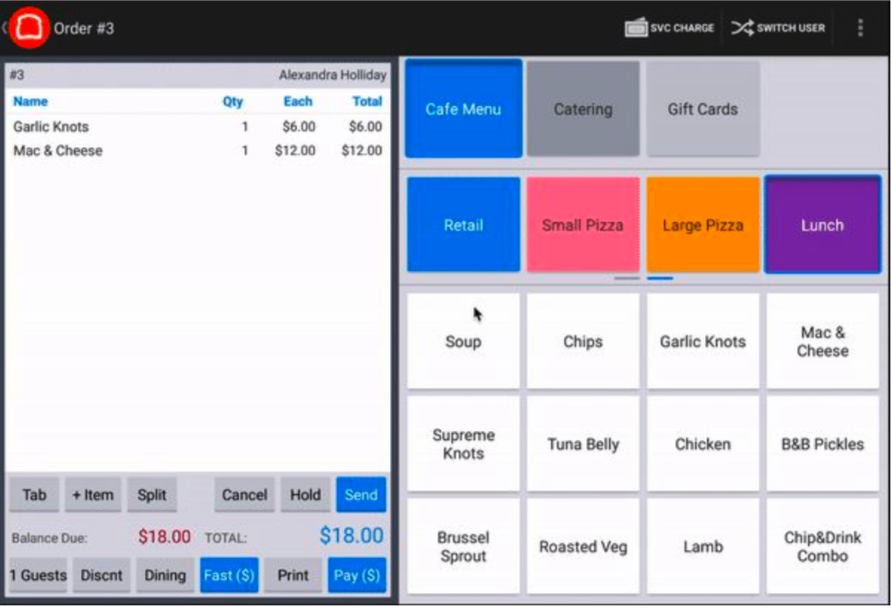
If a promotion is not valid, an error message (such as
The promotion code is invalid) displays on the Toast POS after you select Apply Code.This action sends a
PROMOTION_VERIFYrequest via the promotions API to the provider. In case of an invalid promotion, the API will return a400 responsewith an appropriateErrorResponseobject. This contains aPromotionErrorobject where anErrorTypecan be specified as well as auserErrorMessageto be displayed for the Toast POS user. -
Promotion is no longer valid upon revalidation:
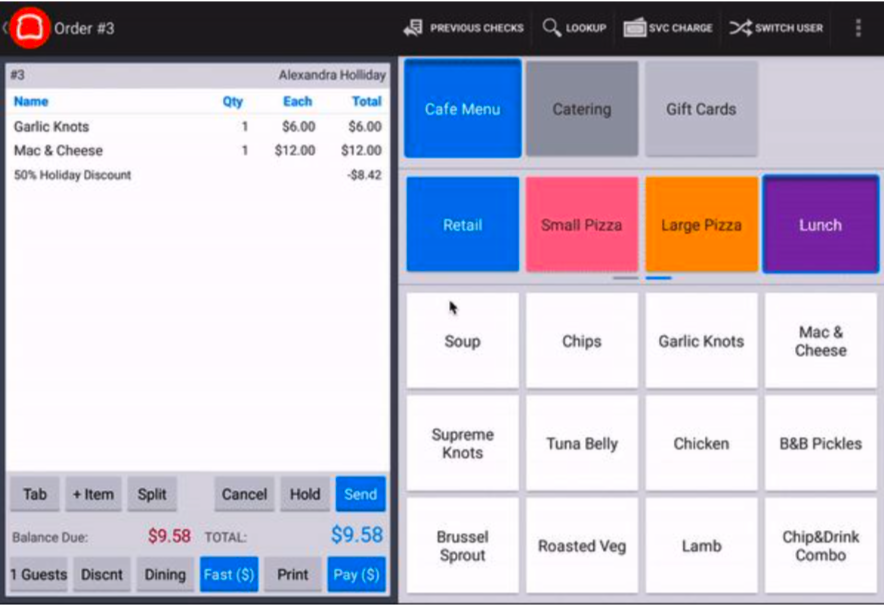
Toast verifies that the promotion is still eligible when the server selects the Pay button. The Toast POS system indicates this action by displaying a progress spinner and a
Validating Discountsmessage to the Toast POS user. If the promotion is not valid, an error message (such asThe promotion code is invalid.) displays on the Toast POS after you select Apply Code.This action sends a
PROMOTION_REVALIDATErequest via the promotions API to the provider. If the promotion is invalid based on the new state of the check, the API will return a400 responseand the appropriateErrorResponseobject. -
Promotion is removed:
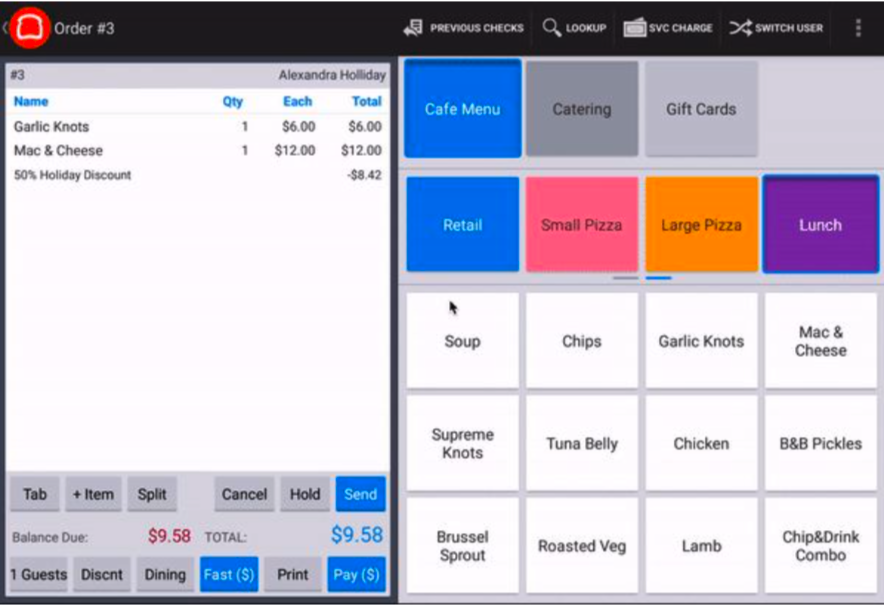
To remove a promotion (regardless of whether it has been redeemed yet or not), you highlight the promotion in the Order screen and deselect the discount button that displays the name of the promotion that you would like to remove.
Once the promotion is removed and you have navigated away from the discounts screen, the button of the removed promotion will no longer appear.
This action sends a PROMOTION_VOID request via the promotions API to the provider.
