How Do I Assign a Public Cash Drawer?
Select Manage Drawers
-
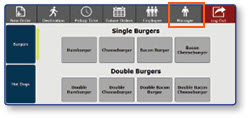
Once logged in to the register, access Manager Functions from the top bar.
-
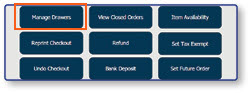
Select Manage Drawers.
Assign a Public Drawer
-
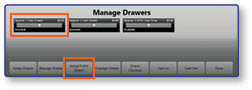
Select the Drawer to be assigned.
-
Select Assign Public Drawer.
-
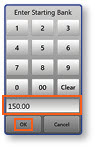
Confirm or enter the Starting Bank, then select OK.
Note: The register will now be available for public use.
