How Do I Start a New Order?
Log In to the Register
- Log in to the register by entering your PIN, swiping your card, or scanning your fingerprint at the sign-in screen.
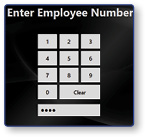
Note: If logging into the register for the first time of the day, select a Job, Clock In, and Assign a Cash Drawer.
Enter Items to Start Order
- To start a new order, select an Item.
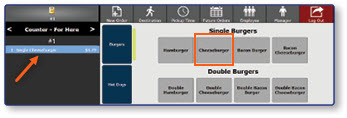
Note: The item will be added to the order, and an order number will be assigned.
Start a Second Order
- To start a second order before tendering the first, select New Order.
- Select an Item.
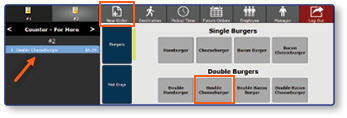
Note: The item will be added to the order, and an order number will be assigned.
