Meta Pixel (Facebook) on Web App
This document explains how you can enable Meta Pixel on your Web app.
Create and Install a Meta Pixel.
Step by Step
- Go to Events Manager
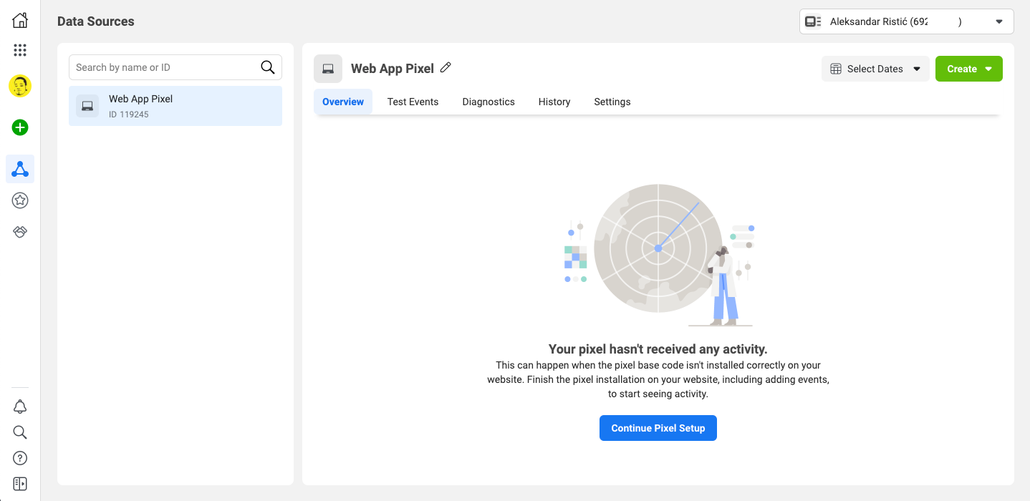
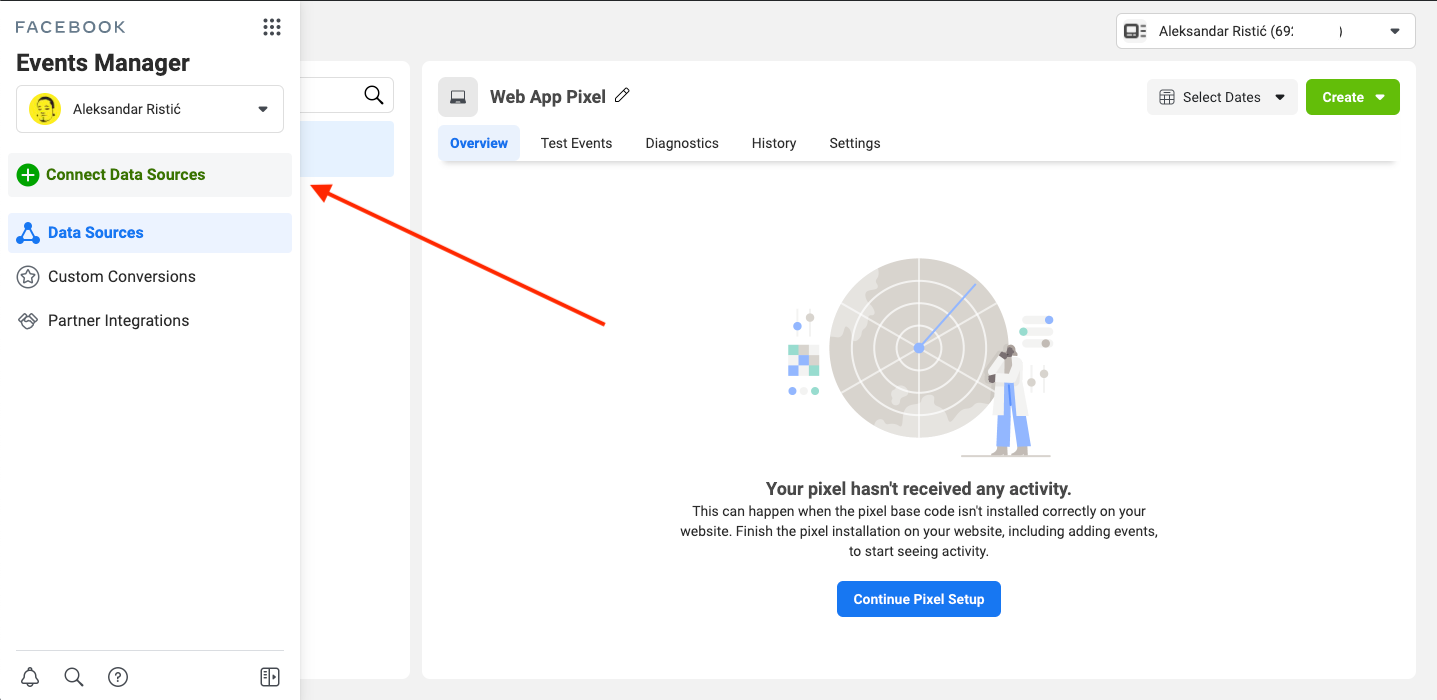
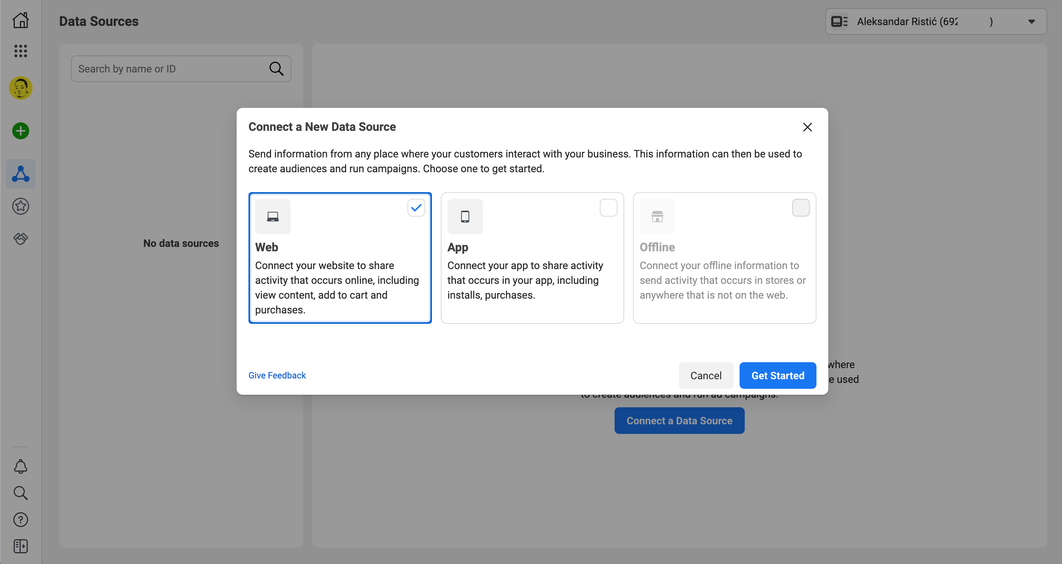
- Click Connect Data Sources and select Web
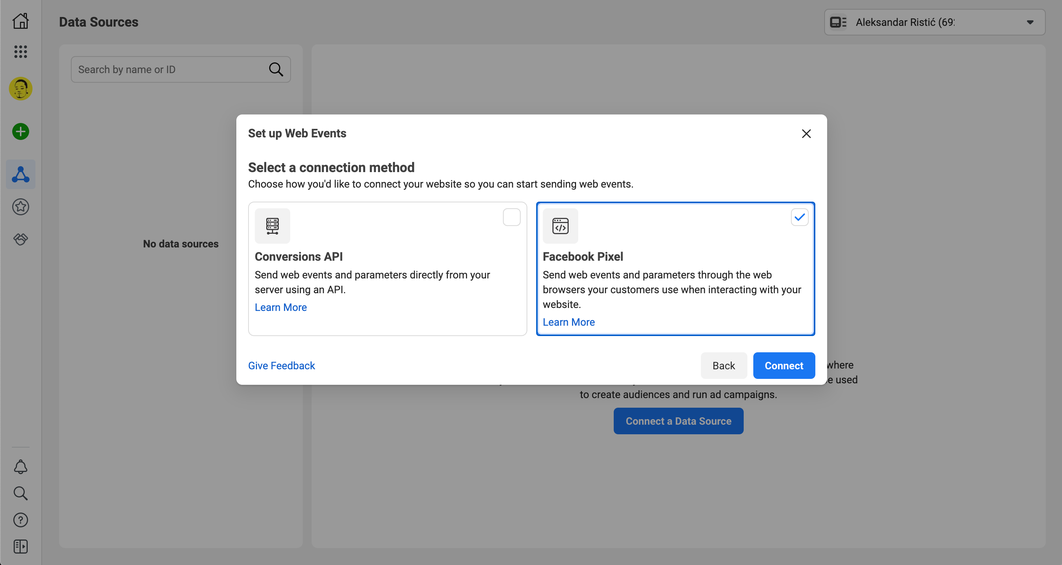
- Select Meta Pixel and click Connect
-
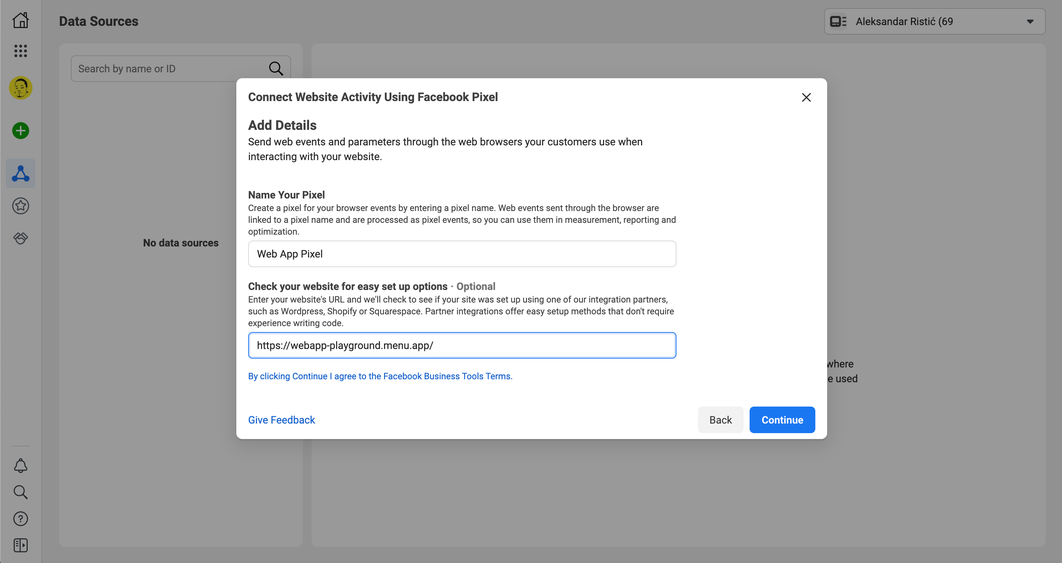
Add your Pixel Name
-
Enter your website URL to check for easy setup options
URL can be to your origin website or your ordering subdomain (example.com or order.example.com if you have Web App under that domain). Make sure you include http or https in the domain.
- Get Meta Pixel ID:
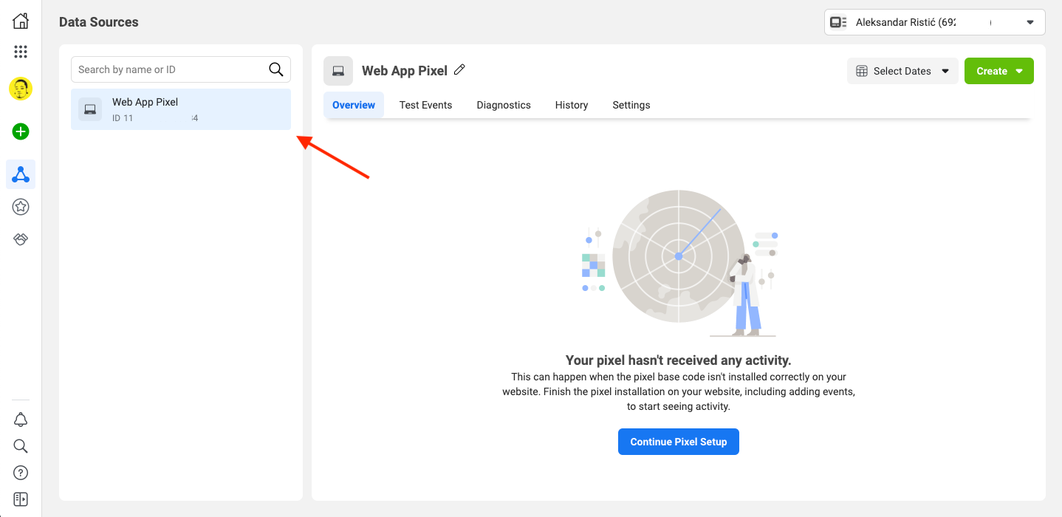
- Send this ID to your Account Manager and the team will make sure it’s included on your Web app
You should see the data coming in the next 1-3 days.
