How to Update the PAR Ordering Tablet App on Android
Updating your app to the latest version gives you access to the latest features and improves app security and stability.
If Google determines that an app update fixes a critical security vulnerability, we may make certain app updates. These updates can occur regardless of update settings in the app or on your device. For more information, read the Google Play Terms of Service.
How to update the PAR Ordering Tablet app:
-
Open the Google Play Store app.
-
At the top right, tap the profile icon.
-
Tap Manage apps & device
-
Tap on Manage.
-
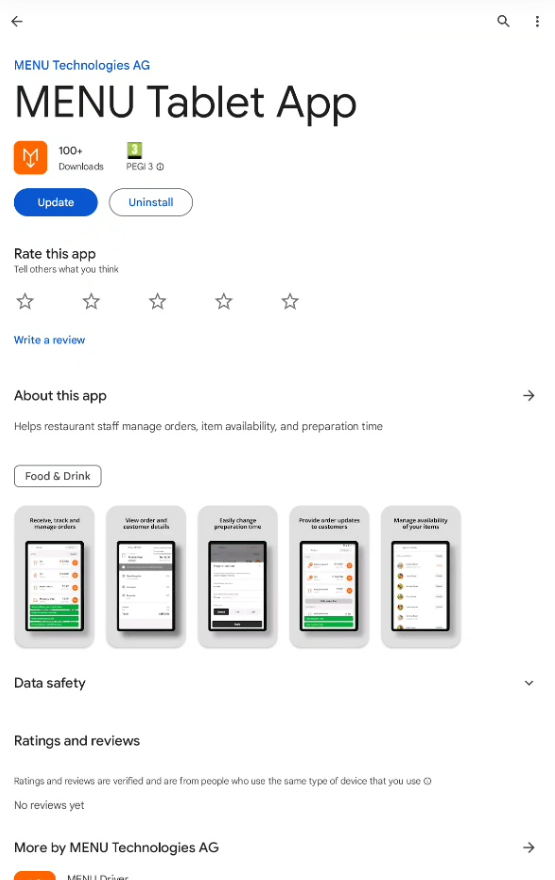
Search the PAR Ordering Tablet App and Tap on it:

-
Tap on "Update"
How to update PAR Ordering Tablet App automatically
-
Open the Google Play Store app.
-
At the top right, tap the profile icon.
-
Tap Manage apps & device.
-
Tap Manage,
-
Search the MENU Tablet App and Tap on it:
-
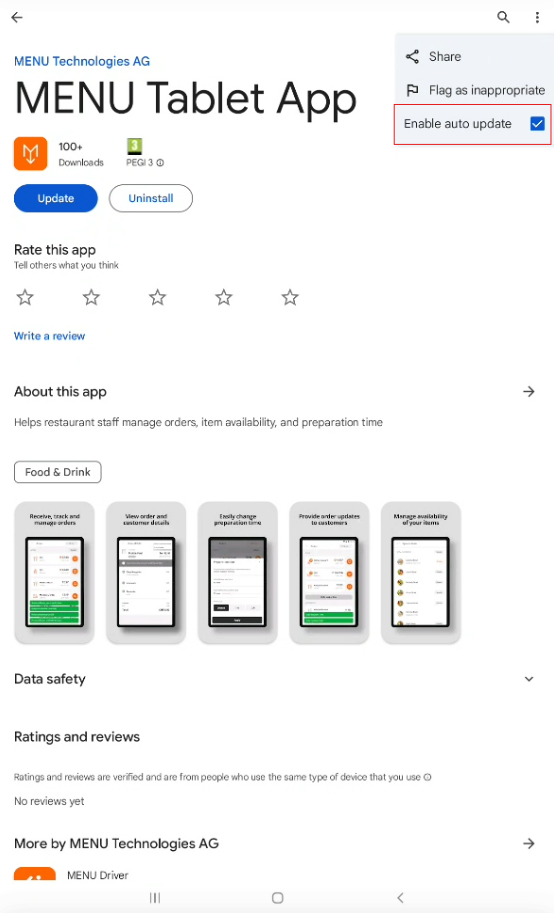
On the app's "Details" page, tap More.
-
Turn on Enable auto update.