Web: Loyalty
Context
PAR Ordering Loyalty is designed to help you retain Customers by rewarding them through a spend-based program. To create a compelling experience, configure your Loyalty program and personalize your rewards according to both our guidelines and your specific needs.
Loyalty currency
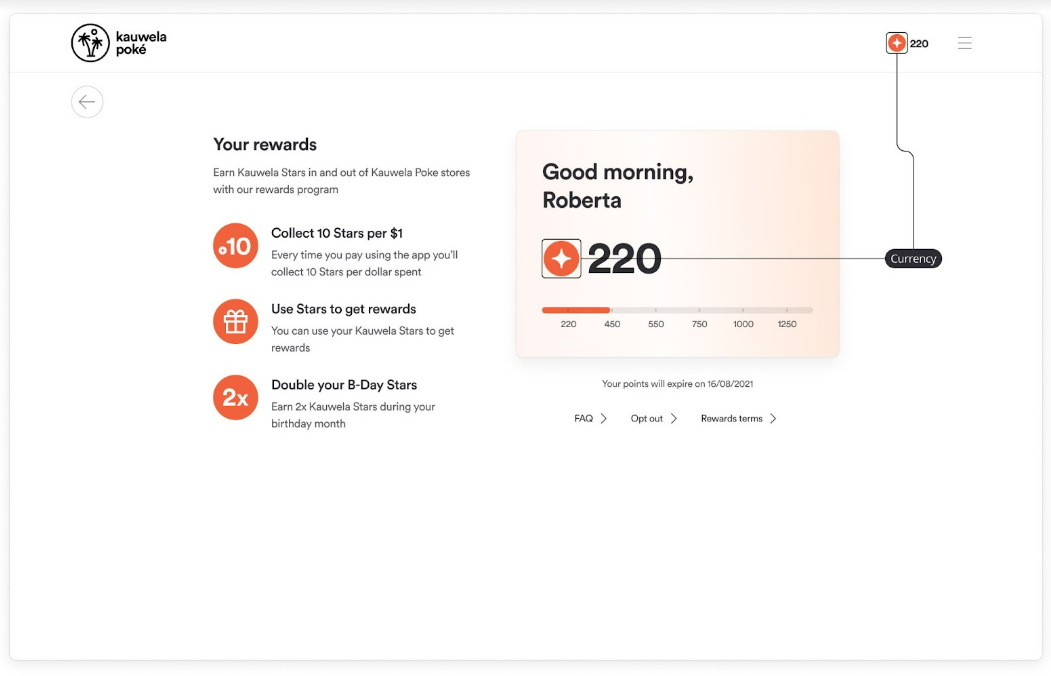
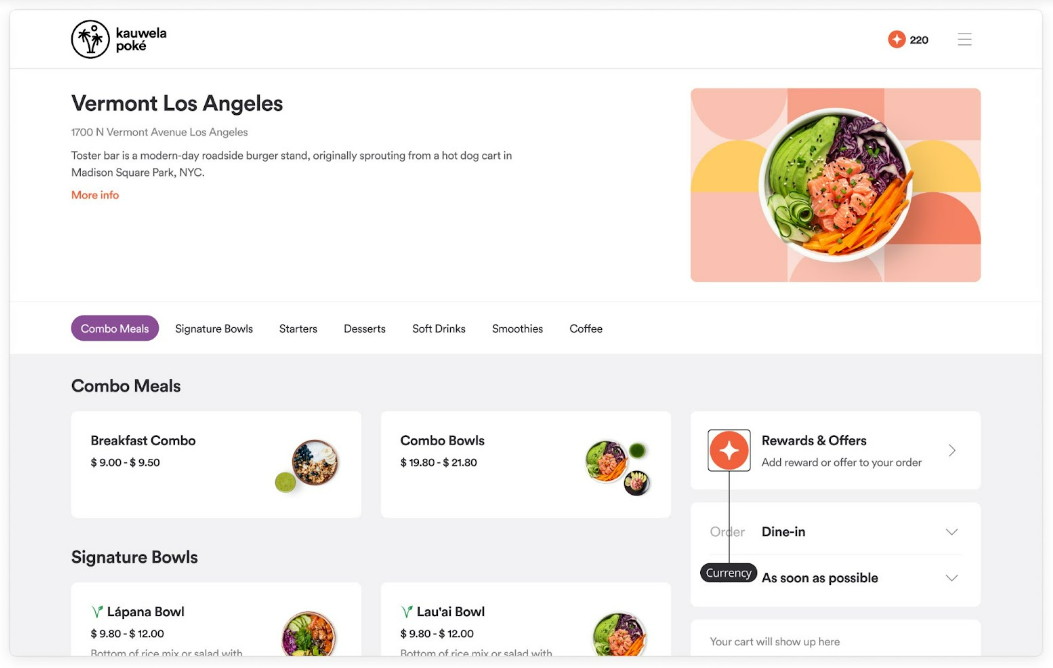
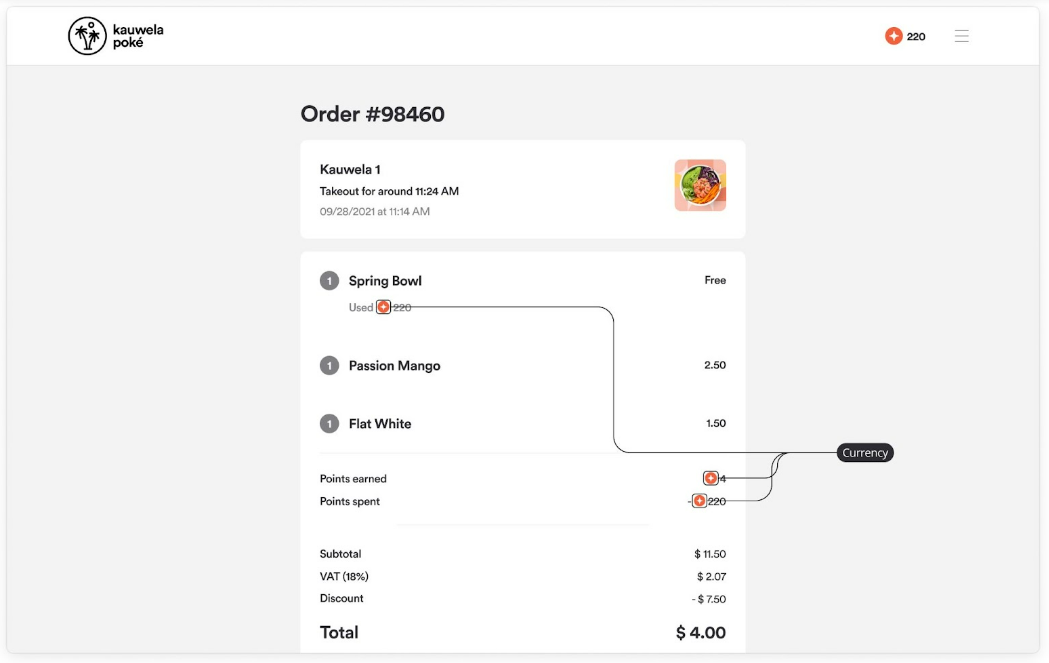
Loyalty currency or points are collected by Users and they are spent to buy Rewards. Like any other currency, it has its own symbol.
Used for:
- Loyalty Card
- Loyalty and offer component on the Menu screen
- Showing the number of points in the header
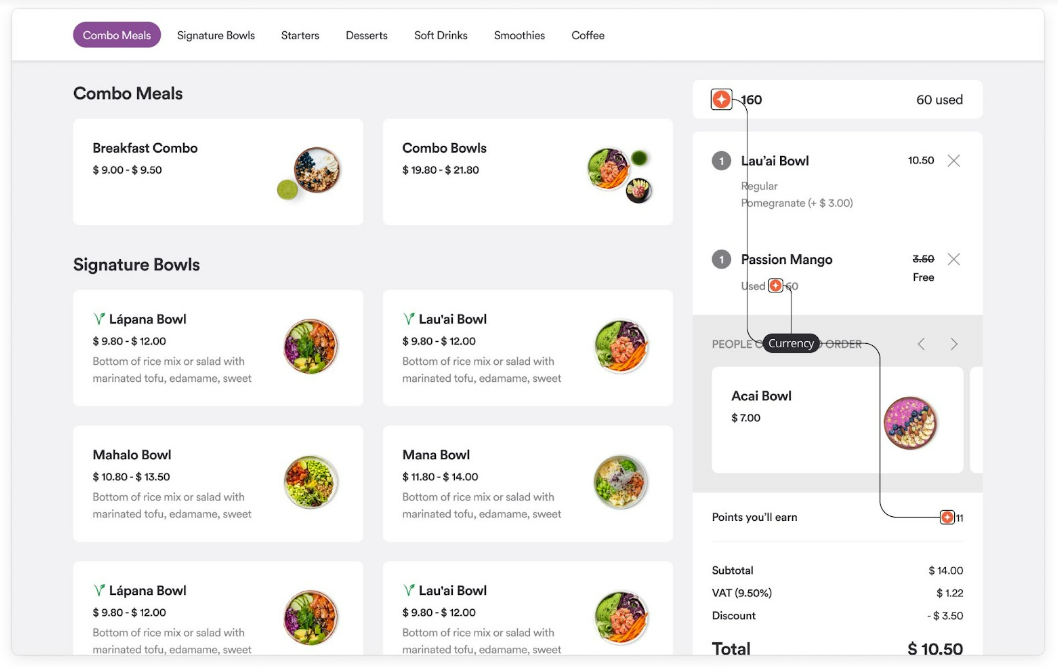
- Showing the number of points used above the cart on the menu screen
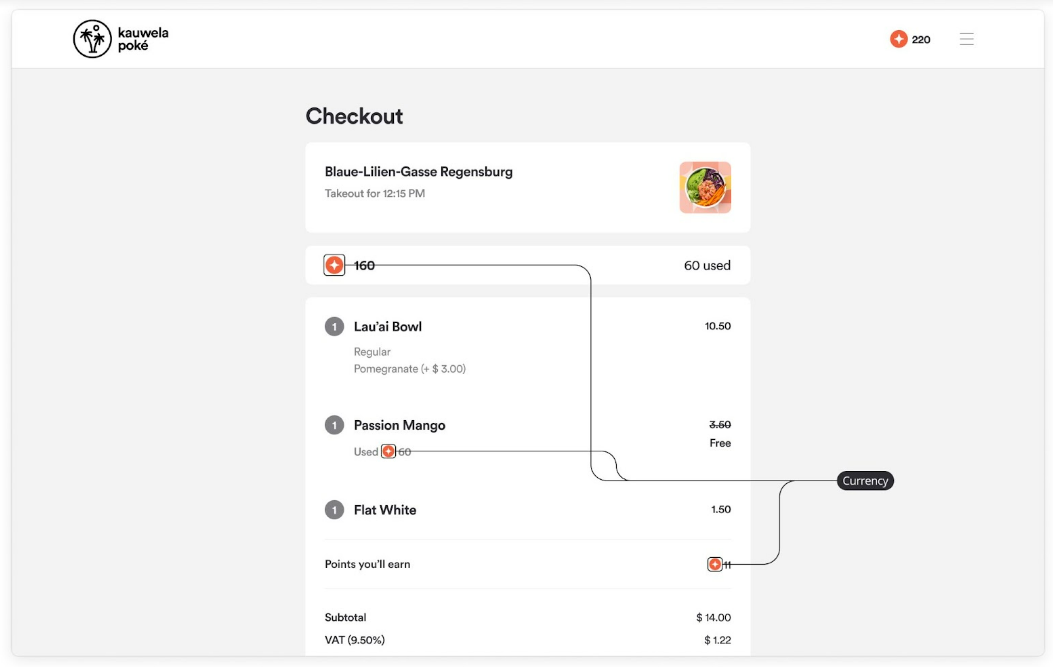
- Showing the number of points used on the checkout
- Showing the pricing in points for rewards
- The number of points user will earn in the cart
- The number of points user will earn in the checkout
- Showing the number of points spent or earned on the Single order screen
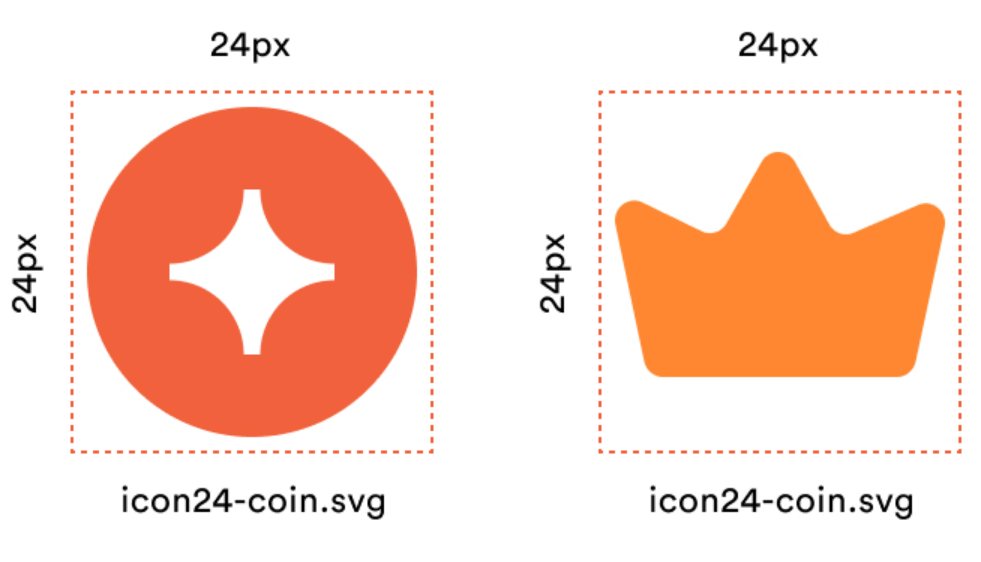
Requirements:
- Image container size: 24x24px
- Image format: SVG
- Name: icon24-coin.svg
Loyalty Card background
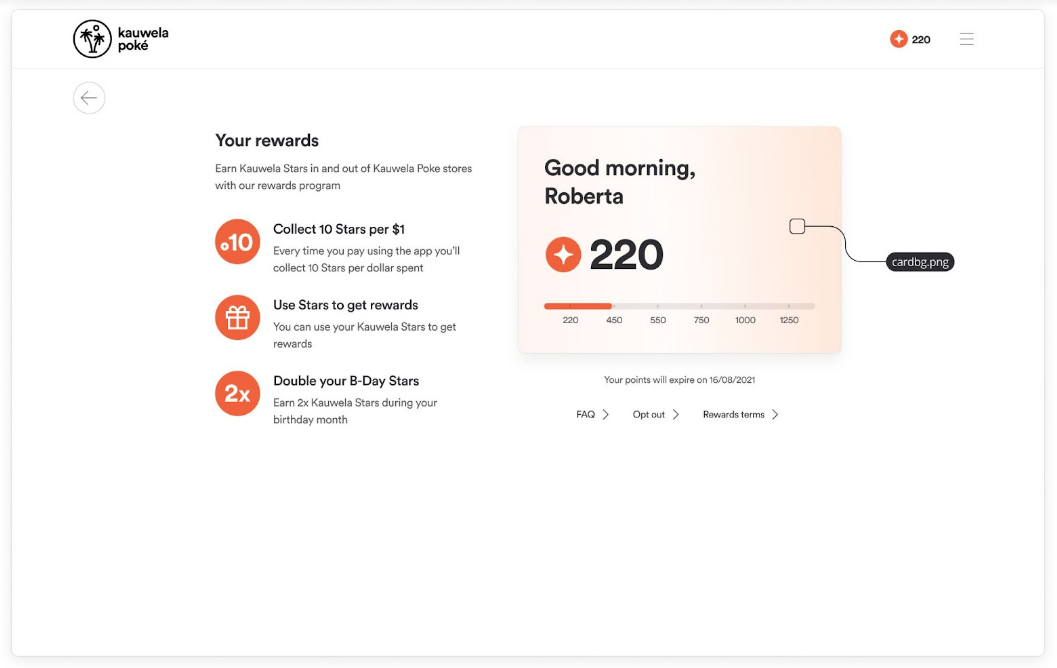
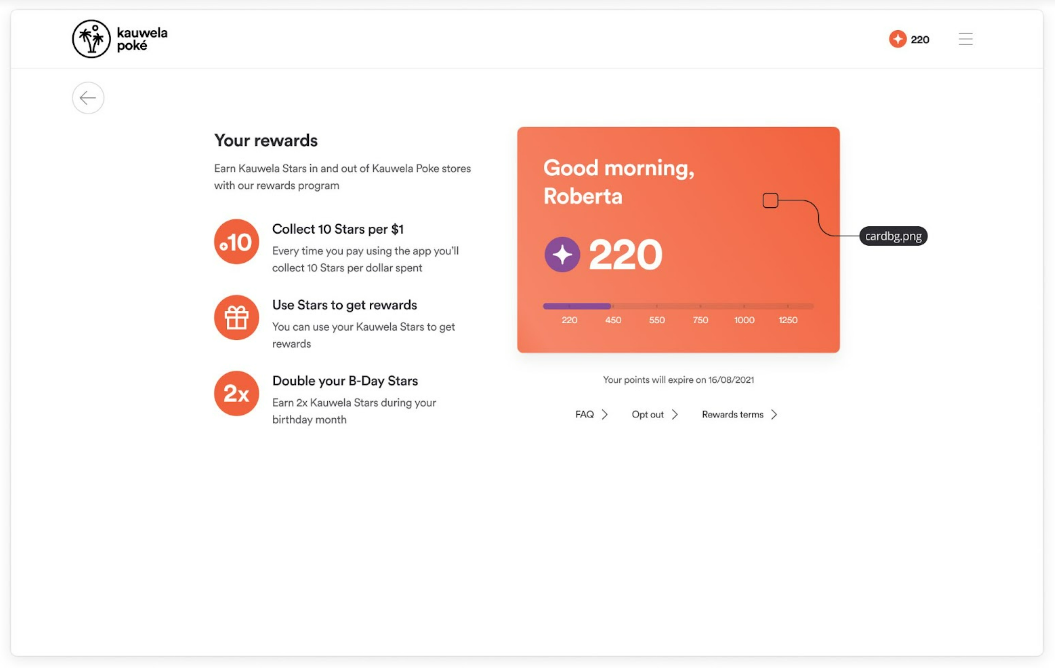
The Loyalty Card is used to show basic info about the User, the number of points and the tier that they have reached, but also to collect points from the cash register or Kiosk. There are two themes for the Loyalty Card and you will be able to choose one of them when configuring the Loyalty Program.
Light and Dark background
You can create light or dark background. If you choose light background, fonts will be dark. If you go for dark background, fonts will be white. The background should be light/dark enough so it doesn’t compromise the readability of the card.
Used for:
- Front of the Loyalty card
- Back of the Loyalty card (when collecting points - only on mobile)
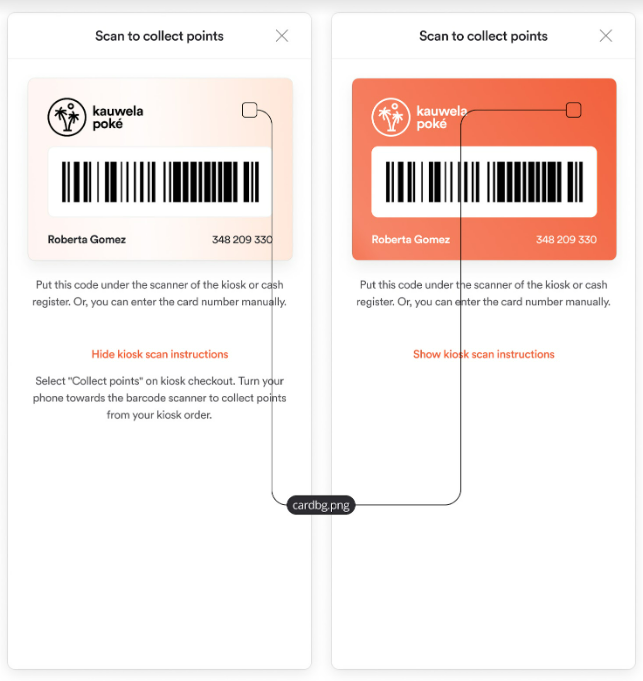
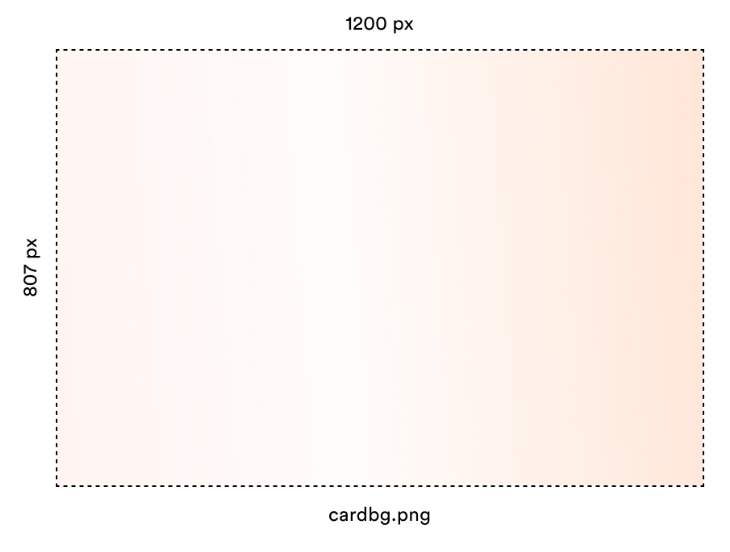
Requirements:
- Image size: 1200x807px
- Image format: PNG
- Name: cardbg.png
Program description images
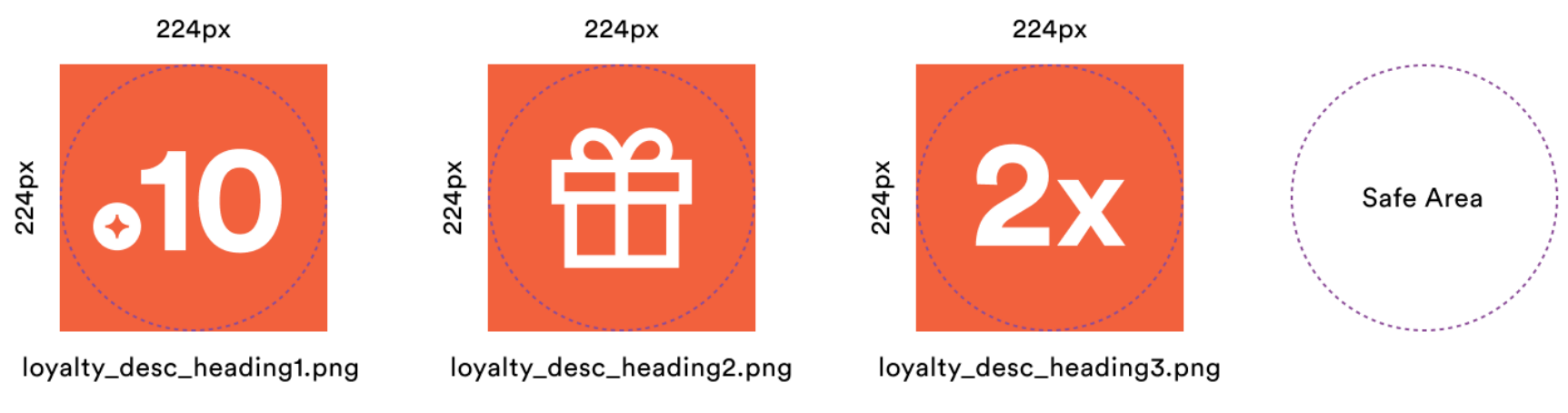
Program description images help information to be more understandable and immersive. Every image belongs to one paragraph that should explain one fact about the Loyalty Program. The maximum number of paragraphs is 3.
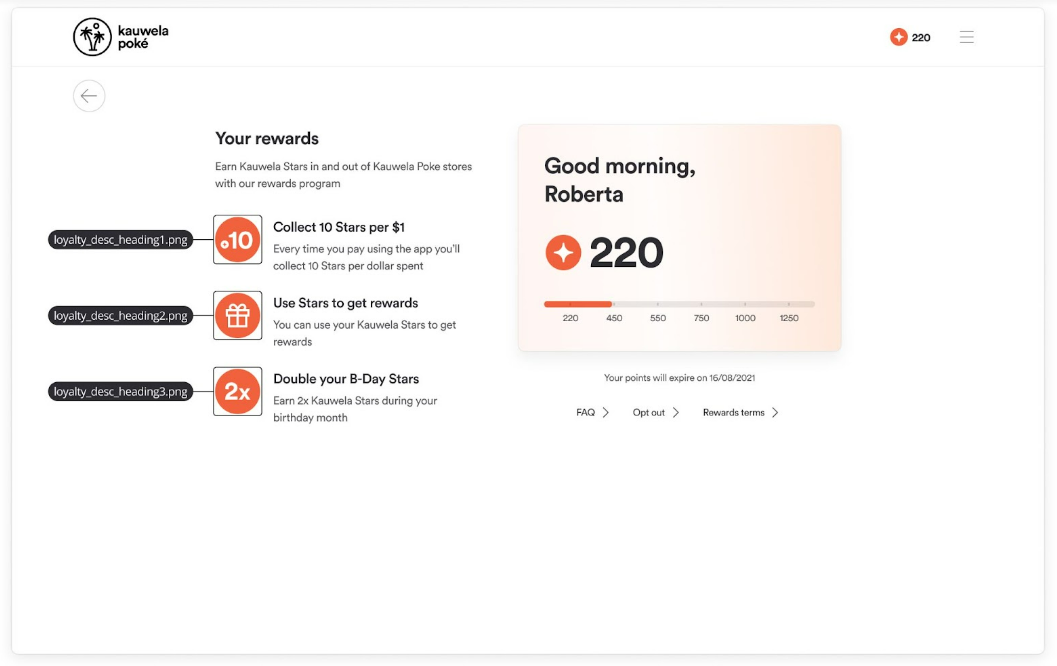
Requirements:
- Image size: 224x224px
- Image format: PNG
- Names:
Loyalty Card Logo
The loyalty card logo embodies Brand's identity and fosters recognition on the loyalty card. The card is used to collect points or identify the Customer in-Store.
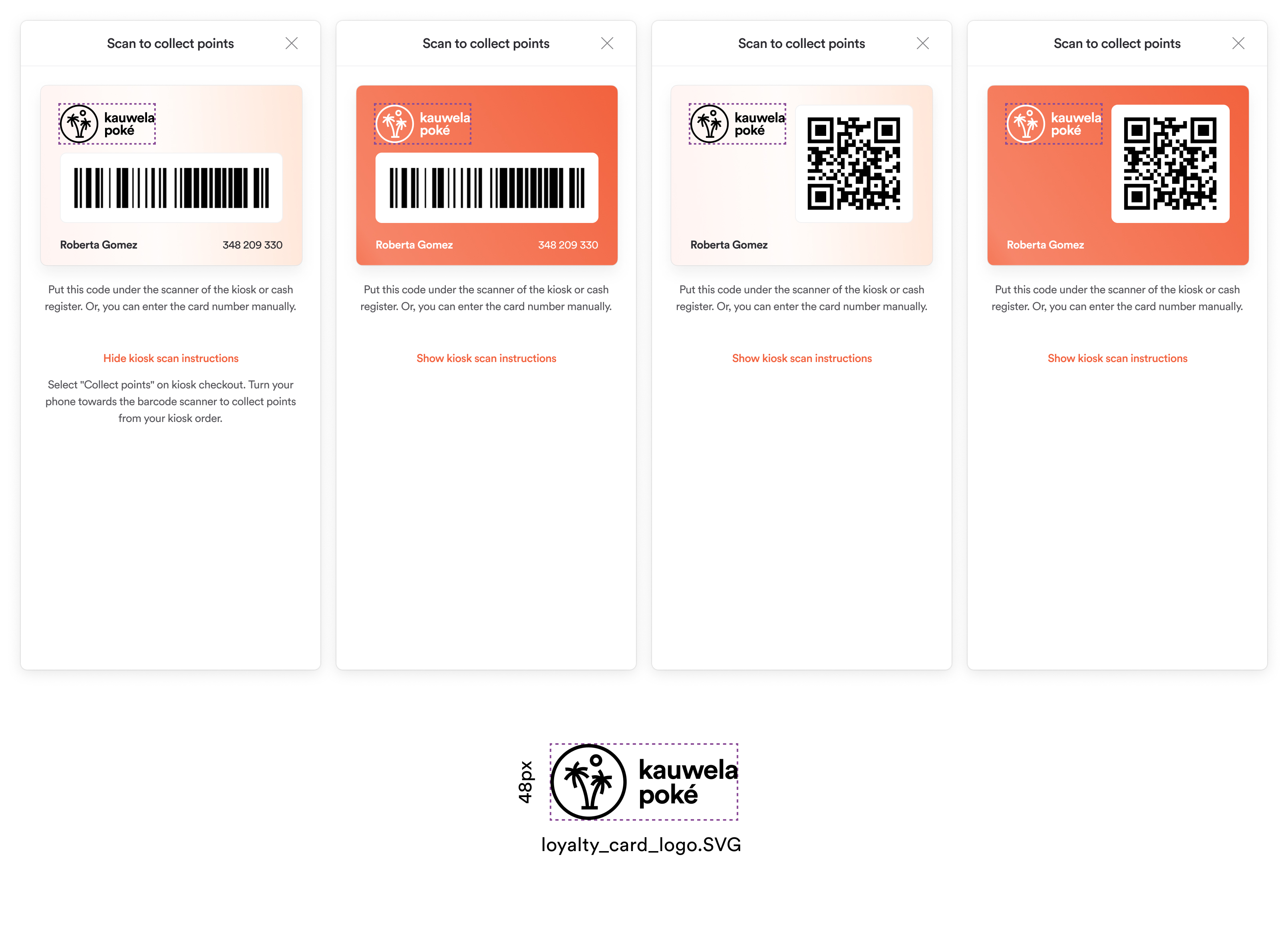
Requirements:
- Image size: Fixed height - 48px
- Image format: SVG
- Name: loyalty_card_logo.svg
Emphasized last tier in Rewards
If your rewards are organized in tiers you can setup the last tier to be highlighted. If you use this feature you should provide final tier icon as in image below.
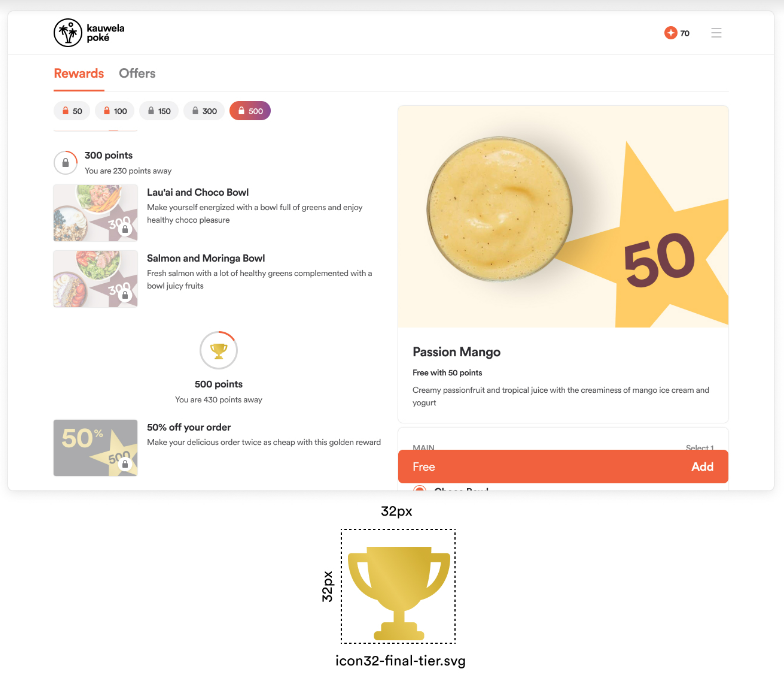
Requirements:
- Image container size: 32x32px
- Image format: SVG
- Name: icon32-final-tier.svg
