How to Use Filters?
With Filters, your Customers have the option of filtering all of the Coupons and Promotions you have available and easily find what they are looking for.
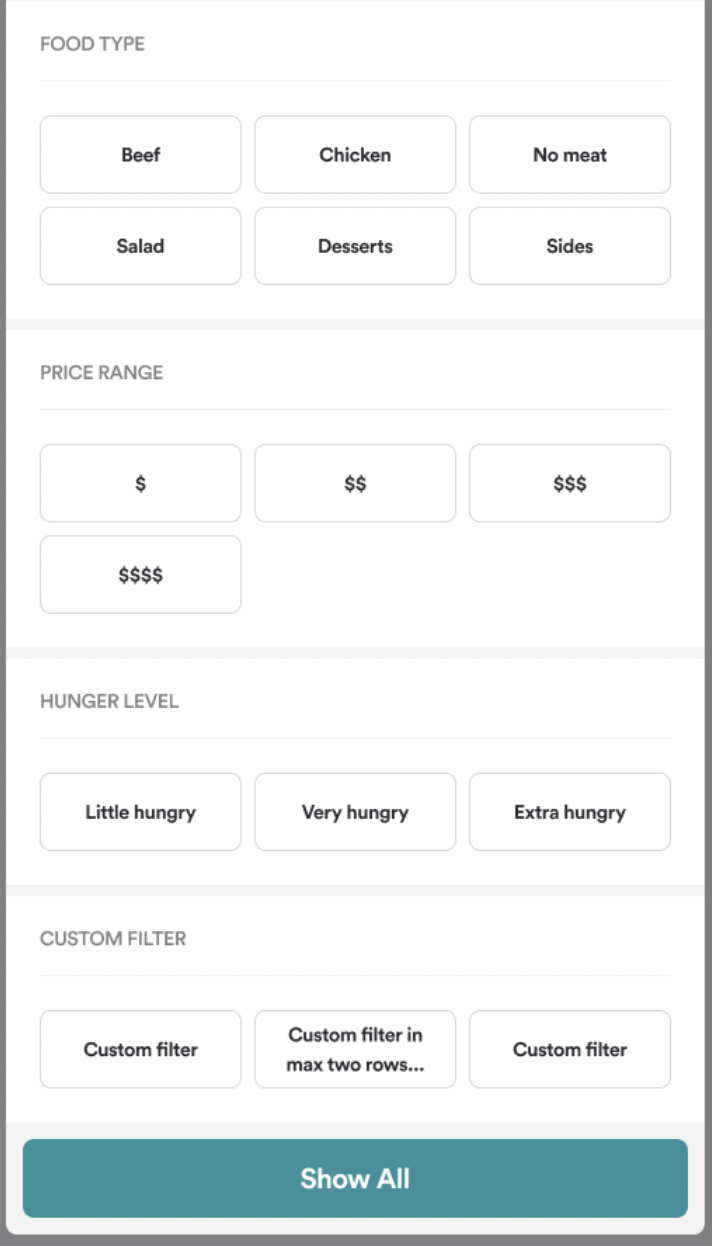
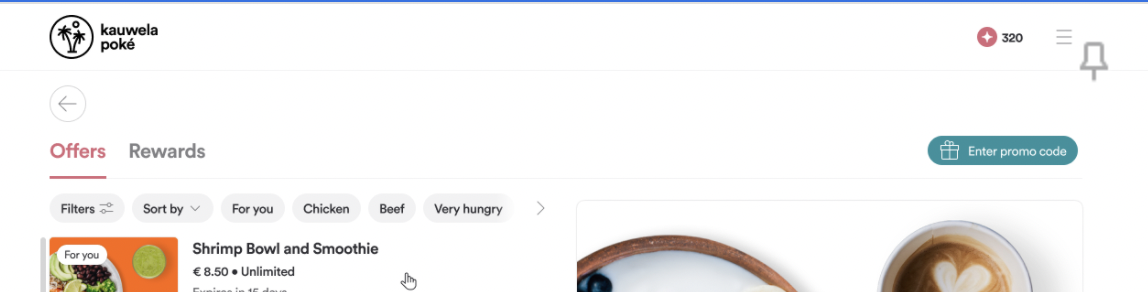
Take a look at the screenshots below as an example of what you will launch by the end of this article:
In order to do that:
-
Create Tag groups - Tag groups are containers for your tags or filters (see Food type from the screenshot above)
- Follow the steps laid out in How to create and manage Tag Groups?
-
Create Tags - These are the individual filters that will display (see Beef from the screenshots above)
- Follow the steps laid out in How to create and manage Tags?
-
Associate Tags with Coupons and Promotions - That way, when a user filters for a tag, if the Coupon or Promotion is linked with it, the search results will appear
- Follow the steps laid out in How to create and manage Tags?
That’s it!
