How to Manage Allergens for Item?
| User Role | Store Groups |
Store |
|---|---|---|
| Brand Manager | ✅ | ❌ |
| Area Manager | ✅ | ❌ |
| Store Manager | ❌ | ❌ |
Context
You can add Allergens to an Item, which will be shown to the end-users across all channels when the Item is ordered.
To manage Allergens for an Item:
- Select the Overview sub navigation of the Menu option of the side navigation bar on All Stores level.
- Click on the Subcategory that the Item is in and select the Item
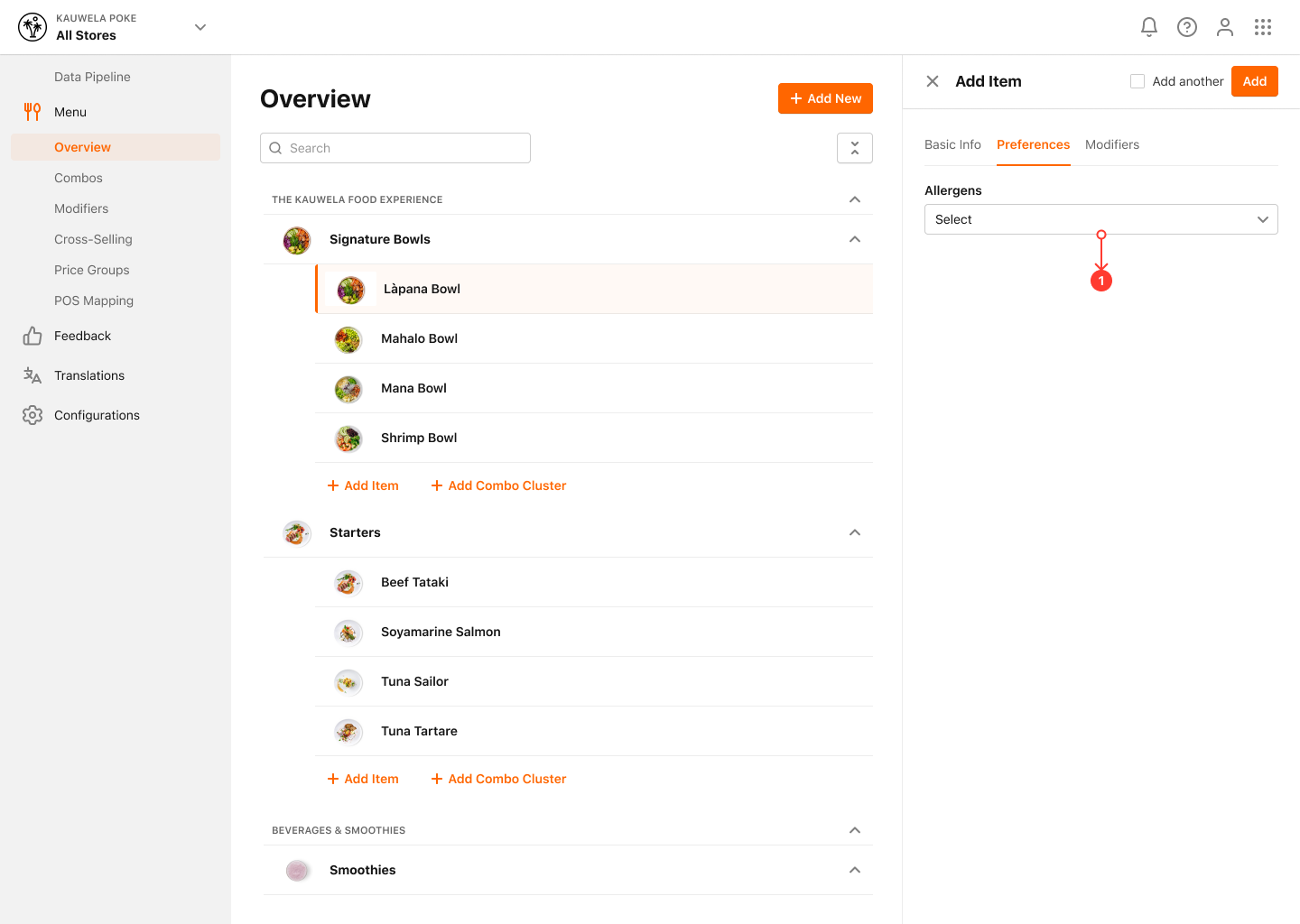
- Click on the Preferences option and select the Allergens from the drop-down menu
- A new modal is shown with all the available Allergens
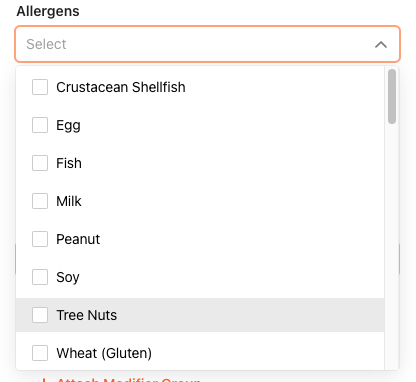
- Enable/disable Allergens from the modal
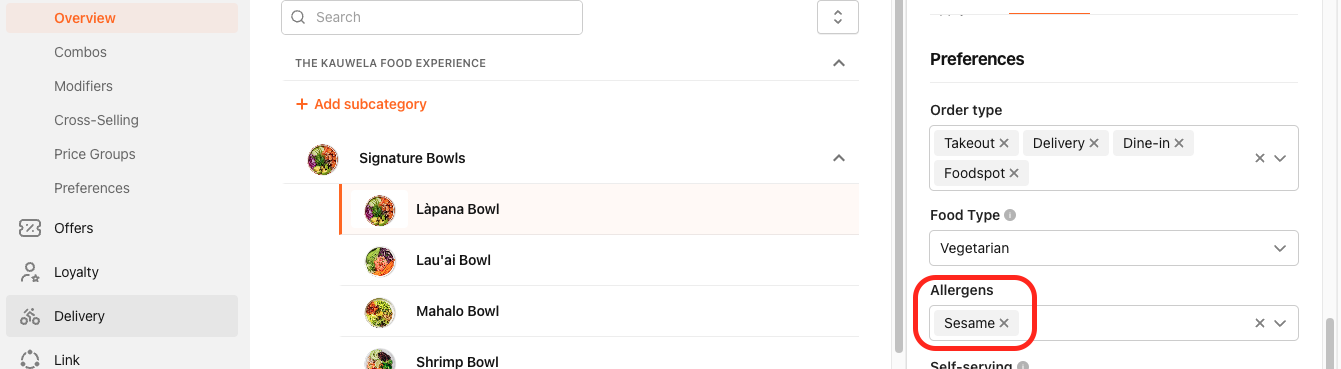
The added Allergens will be shown in the Allergens section of the Item
- Click on Save to confirm your changes
