How to Control Stores and Store Groups Included in Order Statistics Reports
| User Role | Chain | Chain Venue |
|---|---|---|
| Brand Manager | ✅ | ❌ |
| Chain Manager | ❌ | ❌ |
| Company Manager | ❌ | ❌ |
| Local Manager | ❌ | ❌ |
The Management Center Analytics Data Export functionality allows you to select Statistics of Venues that will be generated in the Report.
To do that:
- Click Manage Stores / Store Groups button in Extract data from section
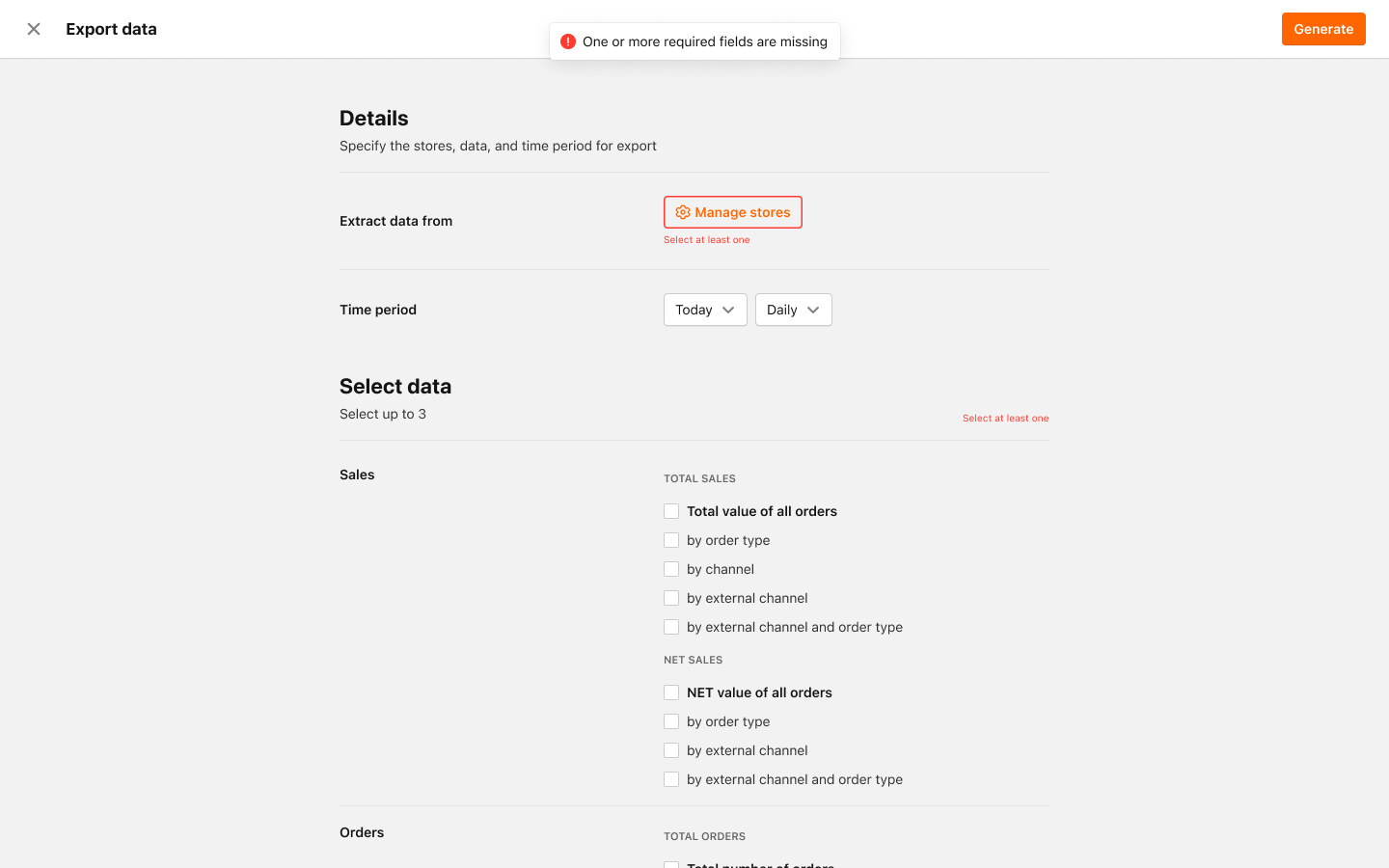
- Manage which Stores (if not all Stores) or Store Groups you want to generate data for
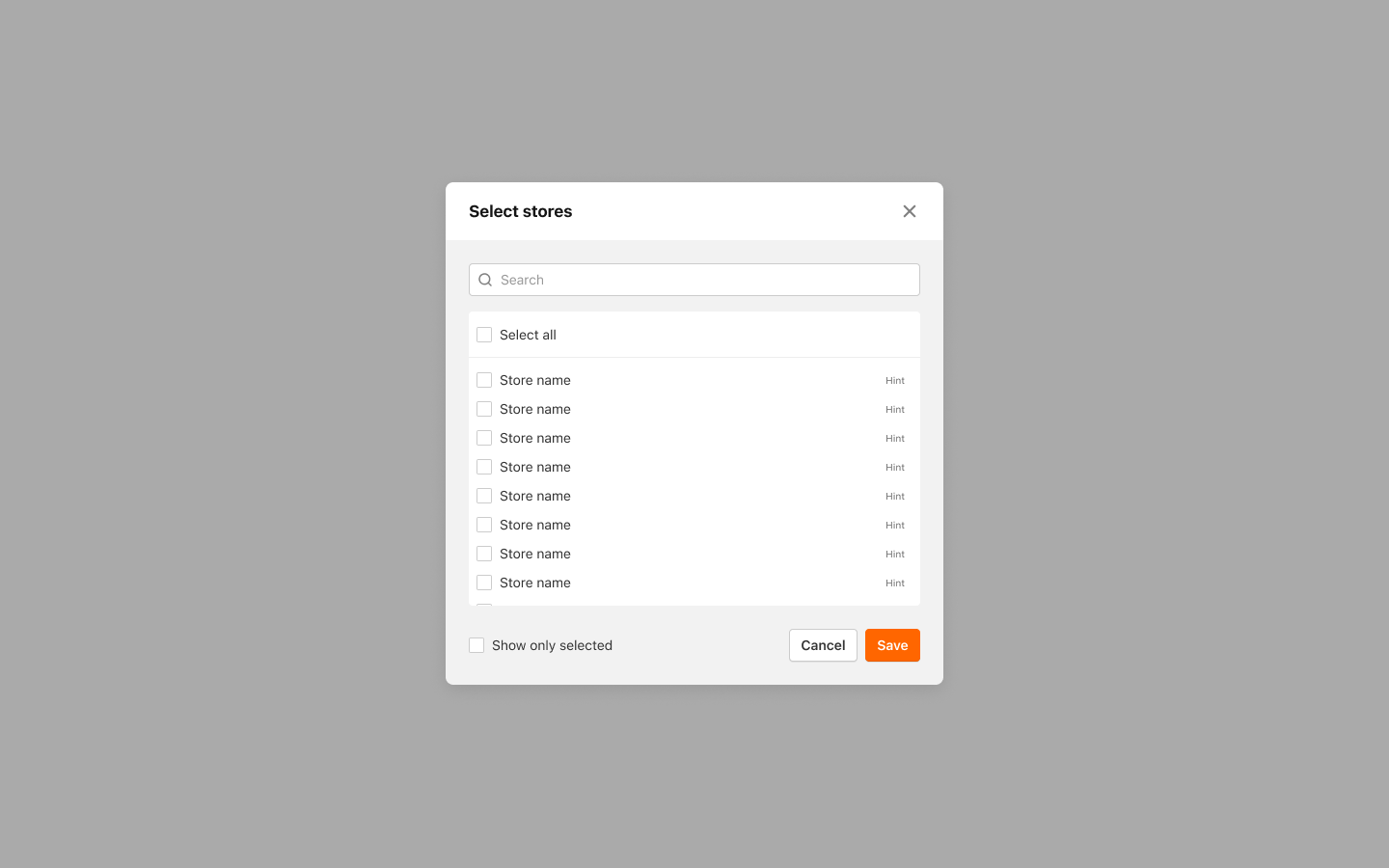
- Click Save
You've successfully added Stores / Store Groups to generate the Statistics for!
To continue with the process of generating and exporting Reports, please check out Data Exports article.
