How to Add DSP to a Brand
Intro
This article elaborates on the DSP Management and explains how to add DSP on a Brand level.
Setup instructions
Who can do it?
Adding DSP to the Brand is available to Admins and Brand/Store Managers.
Where to find it?
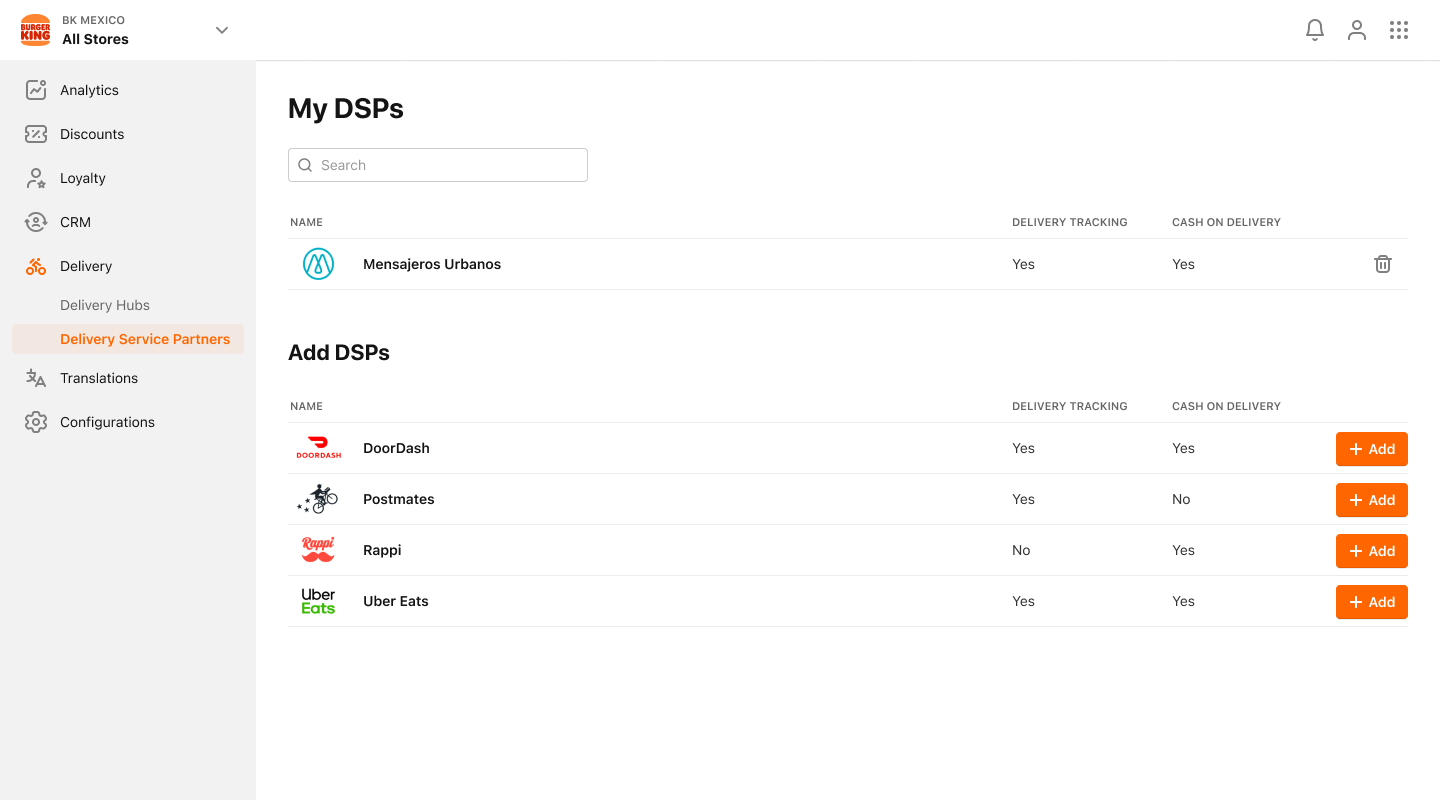
The Managers have to access the Delivery service. The Delivery Service Providers menu sub-item is in the Delivery sub-menu. This menu item navigates to the Delivery Service Providers view, that provides the following features:
-
Display the DSPs that are currently enabled for this Brand:
- Basic information includes countries, costs, delivery tracking availability, COD availability
-
View DSPs available in PAR Ordering Ecosystem:
- Clicking on Add New DSP Integration will navigate to the list of available DSPs
-
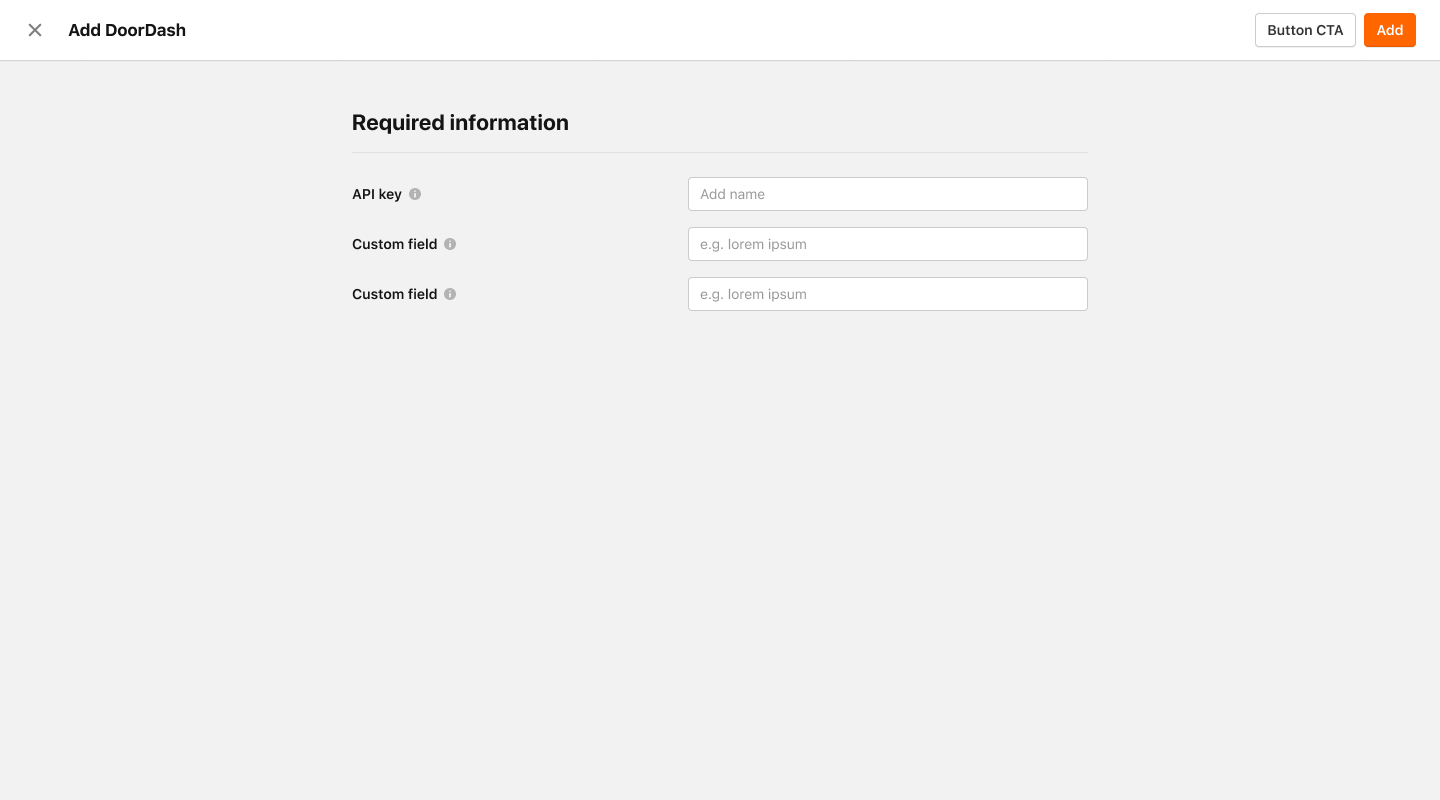
Add DSP from available DSPs list:
- The User selects one of the DSPs from the list of available integrations
- User will see Add New DSP view with DSP name and Logo and will be able to populate the custom fields values
-
Edit existing DSP integration fields values
- User selects one of the current DSP integrations from [Delivery Service Providers] view
- User will see Edit DSP view with DSP name and Logo and will update the custom fields values