DSP Type Management Overview
Intro
DSP means Delivery Service Provider. This article gives an overview and explanation on its implementation.
How does it work?
Implementation
DSP Management will be implemented on two levels:
- DSP Type Management on Admin level - the possibility for Admin Users to add new integrations that have been implemented in the Ecosystem
- DSP Management - as a possibility for Brands to select from the list of available DSPs
In this part, we will cover DSP Type Management:
DSP Type Management is only available to Management Center Super Admins. The Admins can see the DSP Management menu sub-item in the Delivery sub-menu.
This menu is available on All Brands level.
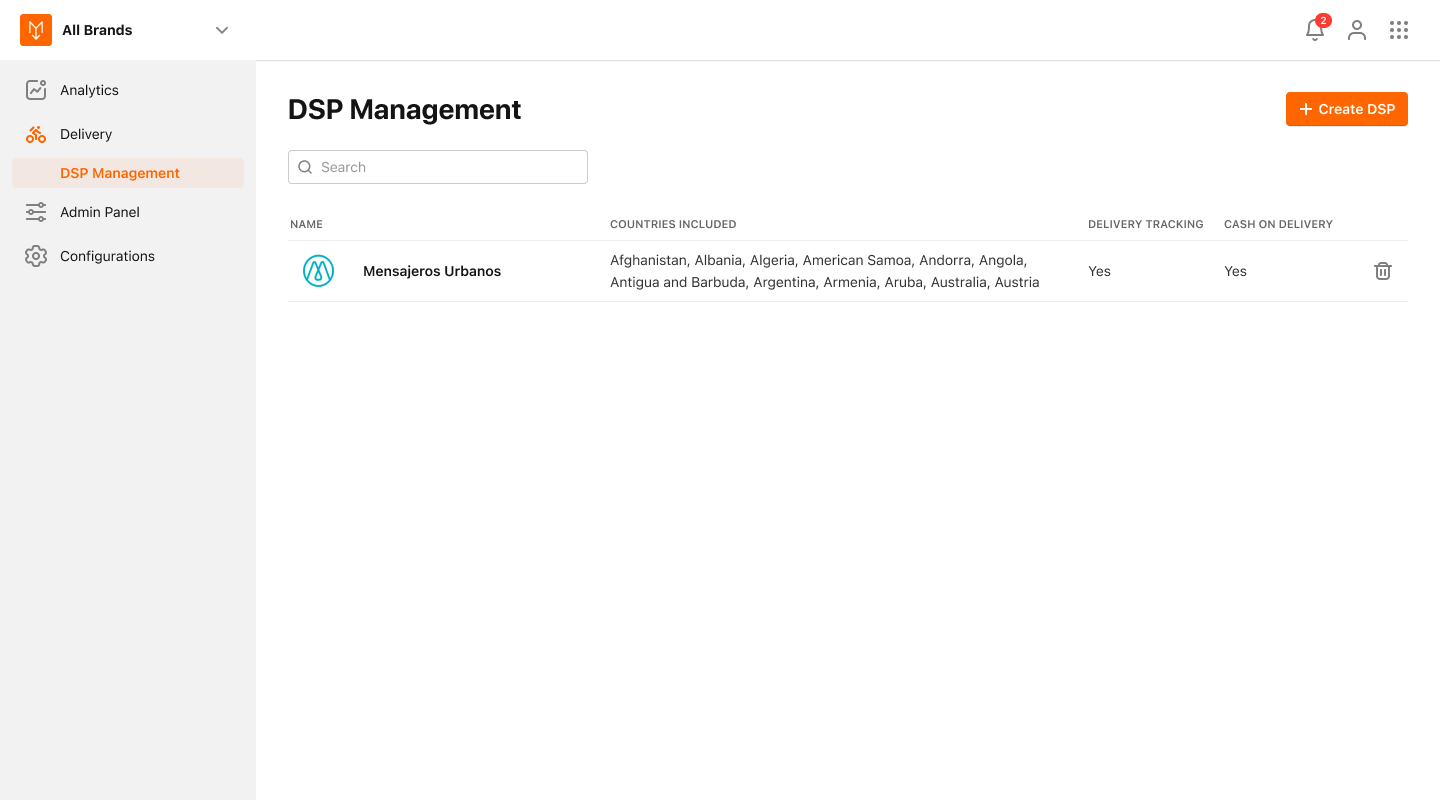
This menu item navigates to a DSP Management view, that provides the following features:
-
Display all the DSPs that are currently integrated:
- Basic information will include countries, costs, delivery tracking availability, COD availability
-
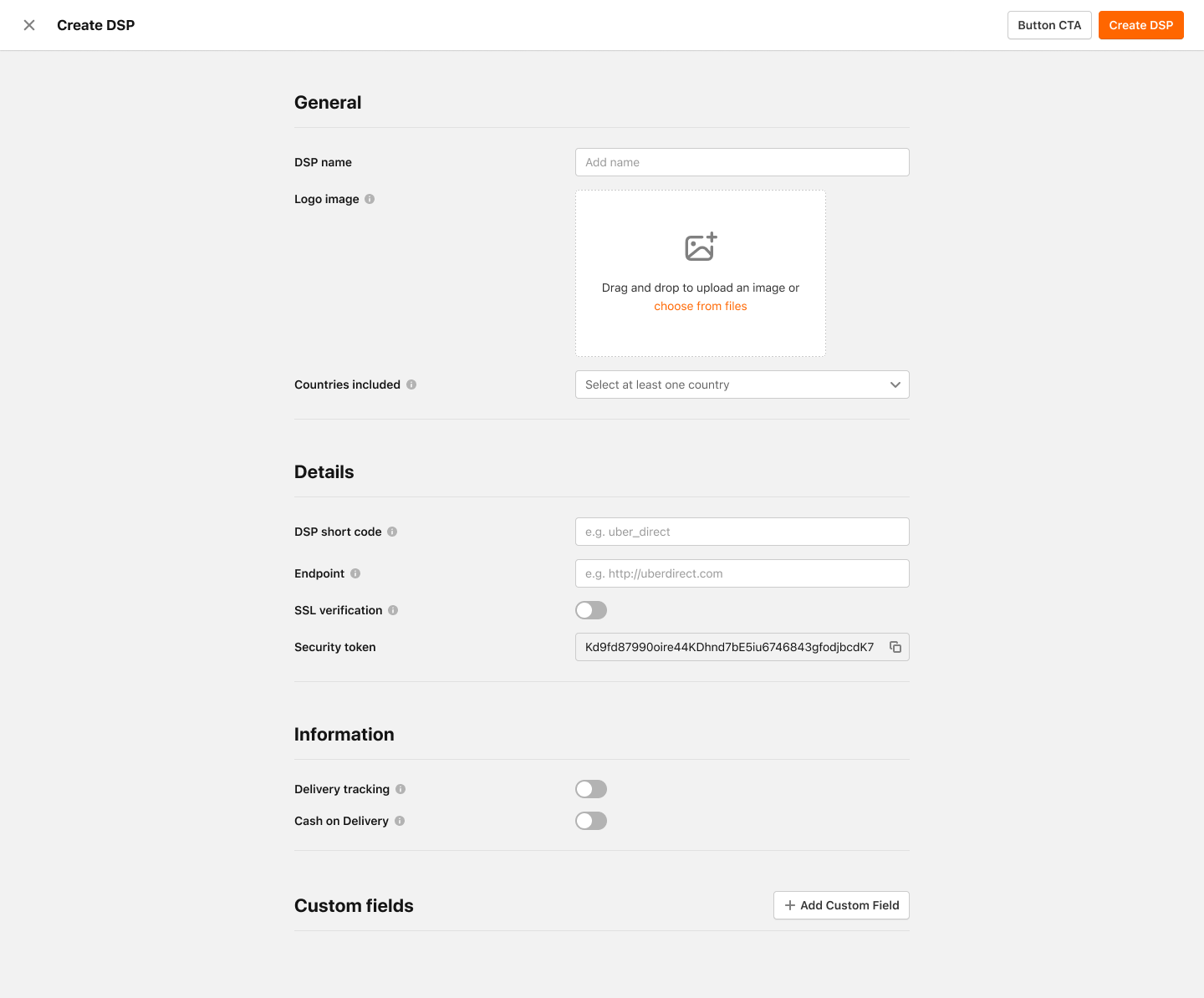
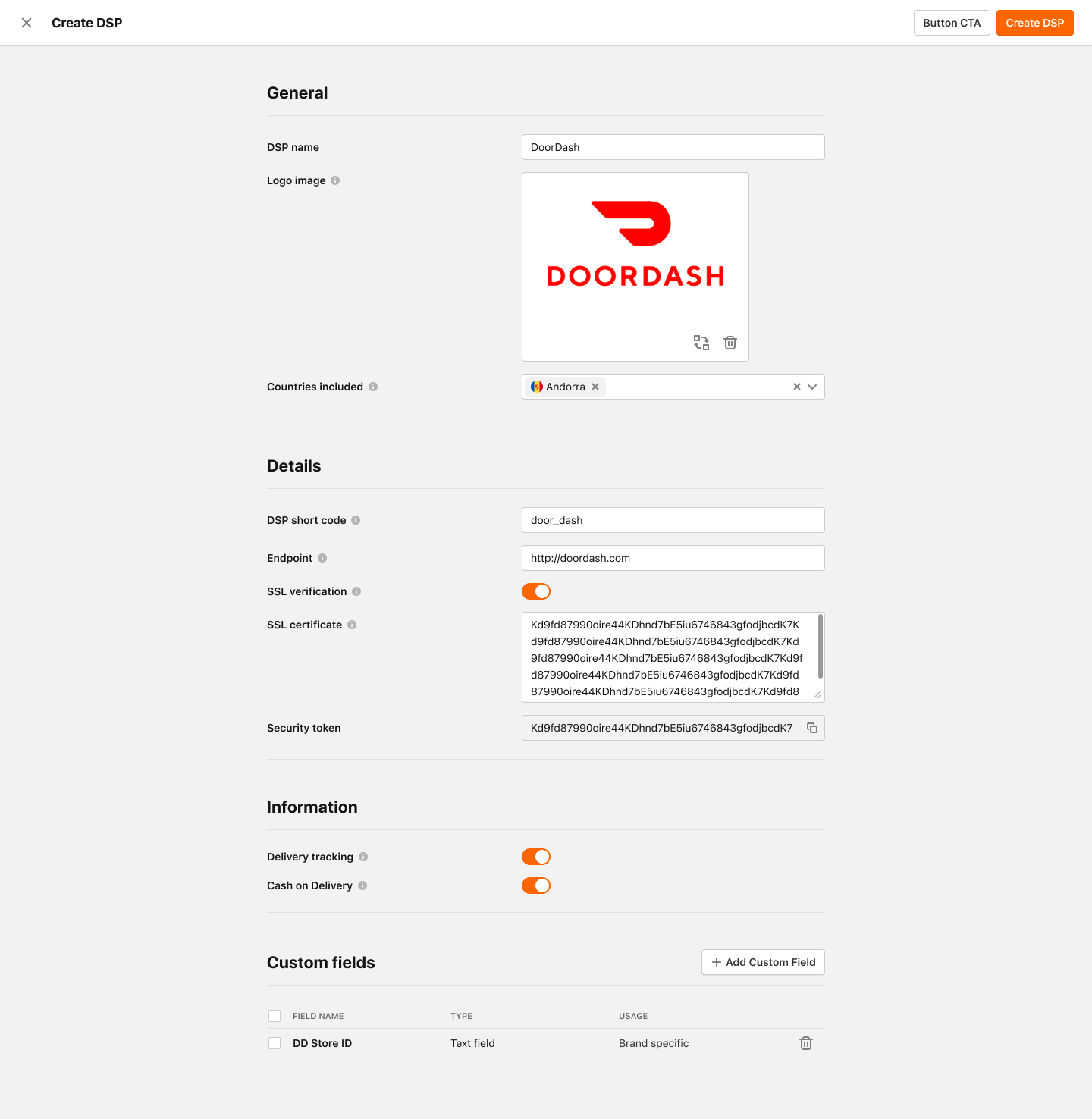
add new DSP type setup:
- Add a name and upload the Logo image
- Add custom fields including field name, field id, field validations, field tooltip
-
edit existing DSP type setup:
- Edit a name and upload new Logo image
- Add, edit or remove custom fields