Apple Pay Certification Renewal
Context
This article explains what to do when your Apple Pay Certificate has expired.
Instructions
- After the expiration of the certificate, do the following:
- Go to Apple Developer Dashboard
- Click on Certificates, Identifiers and Profiles
- Then go to Identifiers
- And then click on Merchant IDs
Now you have to choose the Merchant ID which you'd like to either Create or Renew the certificate for:
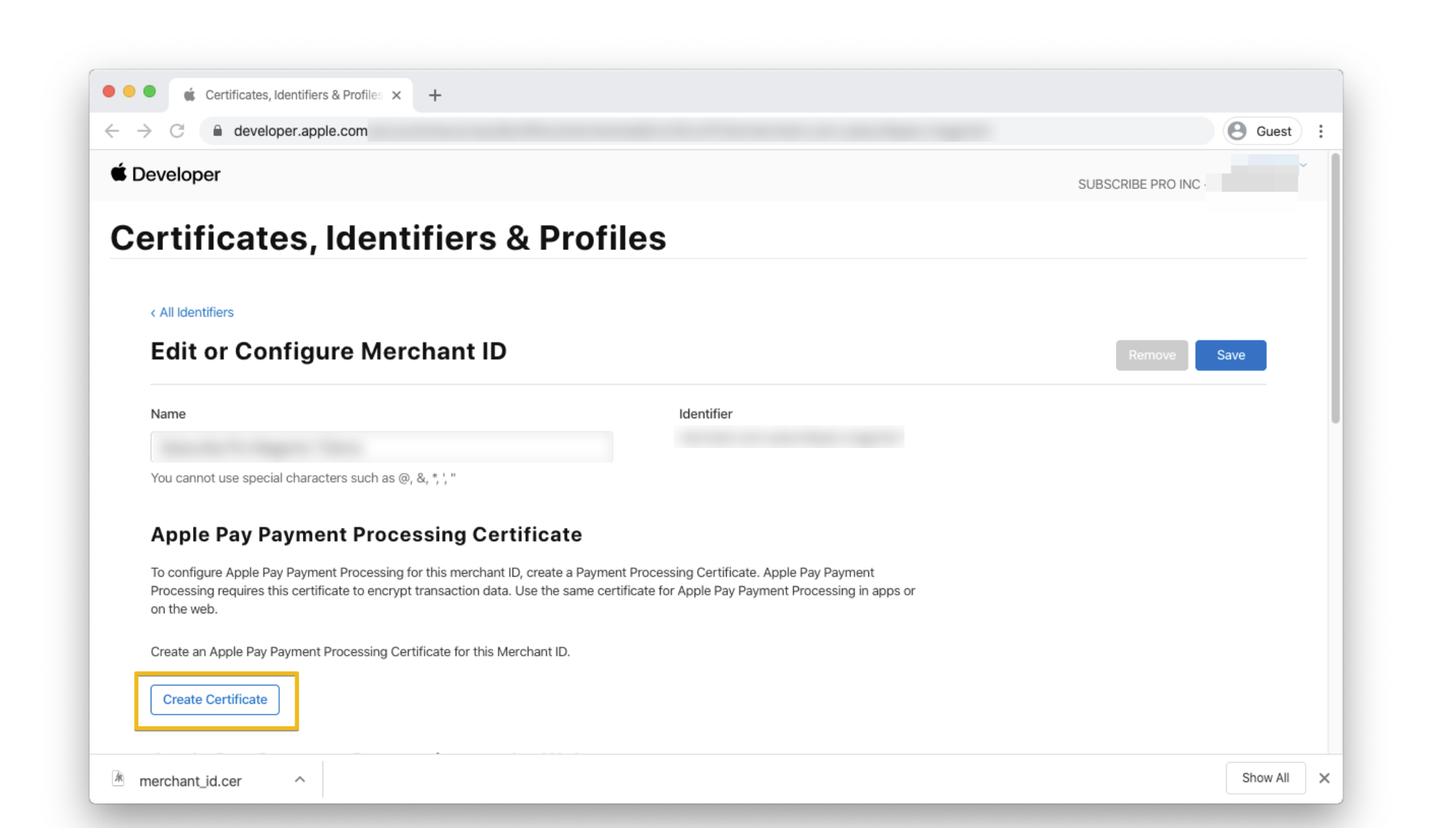
Depending on the situation, there will either be an option to create a new certificate, or renew the one that has expired.
If you don't have access to that dashboard, please contact us by submitting a request to the Support Team — our developers can access this for you.
