How to View Brand Authentication Settings?
| User Role | Chain | Chain Venue |
|---|---|---|
| Brand Manager | ✅ | ❌ |
| Chain Manager | ❌ | ❌ |
| Company Manager | ❌ | ❌ |
| Local Manager | ❌ | ❌ |
Brand Authentication refers to the action of identifying your Brand's Facebook application.
All Brand Authentication settings are managed on a Brand level.
Authentication can not be changed once it is set during the process of creating Brand.
To view Brand Authentication:
- Click Brand List at the top navigation bar
- Select the Brand you want to access
- The initial Performance page appears
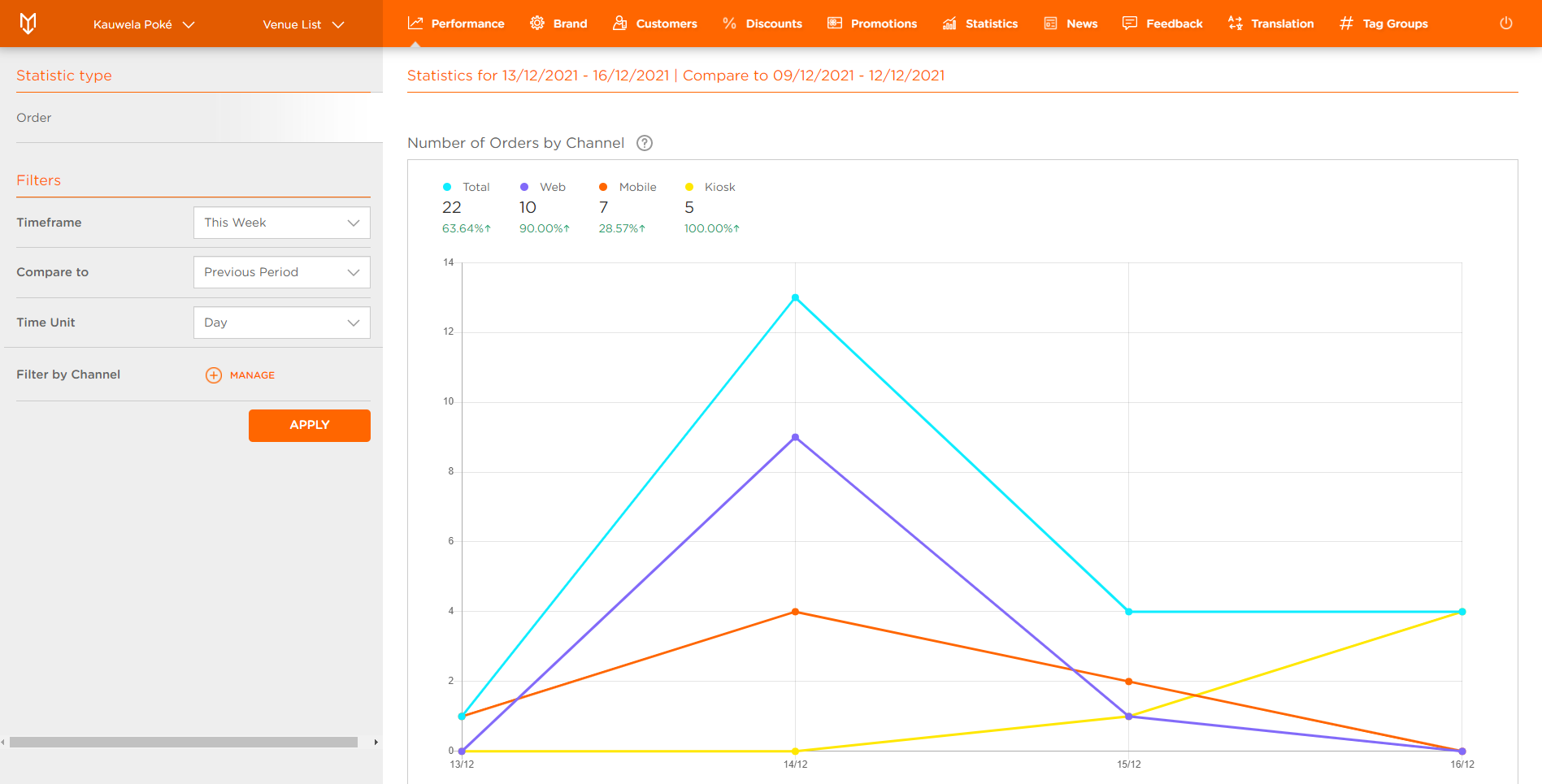
- Now select Brand at the top bar
- New page appears with basic information about Brand
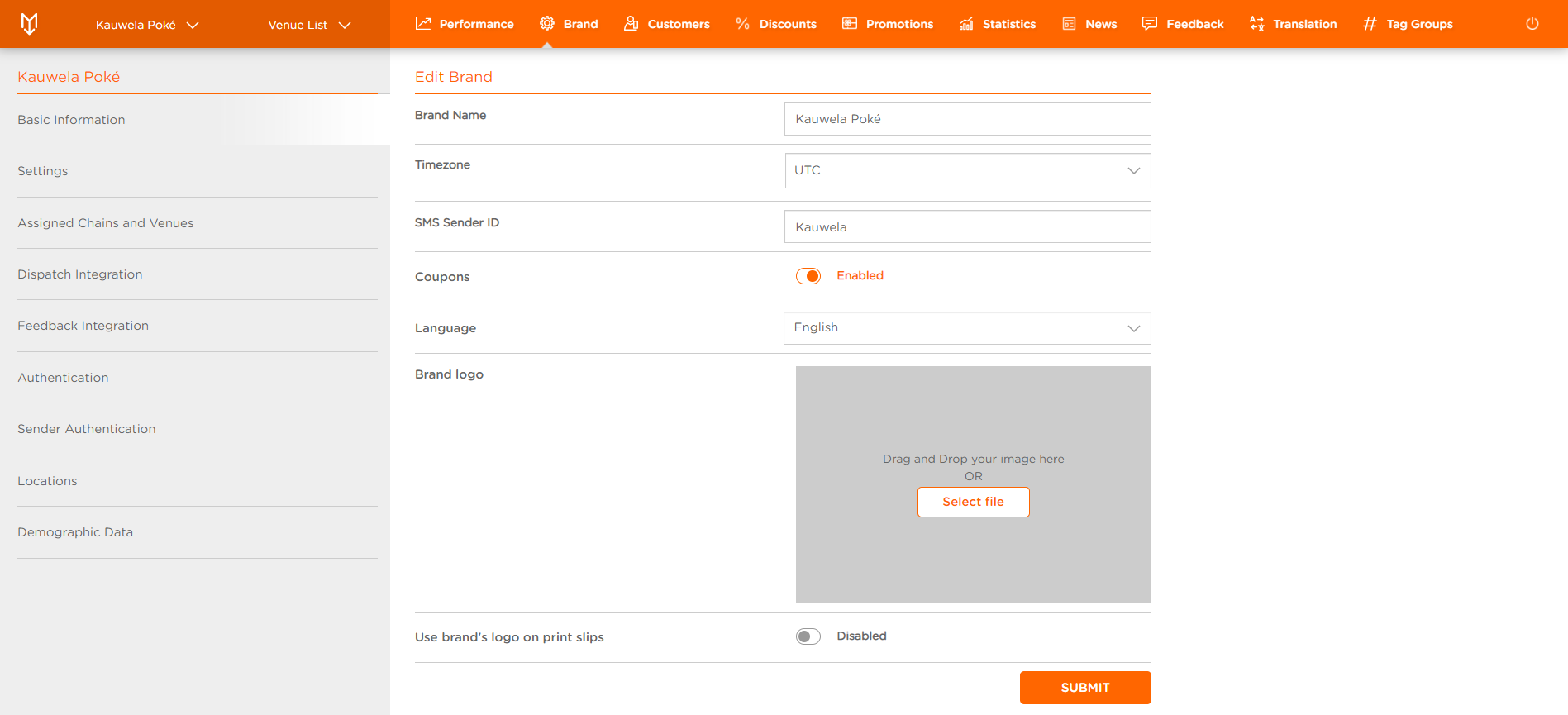
These tabs contain basic information about your Brand.
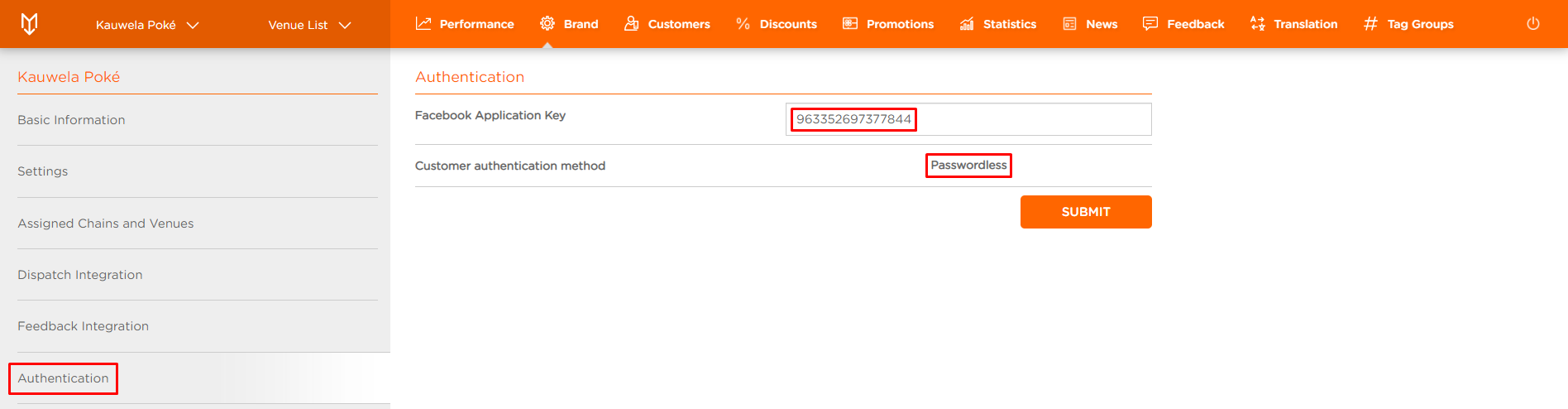
- Click on Authentication tab
-
Facebook Application Key: Application key of your Brand’s Facebook application used for the Facebook login in the Web application; if no key is set, Facebook login feature is hidden
-
Customer authentication method: Authentication process for Customers on your Mobile & Web application:
- Email & Password (deprecated): Customer enters email and password to authenticate
- Passwordless (recommended): Customer receives an authentication link and/or a code to sign up and log in
Only Passwordless authentication is supported in the Web application. Please reach out to your Account Manager to change your authentication process.
