How to Manage Your Account?
| Default User Roles | Users Permission Level |
|---|---|
| Brand Manager | Can edit |
| Area Manager | Can edit |
| Store Manager | Can View |
To manage your account:
- Select the user icon at the top right of the screen
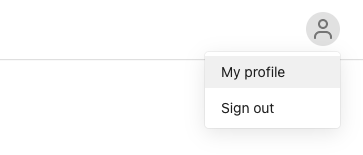
- Select My profile
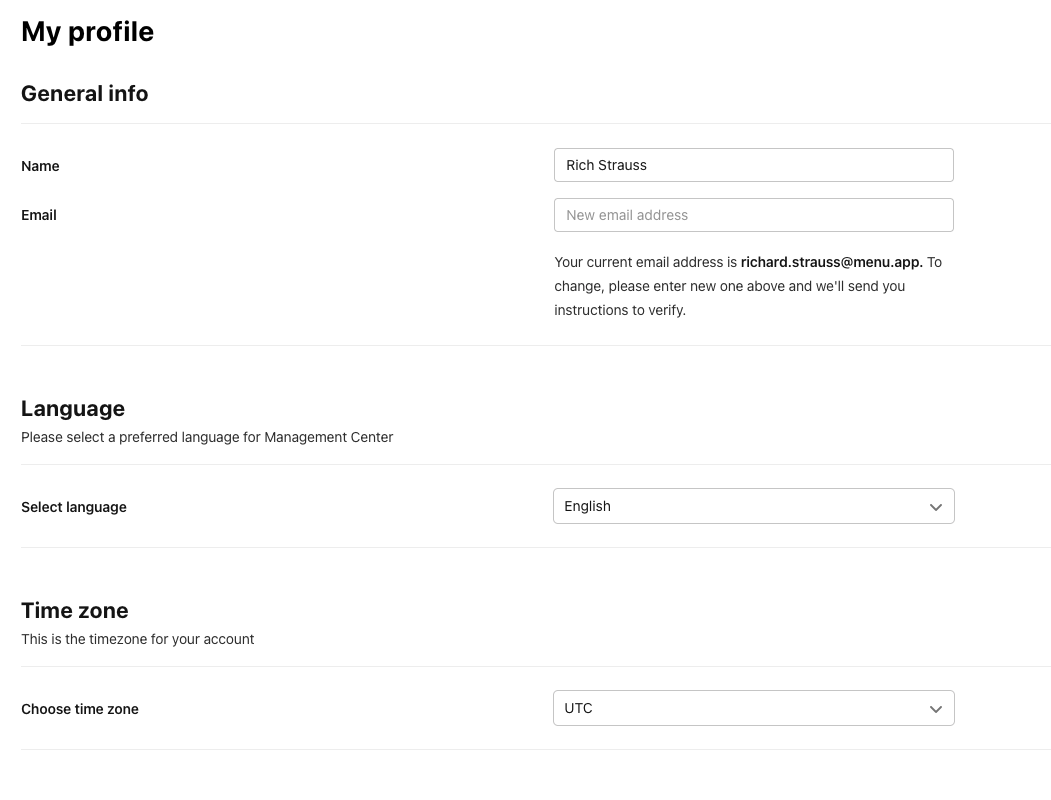
You can edit the following:
- Name
- Language
- Timezone
- After making your changes, select Save at the top right