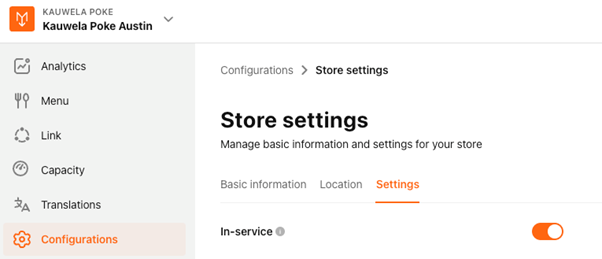
How to Enable/Disable Store?
Context
Store in the PAR Ordering Management Center refers to the restaurant Venue (how we called it in CMS). It can be enabled/disabled at any time according to your needs.
Admin, Brand Manager, Area Managers and Store Managers can all make configuration chances to the store settings.
Instructions
To enable/disable Store: Navigate to the Store > Configurations > Store settings > Settings tab
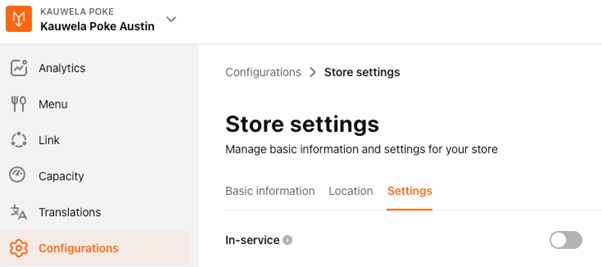
- At the In-Service field, toggle the switch to Enable
- Click Save to confirm the action