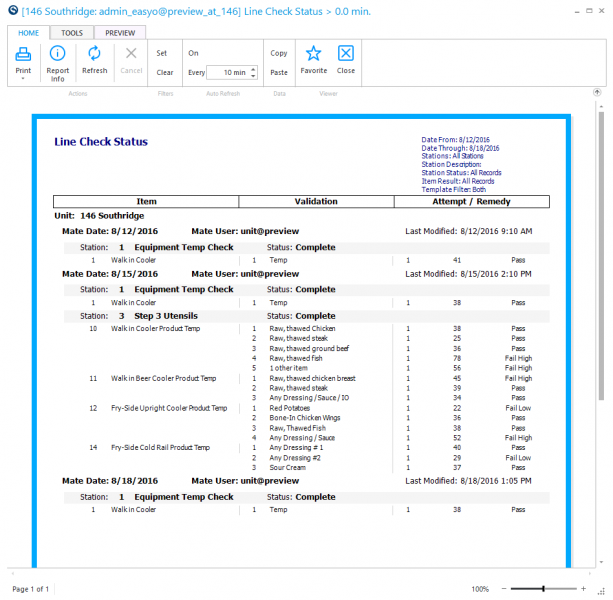
Line Check Status Report
Use this report to view all line check details.
Parameters
-
Unit Group: Select the Group of units to report.
-
Unit: Select the unit to report.
-
Date From: Select the starting date.
-
Date Through: Select the ending date.
-
Station Description: Enter whole or part of a station description to report.
-
Station Status:
- All Records: Select to see all records.
- Complete: Select to see complete records.
- Incomplete: Select to see incomplete records.
-
Item Result:
- All Records: Select to see all records.
- Pass: Select to see items that passed.
- Fail: Select to see items that failed.
- Verified: Select to see items that were verified.
- Not Verified: Select to see items that were not verified.