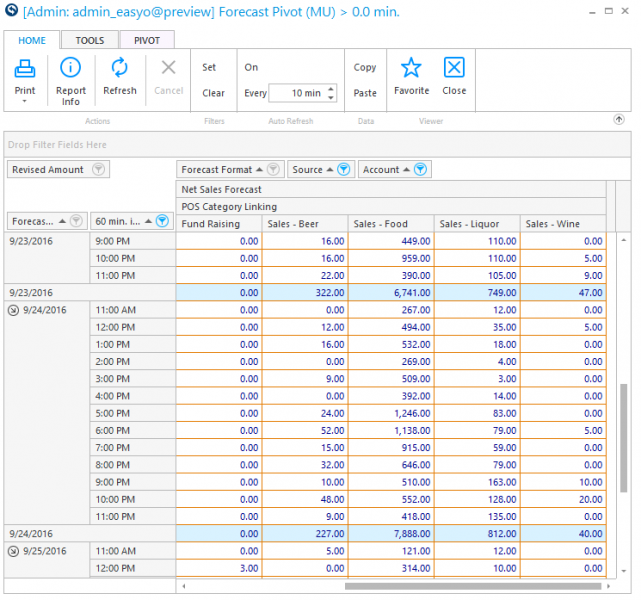
Forecast Pivot Report
Use this report to view forecasted values for all accounts per date and interval time frame.
Parameters
- Unit Group: Select the Group of units to send information.
- Unit: Select the unit to send information.
- From Date: Select Starting Date to view.
- Thru Date: Select Ending Date to view thru.
- Forecast Format: Select the format to view/recalculate.
- Regenerate: Put a check in the box to recalculate the forecast.
- Use Latest Forecast: Put a check in the box to use report on the latest forecast entered.
Quick Note: This box will only work if Forecast Format = Unit Default.