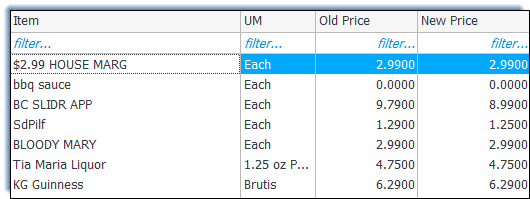
Update Item Standard Price Report
Use this report to update the price field in the Item Master.
Parameters
- Unit Group: Select Unit Group to view.
- Unit: Select Unit to view.
- From Date: Select Start Date to view from.
- Thru Date: Select End Date to view through.
- Item Group: Select the group of items to report.
- Update Price Method: Select from ‘Last Price’, ‘Avg Price’, ‘Highest Price’ or ‘Lowest Price’ to update Price.