Store Groups in Guest360
Use store groups to organize your locations into custom groupings, such as regions, markets, or franchisee territories, so you can target and analyze guests at the right level for your business.
Overview
A store group is a named collection of store locations that you define in Guest360. You can add one location to multiple store groups, giving you flexible ways to slice your guest data.
Important: Store groups in Guest360 are managed separately from your store groups in Punchh. Changes you make here do not affect your Punchh store groups.
Create a store group
- In Guest360, go to Settings > Stores and store groups.
- Select the Store groups tab.
- Select Create store group.
- Enter a name for the store group.
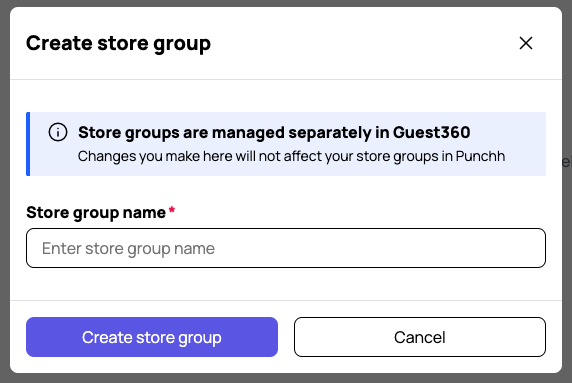
- Select Create store group to save.
Once created, your store group appears on the Store groups tab, where you can search for it by name, edit its locations, delete, or create additional groups.